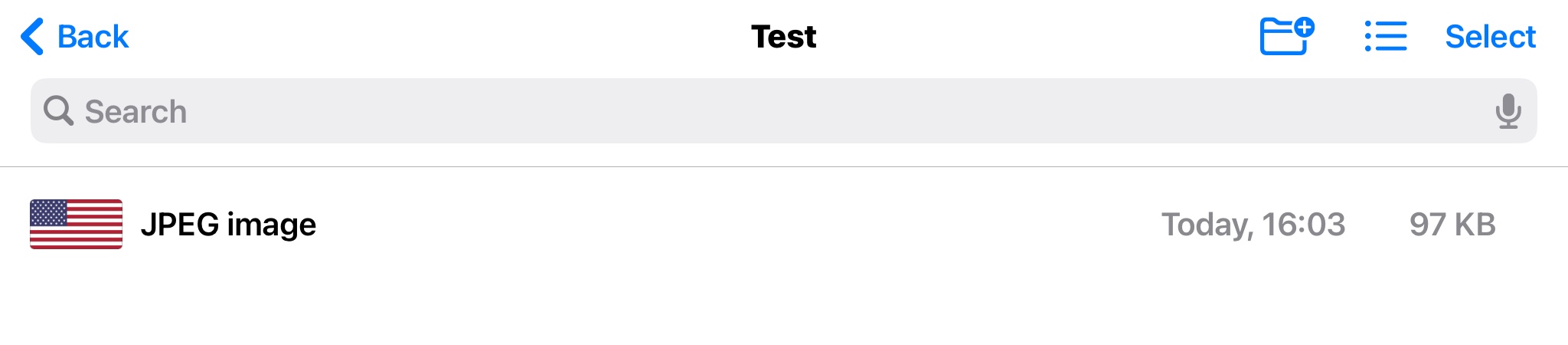
Getting a jpeg into Files on iOS and iPadOS can be circuitous. I used a jpeg that already happened to be handy within Photos (97 KB, attached below) and exported (copy-pasted) that into Files, and that jpeg then views as expected using QuickLook within Files app, and the Info data shows as expected within the Files app.
This from the Files app on iPadOS 14.3:
Now for some info...
Which app are you using to view the files? Photos? Files? Some third-party viewing app?
How are you getting the photos transferred? The Files app? Through Photos?
If you’re using that NAS, how is that involved with serving the photos?
As for your questions...
I can absolutely accept that Apple devices and software can be buggy.
I can absolutely accept that third-party NAS devices can be problematic, too.
And I’ve encountered cases where a down-revision NAS device firmware has caused issues.
And it’s also possible that there’s some add-on anti-malware or VPN lurking somewhere here that’s causing issues.
That still doesn’t change that the vendor of the third-party NAS product is the best contact for troubleshooting this.
Check for NAS firmware updates, for iOS updates, for iOS app updates if you’re using a third-party photo viewer app.
But as you’re sure this is an Apple iOS issue, contact Apple Support, and chat with the folks at Apple.
I’d still wager they’ll suggest contacting the third-party NAS provider, as that has been the common denominator with the question and the configuration here.