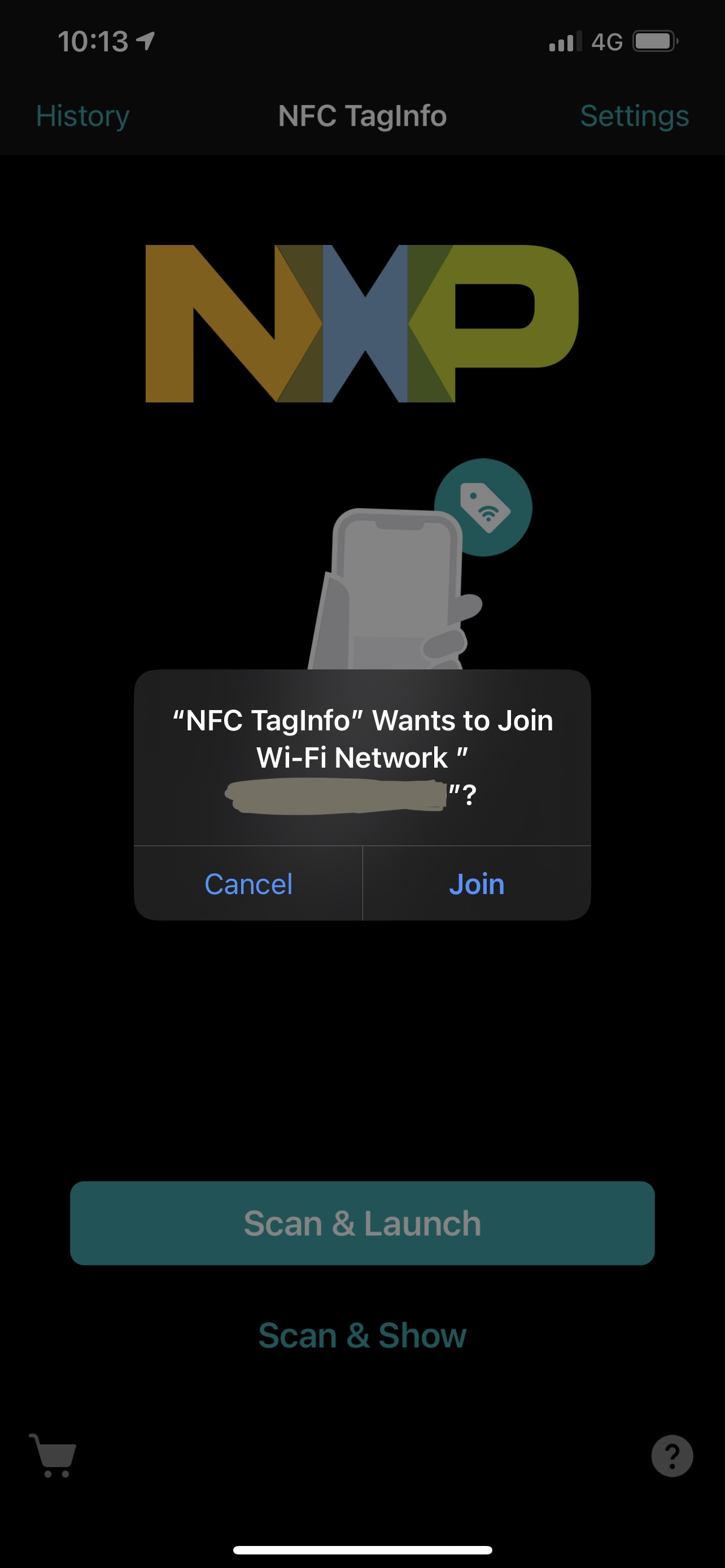
This actually worked!! only issue (that Apple ought to fix) is that the iPhone won't scan an NFC tag unless it's some kind of payment or public transit service, OR if you've already added the tag as a catalyst for some automation in the Shortcuts app. Ideally it would be amazing if anybody could just tap their phone to the tag without an app, and then be prompted to join the network, but this is the best solution I've seen so far!
I wrote to the NFC tag using an app called NFC Tools (https://apps.apple.com/au/app/nfc-tools/id1252962749), then using NFC TagInfo (https://apps.apple.com/au/app/nfc-taginfo-by-nxp/id1246143596), I used 'Scan & Launch' and it showed a prompt (image attached), after tapping 'join', it connected me to the network and loaded a webpage "captive.apple.com" which I think I've seen before when you use public wifi that you need to sign up to use (like Starbucks 'password of the day') and on the webpage it shows "success" in tiny letters.
and then bang, you're connected :D Thank you ishkl, this comment should be highlighted as Apple Recommended.