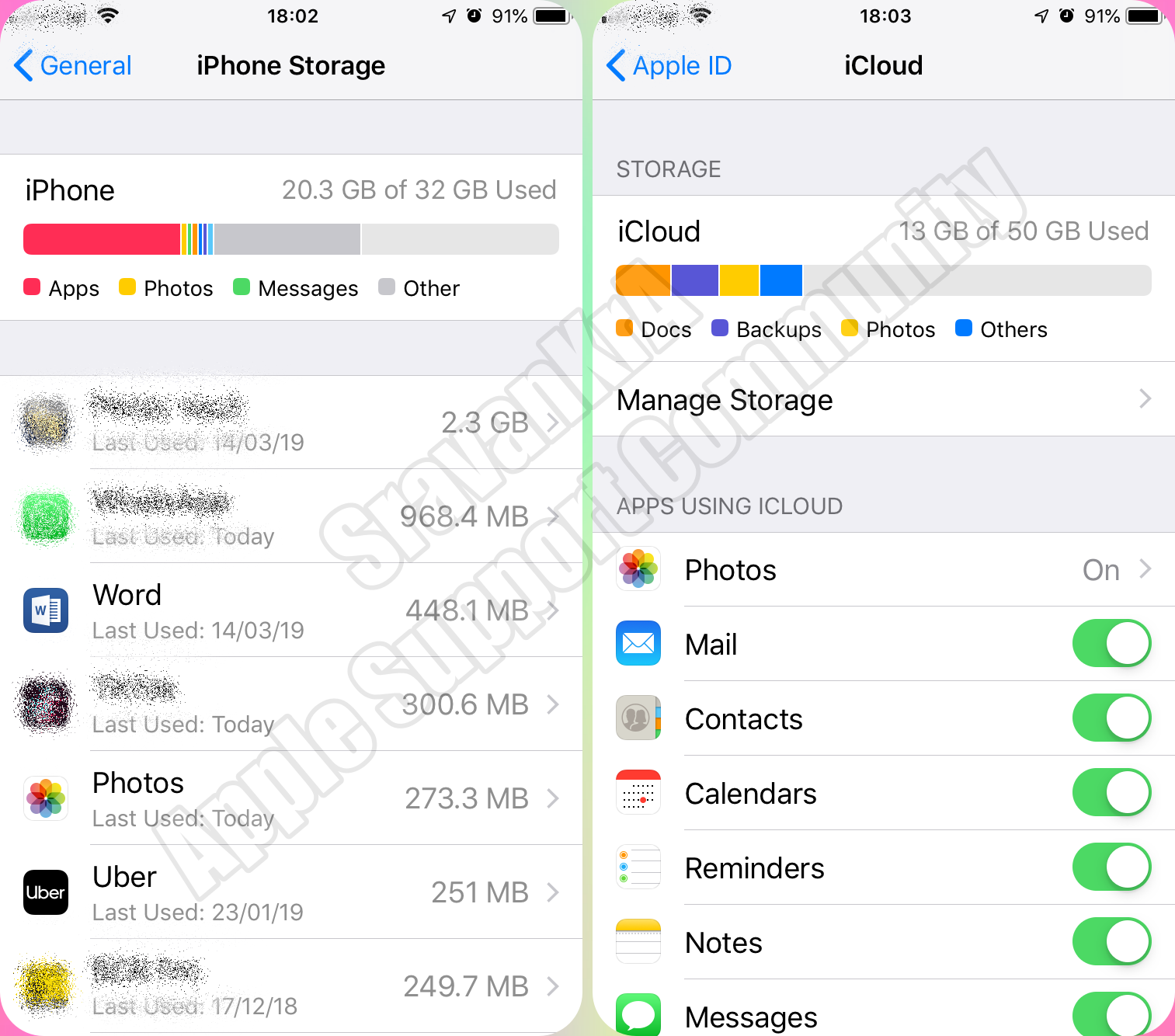
When you get a popup message on your iPhone or iPad that the storage is full.
Look closely storage of iPhone and iCloud.
You cannot increase storage of iPhone. However you can optimise iPhone Storage by using iCloud Storage. Save space on your device
Settings > [your name] > iCloud Tap Photos > Choose Optimize [device] Storage Set up and use iCloud Photos - Apple Support
iCloud storage is primarily for keeping a copy of your iPhone data safely on cloud. If you delete data on iPhone, data on iCloud is gone.
iPhone Storage (Setting > General > iPhone Storage)
- Total storage remains same through out life span of the iPhone
- Storage can not be enhanced
- You may take back up on Mac or PC using iTunes without iCloud
iCloud Storage (Settings > [Tap your name] > iCloud)
- By default every user gets 5GB of free storage space
- You can buy more storage based on your requirement 50, 200GB, 2TB with monthly subscription
- Based on your storage capacity you can back up iPhone or iPad
- The space can be shared between your family members for storage plan beyond 200GB