

iPhone or iPad
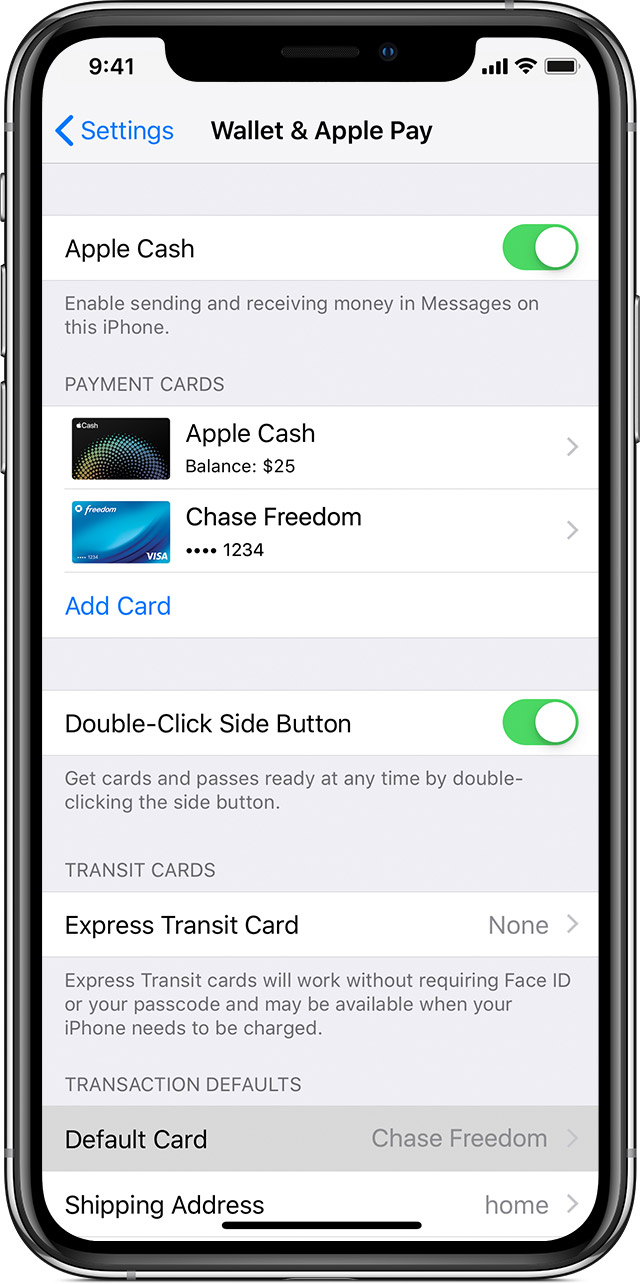

Go to Settings > Wallet & Apple Pay on your iPhone or iPad, and scroll down to Transaction Defaults. Tap Default Card, then choose a new card.
On your iPhone, you can also open Wallet, touch and hold a card, then drag it to the front of your cards.