
Measure App In iPhone X ( or later)
In the Measure App I can use the Level feature to measure Flat surface.
How it can be possible if there is a small BUMP caused by the back Camera lenses ?
So the iPhone’s back is not a flat surface.
Thanks.
In the Measure App I can use the Level feature to measure Flat surface.
How it can be possible if there is a small BUMP caused by the back Camera lenses ?
So the iPhone’s back is not a flat surface.
Thanks.
Normally you put the iPhone on its side to Level, not on its back.
But even if you put the iPhone on its back, the iPhone can compensate for the camera hump.
You can reset the Level, by tapping on the screen also. If you set the iPhone on its back, and tap the screen to set the Level to 0, it will compensate fro the hump, sop that if you it by taping a corner it will then register that movement caused by the difference between one side and the other due to the camera hump.
Normally you put the iPhone on its side to Level, not on its back.
But even if you put the iPhone on its back, the iPhone can compensate for the camera hump.
You can reset the Level, by tapping on the screen also. If you set the iPhone on its back, and tap the screen to set the Level to 0, it will compensate fro the hump, sop that if you it by taping a corner it will then register that movement caused by the difference between one side and the other due to the camera hump.
You don't put the iPhone flat against the surface to measure, so the camera bump is irrelevant.
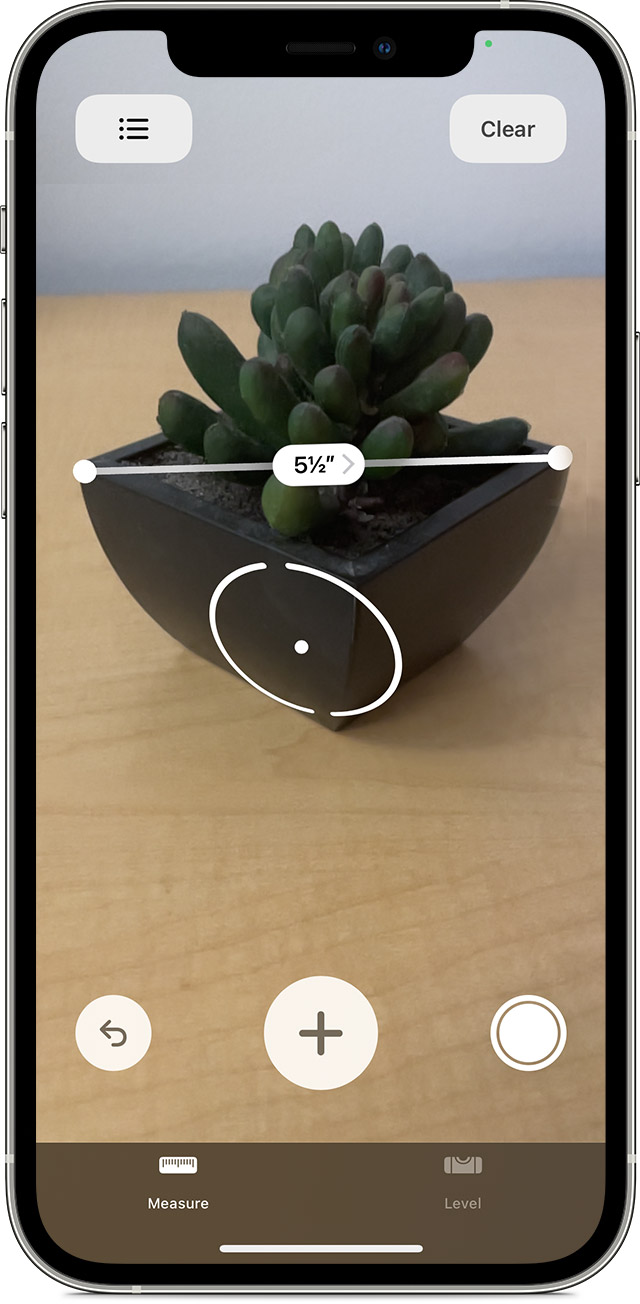
The Measure App, prompts you to align the camera view with whatever you want to measure while holding the iPhone, and then move it along the item to measure.
See here: link-> Use the Measure app on your iPhone, iPad, or iPod touch - Apple Support
Thanks
My question regards the LEVEL option in the Measure App.
Thank you very much
ps even in the "side" position there is small hump because of the side volume knobs ...
Measure App In iPhone X ( or later)
