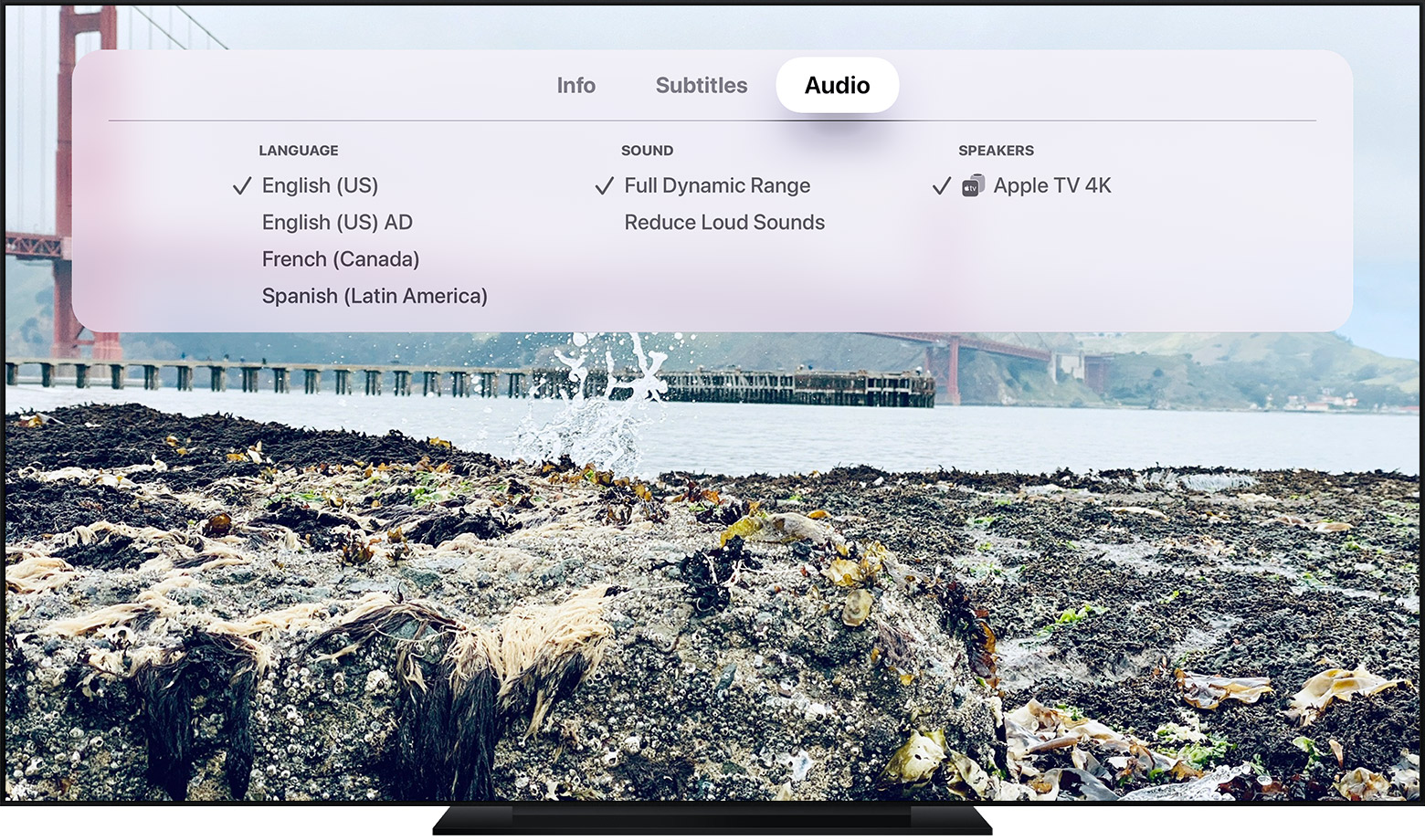
Reduce Loud Sounds with Atmos and Lossless
Apple TV has a feature “reduce loud sounds”. While this generally works well I believe the introduction of lossless and Dolby Atmos mean this functionality should be modified so it can be enabled based on media content or at least more easily accessed. As an example when I watch certain streams like Netflix or Prime I might turn it on but when listening to lossless or Atmos music on my AirPods Pro I want to have this feature turned off. Since it’s only available by jumping in and out of Settings it’s a bit cludgy to get to. Or maybe there is a quick way to turn this on/off that I’m not aware of?