That's good to know - but completely out of my reach for now.
Apple cut off Mojave rather quickly when they introduced 3D Objects in Motion (updated to Catalina). Reality Converter cannot be downloaded for Mojave and if XCode can be used, I wouldn't even know where to begin. [I never could stand XCode and absolutely hate objective C. My last Mac programming environment was CodeWarrior and I invented my own version of object oriented programming in C because I also cannot stand OPC (other people's code) — they all turned the (**classic**) Macintosh Toolbox into a bloody mess.] [I also understand that most of the USDZ stuff is in Python... a language I know nothing about (and I know a lot of them...)
... getting off soapbox...
I prefer to work with 3D inside Motion. Don't want to learn another app at this point in my life (getting old...and I've already tried most of them. I did okay with Adobe Dimensions* until it was discontinued, and later with Sketchup... but I didn't keep up with it.) [*Not to be confused with Adobe Dimension which is a whole new app and I don't do subscriptions!]
The underlying problem just might be that Apple is unwilling to have to add too much "fat" to the app. The "purpose" of Motion is focused on developing effects/templates for FCPX, after all.
3D Text is just about 3 or 4 features short of being phenomenal.
- Revolve - spheres, bends, etc. around the anchor point
- ability to customize texture mapping, especially on Sides
right now, there is a automatic texture mapping that divides sides into quarters and
alternates (flips) the texture (image) 180º and feathers the edges to blend overlaps
works okay for wood grains, and stuff, but images are toast
- better intersection behavior
If you have a character with 0% opacity with an image/texture applied that does not
extend the full size of the character, the transparent parts of the shape will
"cut lines" into any other shape at the intersections... they're dark... and ugly!
- the ability to save individual (closed) paths as SVG files (so that they can be uploaded to Glyphter or icomoon on converted to fonts)
(that's pretty much my wish list. There might be a few others, but I can't think of them right now.)
In the end, 3D Text is not made for modelling and 3D Objects are not intended to be photo-realistic (yet).
*I* can model with 3D Text because I really know how to make fonts (years of experience), build shapes and know pretty much beforehand what can be done with them in Motion. Most people don't know anything about fonts, how they're made, and they don't want to know. (Most people don't have any Bézier skills at all even though the most needed shapes are simple circles, squares, rectangles...) I don't need to use any other external app except the process to compile the font.
3D Objects in Motion are just an add-on to kind of fill in a gap. [Wow - I just found out I can interact the two 3D environments together! I thought it used to be layer ordered - so when did that change??]
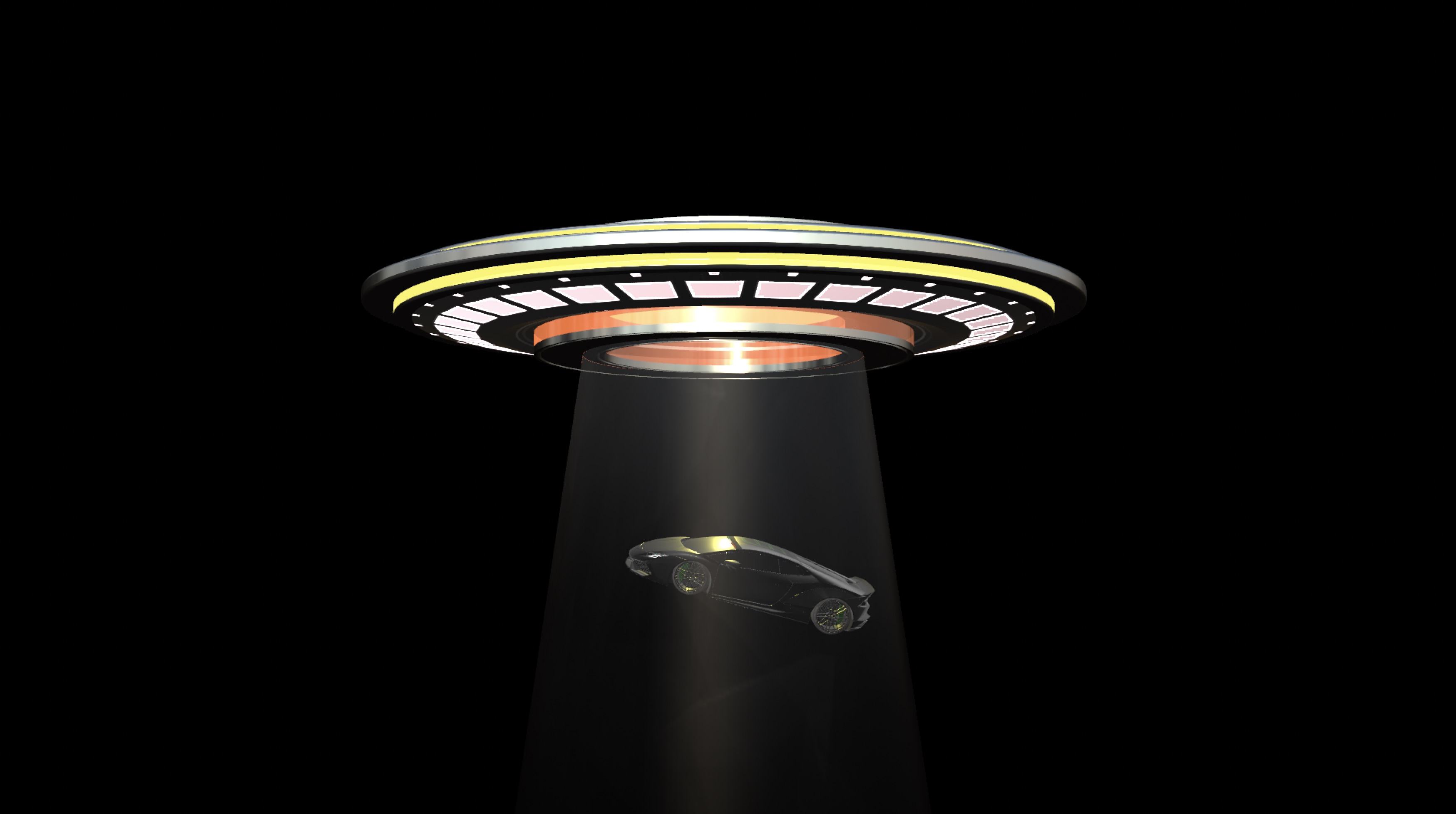
[Lamborghini Huràcan Wide Body" (https://skfb.ly/6YxOE) by SDC]
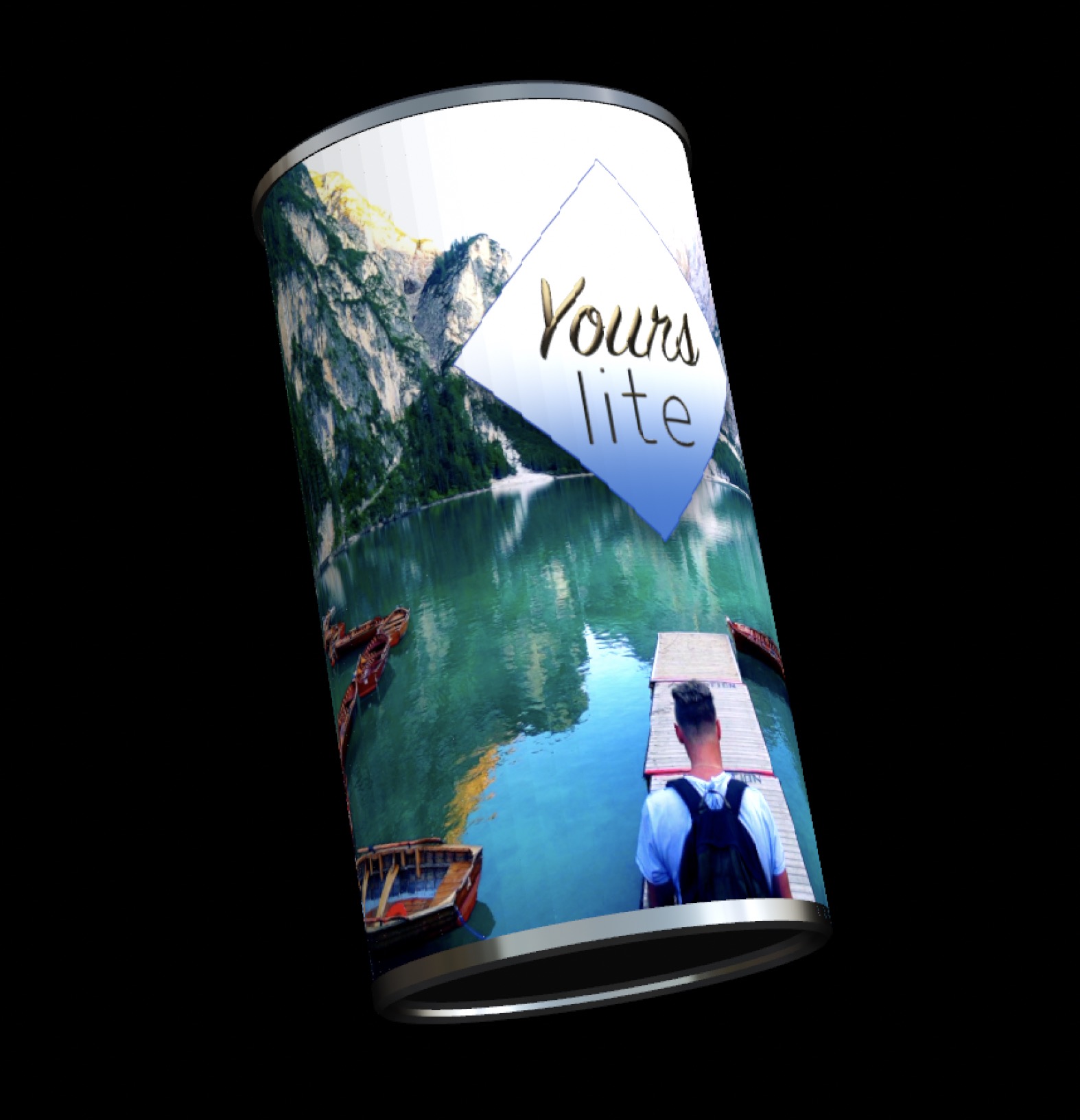
(wrapping video [Pond5 free clip of the week] on a "cylinder" in Motion with graphic overlay uses a long narrow rectangle and text layout on a circle shape. This wouldn't be necessary if texture wrapping could be customized.)
PS — I, personally, can work with 3D Text and I, personally, have little use for pre-made 3D models that I cannot customize (like spinning wheels on cars, propellers on planes, etc... which I *could* do with mObject [https://www.youtube.com/watch?v=kwGqkeaYQUI; https://www.youtube.com/watch?v=1jZltkKP7U4; https://youtu.be/99UvA6yJ7Gw; https://youtu.be/qt5WUh00W-c ] A little corny, I know... but these were like... 6 years ago and 3D for Motion was still new! (I also no longer endorse MotionVFX m02; mObject broke and the update was about 4 times the cost of the original.) I can't bring myself to recommend the extra software expense being added on to Motion. I really wish Apple had just bought the original mObject and developed 3D from there.




