
How can I reinstall MacOS when I failed to back up my profile
How can I reinstall MacOS when I failed to back up my profile?
MacBook Pro (2020 and later)
How can I reinstall MacOS when I failed to back up my profile?
MacBook Pro (2020 and later)
If you get a personalization error when reinstalling macOS on your Mac with Apple M1 chip
While reinstalling, you may get a message that an error occurred while preparing the update.
If you erased your Mac with Apple M1 chip, you might be unable to reinstall macOS from macOS Recovery. A message might say "An error occurred while preparing the update. Failed to personalize the software update. Please try again." Use either of these solutions to reinstall macOS.
Use Apple Configurator
If you have the following items, you can resolve the issue by reviving or restoring the firmware of your Mac:
If you don't have these items, follow the steps in the next section instead.
Or erase your Mac and reinstall
Use Recovery Assistant to erase your Mac, then reinstall macOS. Before you begin, make sure that you have enough time to complete all steps.
Erase using Recovery Assistant
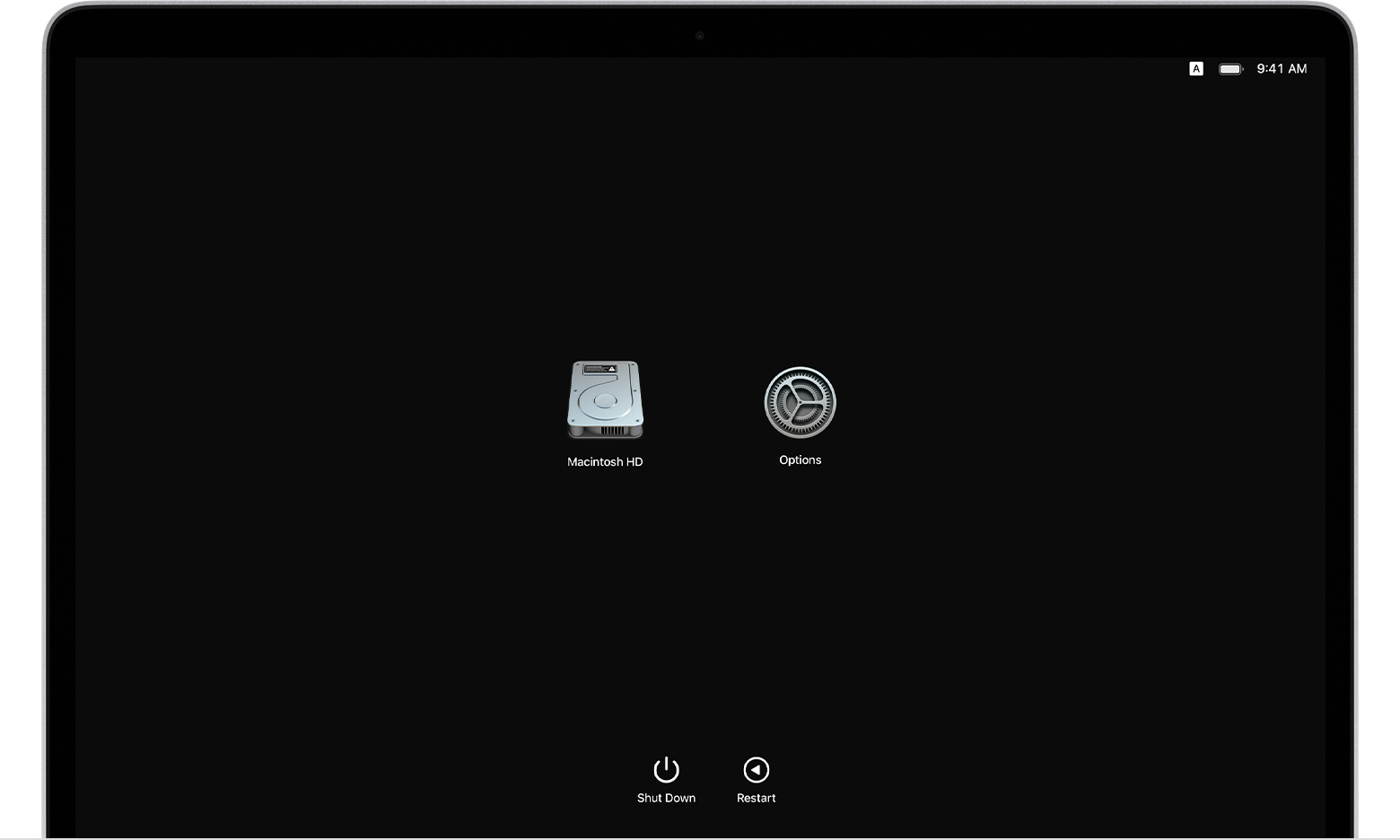
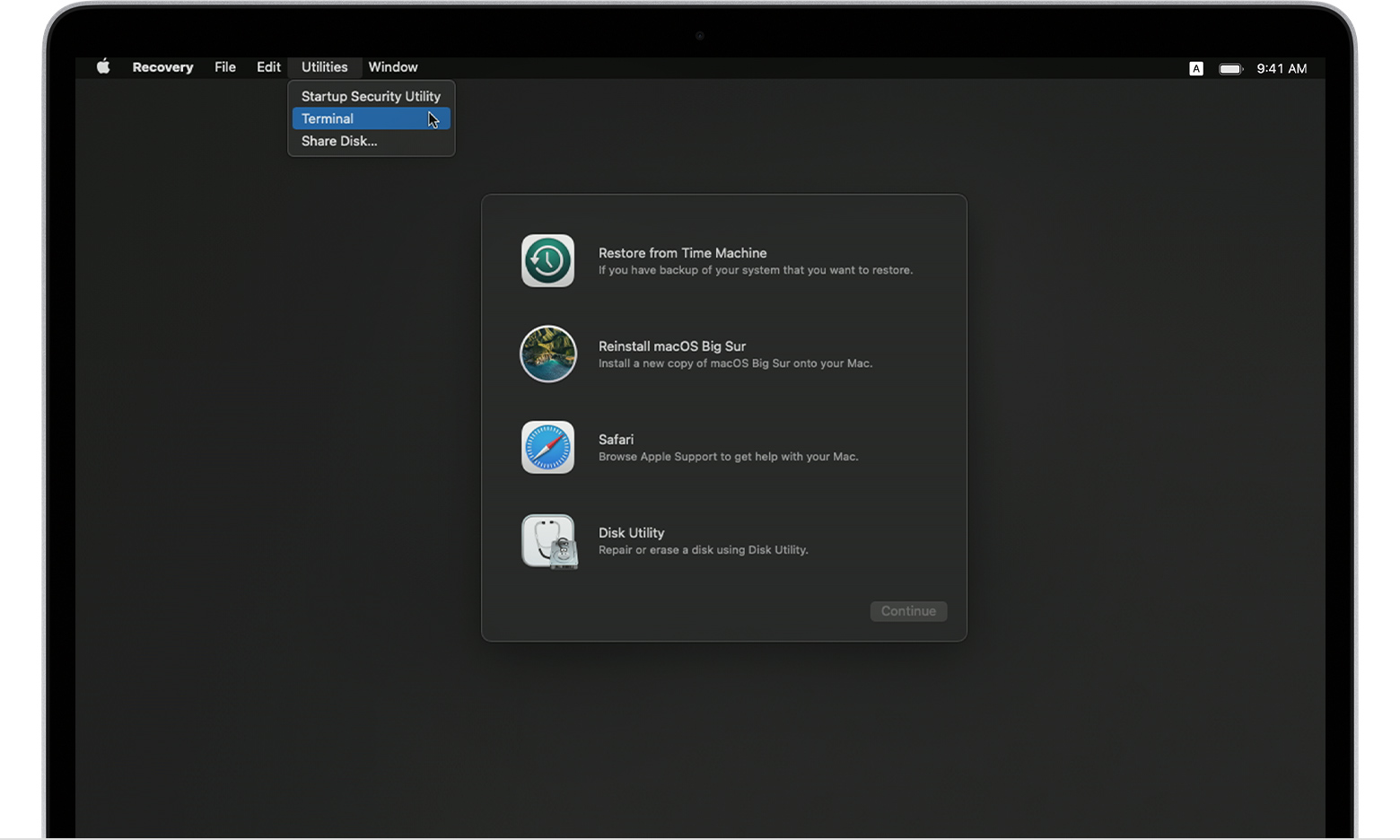
Then use one of these methods to reinstall macOS
After erasing your Mac as described above, use one of these three methods to reinstall macOS.
Use the Reinstall macOS Big Sur utility
If your Mac was using macOS Big Sur 11.0.1 before you erased it, select Reinstall macOS Big Sur in the utilities window, then follow the onscreen instructions. If you're not sure, use one of the other methods instead.
Or use a bootable installer
If you have another Mac and a suitable external flash drive or other storage device that you don't mind erasing, you can create and use a bootable installer for macOS Big Sur.
Or use Terminal to reinstall
If neither of the above methods applies to you, or you don't know which version of macOS Big Sur your Mac was using, follow these steps:
cd '/Volumes/Untitled'
mkdir -p private/tmp
cp -R '/Install macOS Big Sur.app' private/tmp
cd 'private/tmp/Install macOS Big Sur.app'
mkdir Contents/SharedSupport
curl -L -o Contents/SharedSupport/SharedSupport.dmg https://swcdn.apple.com/content/downloads/43/16/071-78704-A_U5B3K7DQY9/cj9xbdobsdoe67yq9e1w2x0cafwjk8ofkr/InstallAssistant.pkg
If you need help or these instructions aren't successful, please contact Apple Support.
Published Date: August 11, 2021
Why must the OS Big Sur be reinstalled ??
What is trying to be achieved ??
I factory reset my Mac but did not back up my profile with time machine before erasing. So now I have to reinstall the OS but there is no user profile on the device. Thank you.
“ No users available for authorization. “
Thank you very much kind sir. My issue has been resolved. Please enjoy the rest of your day. In remembrance.
Welcome and Thank you too :-))
Do come back to the ASC Forums if and or when addition questions arise.
Good place to get help and or learn more on Apple Software and Hardware.
How can I reinstall MacOS when I failed to back up my profile
