Hey there, Folbo!
Thanks for reaching out to the Apple Support Communities! That's a great question you have about getting apps for the Appole Watch in the App Store on the Watch. Check out this link to Get more apps on the Apple Watch. This article will give you the steps you vcan take to get apps on the Apple Watch:
- Open the App Store app
 on your Apple Watch.
 - Turn the Digital Crown to browse featured apps.
- Tap a category or tap See All below a collection to see more apps.
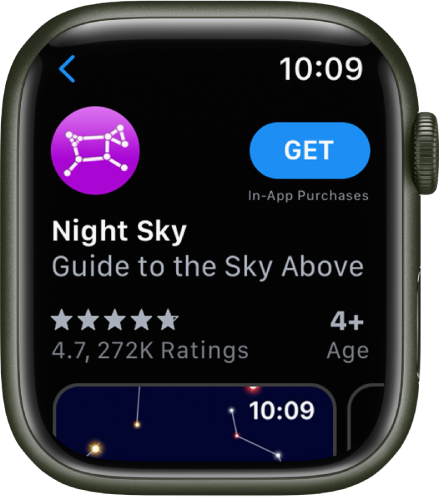
- To get a free app, tap Get. To buy an app, tap the price.
- If you see
 instead of a price, you’ve already purchased the app and you can download it again without a charge. Some apps require that you also have the iOS version of the app on your iPhone.
To find a specific app, tap the Search field at the top of the screen, then use dictation or Scribble to enter the name of the app. You can also browse trending categories of apps by tapping a category.
Note: When using Apple Watch with cellular, cellular data charges may apply. Scribble is not available in all languages.
 "
"
Thanks again for the question and take care!


