Here is a brief Zsh script to do what you want. Doesn't matter is your default shell is Bash or Zsh.
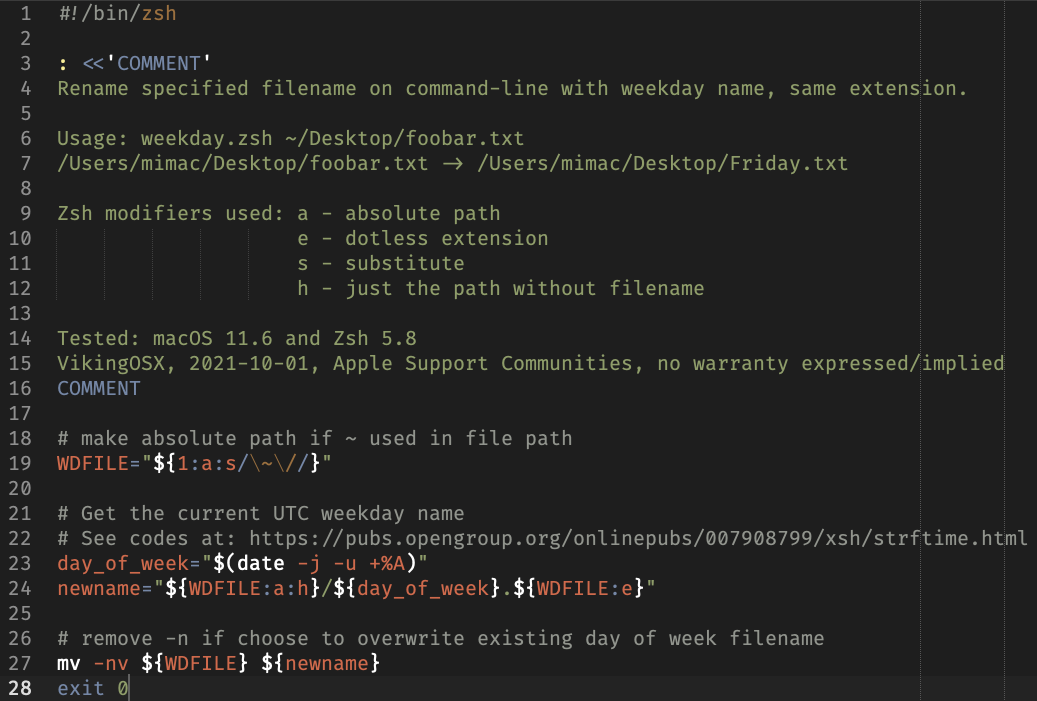
Copy/paste the following code into a text editor or plain-text TextEdit document. Save it as weekday.zsh on your Desktop.
#!/bin/zsh

: <<'COMMENT'
Rename specified filename on command-line with weekday name, same extension.

Usage: weekday.zsh ~/Desktop/foobar.txt
/Users/mimac/Desktop/foobar.txt -> /Users/mimac/Desktop/Friday.txt

Zsh modifiers used: a - absolute path
                    e - dotless extension
                    s - substitute
                    h - just the path without filename

Tested: macOS 11.6 and Zsh 5.8
VikingOSX, 2021-10-01, Apple Support Communities, no warranty expressed/implied
COMMENT

# make absolute path if ~ used in file path
WDFILE="${1:a:s/\~\//}"

# Get the current UTC weekday name
# See codes at: https://pubs.opengroup.org/onlinepubs/007908799/xsh/strftime.html
day_of_week="$(date -j -u +%A)"
newname="${WDFILE:a:h}/${day_of_week}.${WDFILE:e}"

# remove -n if choose to overwrite existing day of week filename
mv -nv ${WDFILE} ${newname}
exit 0
Once you have this in a weekday.zsh file on your Desktop, you need to launch the Terminal and make the script executable:
cd ~/Desktop
chmod +x ./weekday.zsh
and then run it providing your candidate file on the command-line:
./weekday.zsh ~/Desktop/foobar.txt
/Users/mimac/Desktop/foobar.txt -> /Users/mimac/Desktop/Friday.txt
The file extension does not matter as the script takes care of that based on the input file type.


