More details would help. Are you trying to place a photo in a question in these forums? If not, please give details of your Apple device and app involved.
If this is about inserting images for a forum submission, image insertion defaults to left-justified:

Centering of text or images is not supported in the current incarnation of the forum software. You can use the indent tool...

....to move the image towards center but it only goes so far, just two indents. This is max indent avalible:

To indent, you click to the left of the image to insert the cursor; you do not select the image. On images with a solid background like the example, you may not see the cursor but, as long as the image does not show "selected" mark in the corners, the cursor is properly placed for indenting.
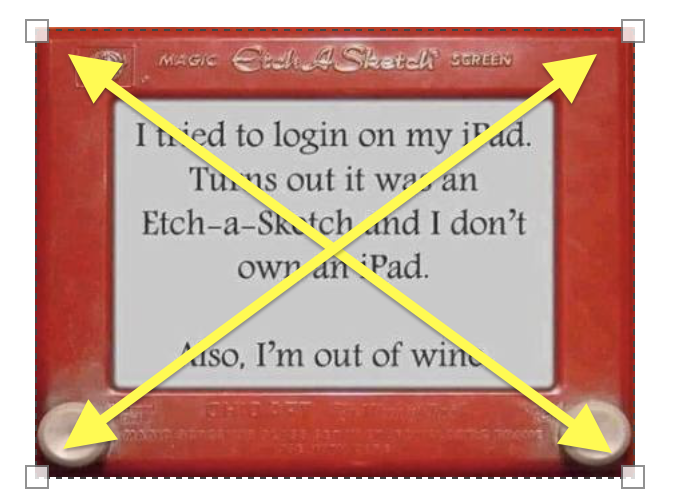
You can scale images for alignment by selecting the image and using the resizing handles in the corners: