delete icons in launchpad

I've installed some games via Steam game service (https://steamcommunity.com) then deleted them with Steam app, then deleted Steam App, but icons of the game are still in Launchpad. When I try to delete them from there is no (x). And when I try to open icons - nothing happens either (games are deleted). What should I do to make them disappear? :(


Civilization V and VI, Company of Heroes 2 and Alien Isolation:

Posted on Jan 23, 2022 8:21 AM

Reply
6 replies

Jan 23, 2022 8:35 AM in response to inaumov

inaumov wrote:

didn't help - dragging to trash doesn't help, and clicking - nothing happens :( reboot etc doesn't help too


You may well have to re-install your Steam app to use the official uninstaller .


Search your third party app Support Community /help/FAQ/known issues/compatibility ...

(https://steamcommunity.com)


If in doubt refer

Contact a third party vendor

https://support.apple.com/en-us/HT201777

Jan 23, 2022 8:28 AM in response to inaumov

inaumov wrote:

I've installed some games via Steam game service (https://steamcommunity.com) then deleted them with Steam app, then deleted Steam App, but icons of the game are still in Launchpad. When I try to delete them from there is no (x). And when I try to open icons - nothing happens either (games are deleted). What should I do to make them disappear? :(

Civilization V and VI, Company of Heroes 2 and Alien Isolation:
https://discussions.apple.com/content/attachment/e3afa79e-8dd6-4551-9a27-d8ab7a9481ca
https://discussions.apple.com/content/attachment/a809cf27-d4ee-40c2-8d2d-c5cfcff08c19


Click on them, if they are just ghost try simply dragging them straight to the trashcan in the Dock.

Jan 23, 2022 10:58 AM in response to inaumov

..inaumov:

There are some other similar ideas among Apple support articles that

could help remove third-party applications & icons from Launchpad..


However these are trial and error given different software makers ideas.


"How to uninstall apps on your Mac" - Apple Support

https://support.apple.com/en-us/HT202235


Use the Finder to delete an app

1.Locate the app in the Finder. Most apps are in your Applications

folder, which you can open by clicking Applications in the sidebar of

any Finder window. Or use Spotlight to find the app, then press and

hold the Command (⌘) key while double-clicking the app in Spotlight.


2.Drag the app to the Trash, or select the app and choose File > Move to Trash.
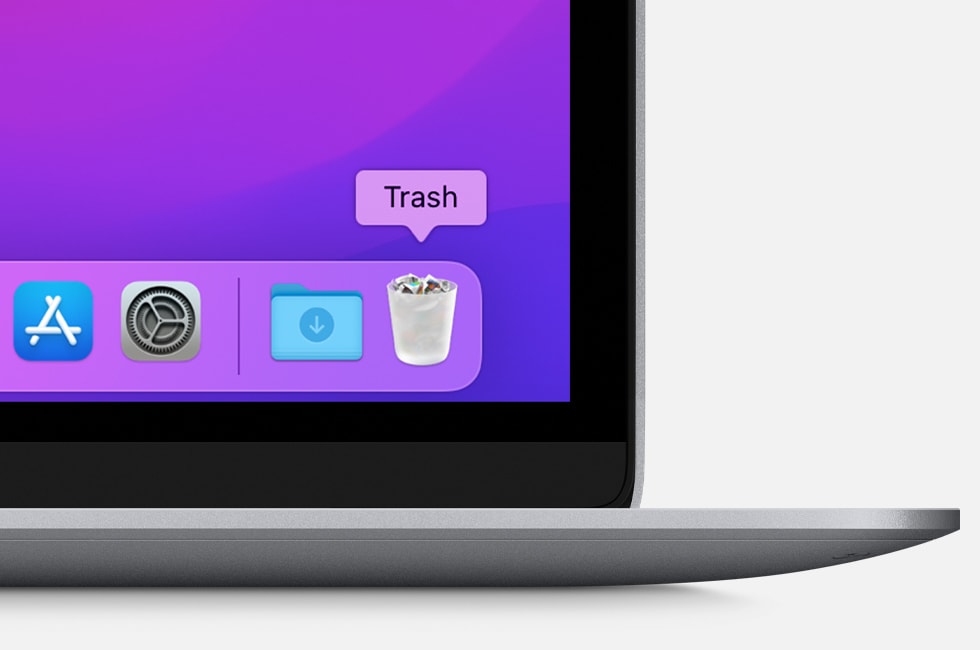


3.If you're asked for a user name and password, enter the name and

password of an administrator account on your Mac. This is probably the

name and password you use to log in to your Mac.


4.To delete the app, choose Finder > Empty Trash.


There is a terminal command here, that may help in some instances.

• How to reset the Launchpad on macOS - addictivetips

https://www.addictivetips.com/mac-os/reset-the-launchpad-on-macos/


While prior to Launchpad, my choice was add alias folders in Dock.

Or prior to OS advances, I made 'manual stacks' in older Mac OS X.


This thread has been closed by the system or the community team. You may vote for any posts you find helpful, or search the Community for additional answers.

delete icons in launchpad

Welcome to Apple Support Community
A forum where Apple customers help each other with their products. Get started with your Apple Account.

