..inaumov:
There are some other similar ideas among Apple support articles that
could help remove third-party applications & icons from Launchpad..
However these are trial and error given different software makers ideas.
"How to uninstall apps on your Mac" - Apple Support
https://support.apple.com/en-us/HT202235
• Use the Finder to delete an app
1.Locate the app in the Finder. Most apps are in your Applications
folder, which you can open by clicking Applications in the sidebar of
any Finder window. Or use Spotlight to find the app, then press and
hold the Command (⌘) key while double-clicking the app in Spotlight.
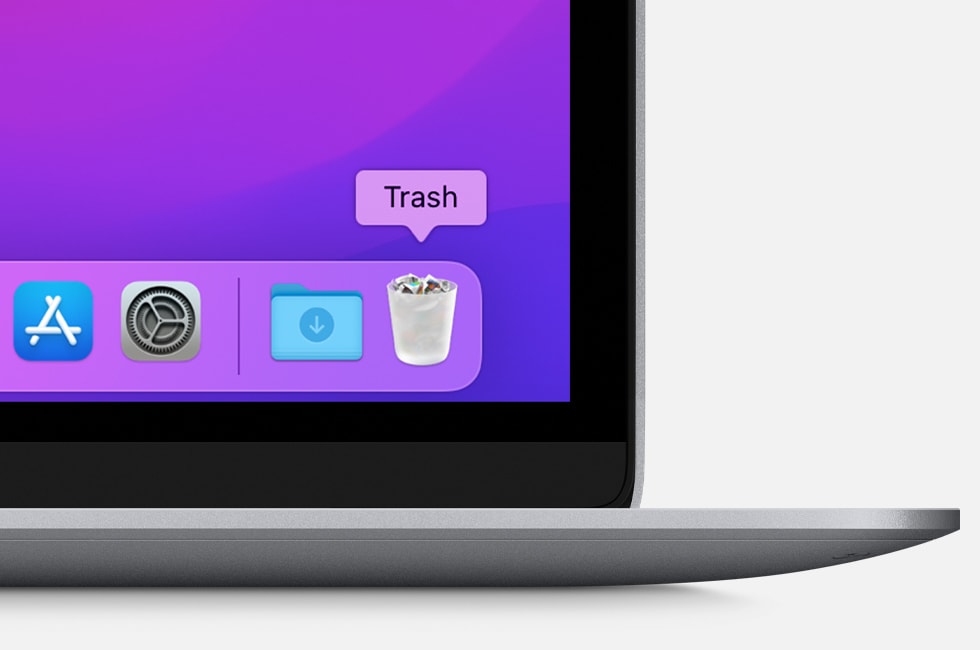
2.Drag the app to the Trash, or select the app and choose File > Move to Trash.
3.If you're asked for a user name and password, enter the name and
password of an administrator account on your Mac. This is probably the
name and password you use to log in to your Mac.
4.To delete the app, choose Finder > Empty Trash.
There is a terminal command here, that may help in some instances.
• How to reset the Launchpad on macOS - addictivetips
https://www.addictivetips.com/mac-os/reset-the-launchpad-on-macos/
While prior to Launchpad, my choice was add alias folders in Dock.
Or prior to OS advances, I made 'manual stacks' in older Mac OS X.



