iPad Pro keyboard not responsive
How can I make it responsive again. Have restarted iPad, system is up to date.
How can I make it responsive again. Have restarted iPad, system is up to date.
There isn't a lot of troubleshooting options. This is from Apple Support as linked at the top of the page. Note the final step is to contact Apple Support.
Update your iPad to the latest version of iPadOS (go to Settings > General > Software Update to see if an update is available.)
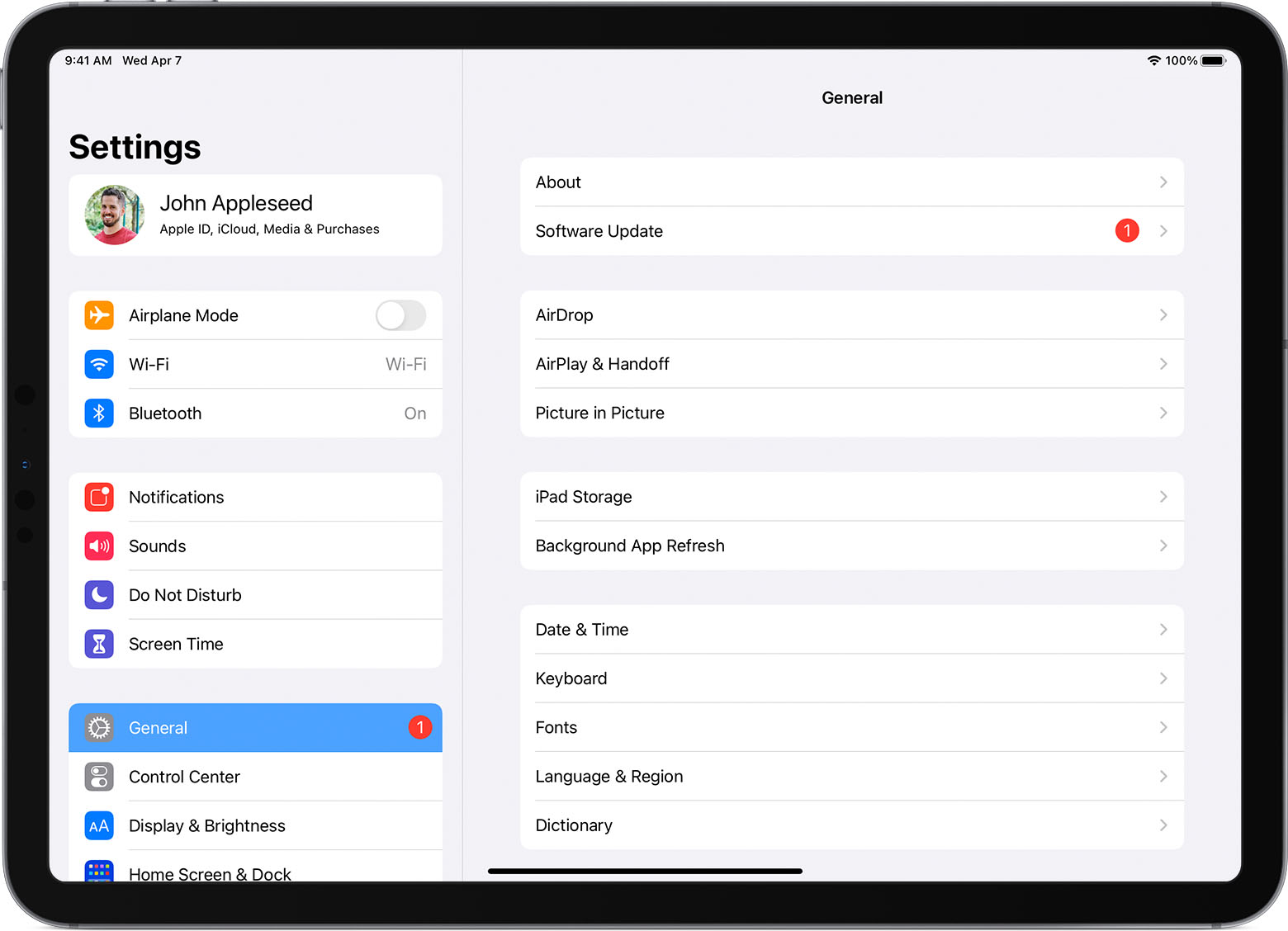 If you're using Magic Keyboard, make sure that you have iPadOS 14.5 or later.
Remove any other iPad case or cover if you're using Magic Keyboard or Smart Keyboard Folio.
Connect your Magic Keyboard or Smart Keyboard / Smart Keyboard Folio.
If your keyboard doesn't immediately respond, restart your iPad (learn how to restart your iPad).
If your keyboard is not connecting, or if you're experiencing issues unrelated to connecting, contact Apple Support.
There isn't a lot of troubleshooting options. This is from Apple Support as linked at the top of the page. Note the final step is to contact Apple Support.
Update your iPad to the latest version of iPadOS (go to Settings > General > Software Update to see if an update is available.)
If you're using Magic Keyboard, make sure that you have iPadOS 14.5 or later.Remove any other iPad case or cover if you're using Magic Keyboard or Smart Keyboard Folio.
Connect your Magic Keyboard or Smart Keyboard / Smart Keyboard Folio.
If your keyboard doesn't immediately respond, restart your iPad (learn how to restart your iPad).
If your keyboard is not connecting, or if you're experiencing issues unrelated to connecting, contact Apple Support.
iPad Pro keyboard not responsive