Hi Sparks0829,
Thanks for your reply!
Unfortunately, the suggestions from the second link didn't help me, because the problem starts already in the system application. Screenshots are here: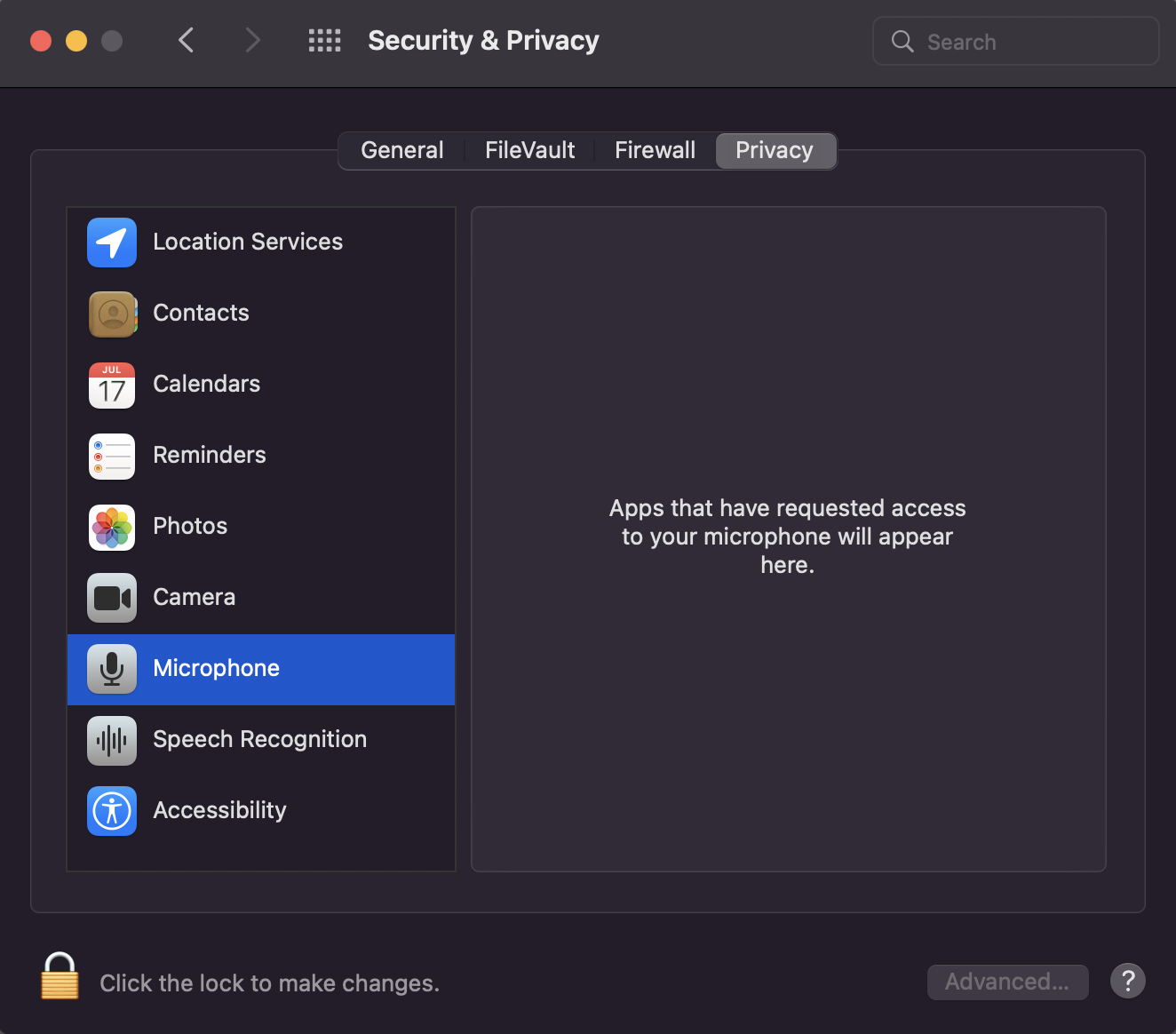

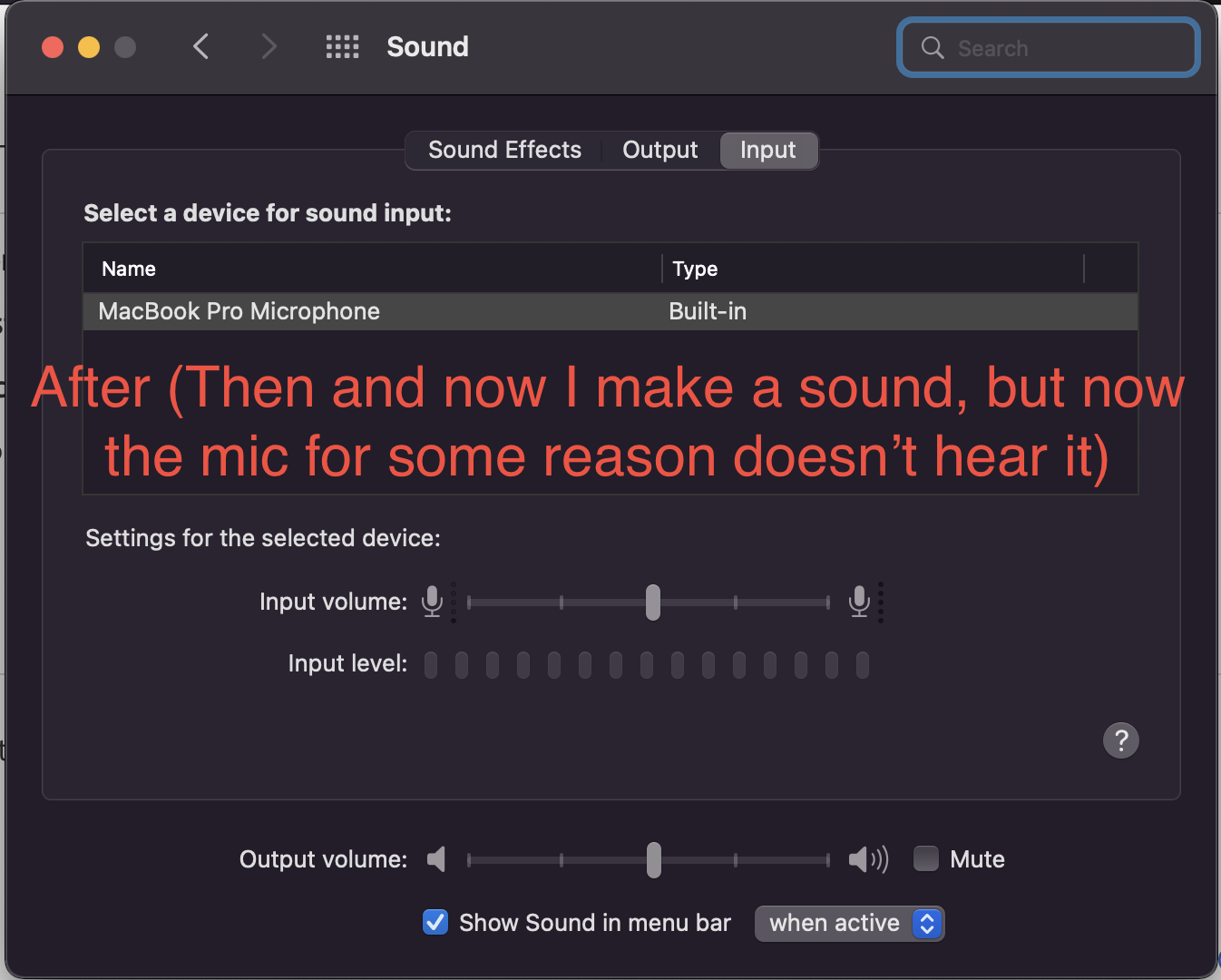
To solve the problem, I tried the following:
-I moved the slider to change the sensitivity of the built-in microphone;
-Create a new user;
-Reinstall macOS;
-Erase the disk first and then reinstall macOS.
Nothing helped. Problem persists :c
I remind you that this happens after the first closing of the MacBook and disappears after a reboot (or shutdown)
I also ran diagnostics according to the instructions from the first link.
It gave me these reference codes: ALS001, DFR001. But I didn't notice any problems with ambient light sensor and Touch Bar :/
I don't know for sure if this is shown, but my MacBook Pro with Apple silicon.
Thank you for your consideration!


