"Normal" tab key behaviour in a table is to jump to the next column.
"Tab" is the short name for "Tabular." The original purpose of Tab stops and the associated Tab key on a typewriter was to enable type to be placed in columns to form a tabular layout without eye-balling the alignment and adjusting it with the space bar.
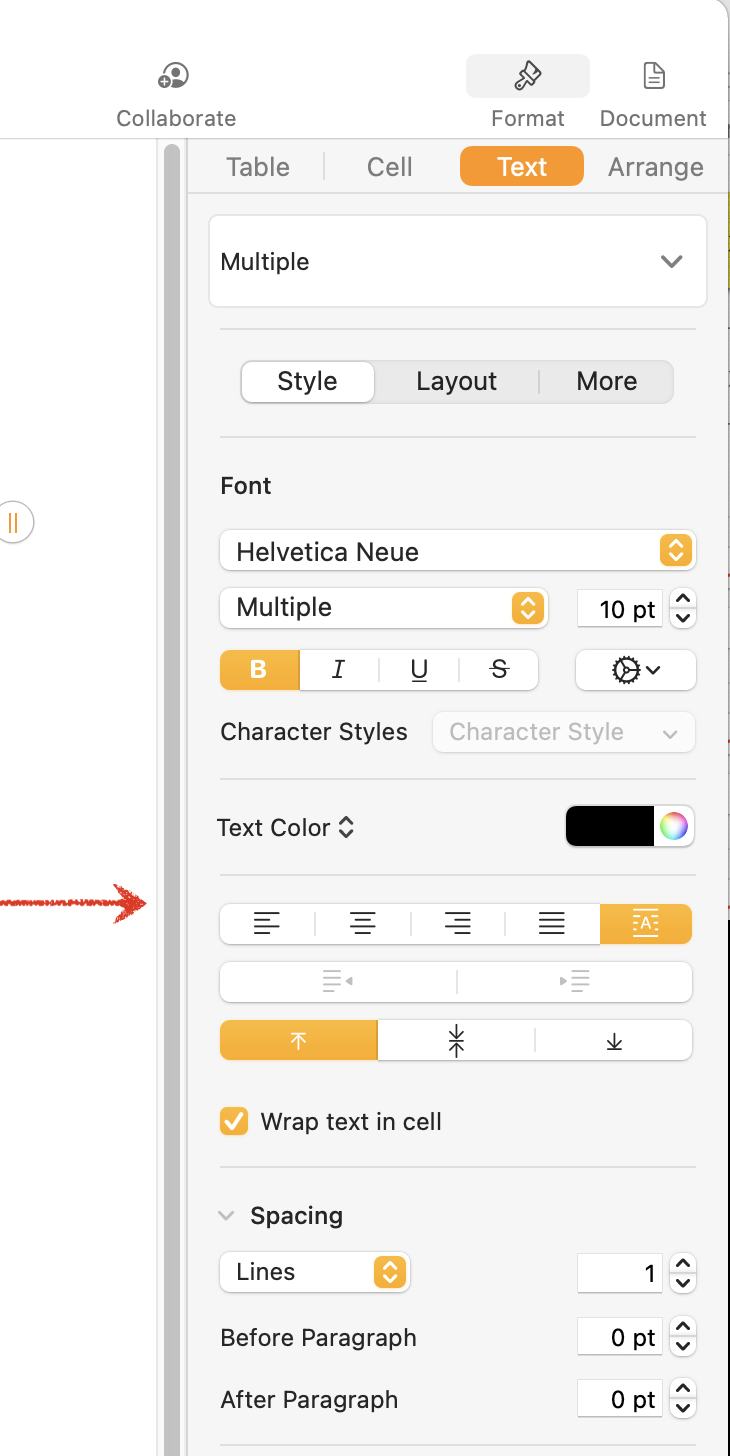
'Tab stops' within cells are not supported. By default, text within a cell is aligned to the left boundary of a cell; numbers and quasi number values (eg. date and time values) are aligned to the right boundary of a cell.
You can override these default settings for individual cells or for groups of cells by selecting the cell(s) then using the Text pane of the Format Inspector.
Regards,
Barry

