


Question marked as
User profile for user:
WinsC1
User level:
Community Specialist
Hey HoltzclawPO5,
Are you referring to the expressions symbols showing in the top right of the message? If so, you can find more info on that here: Use message effects with iMessage on your iPhone, iPad, and iPod touch

"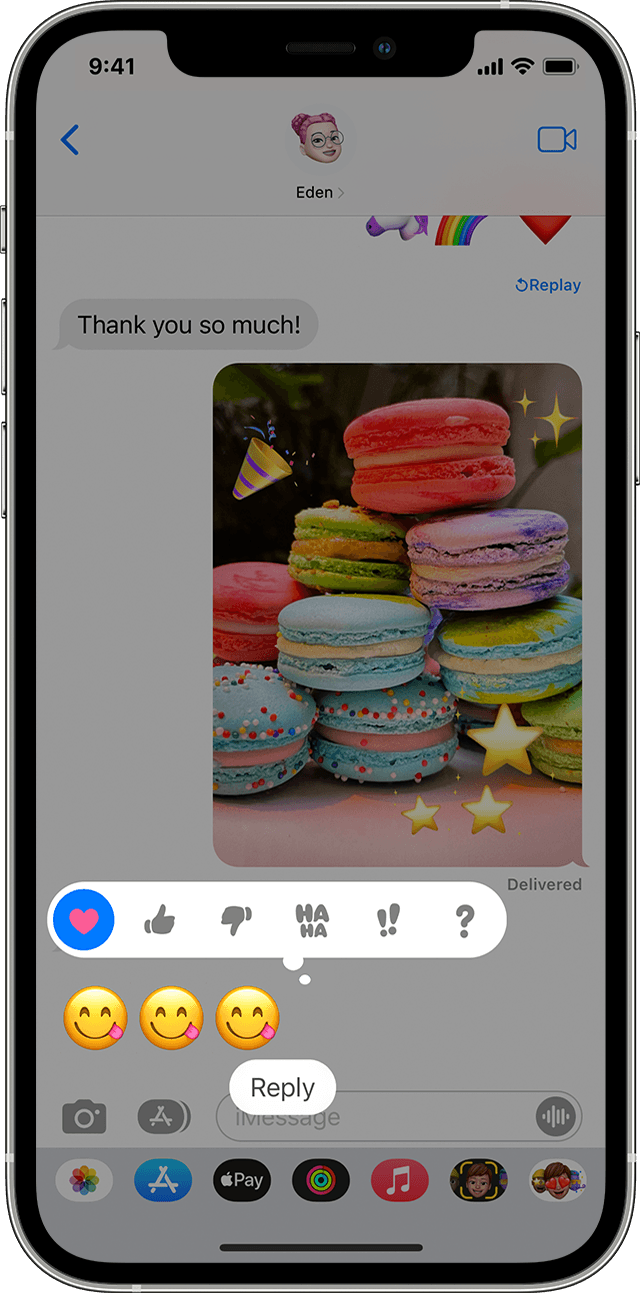
Respond to a message with expressions
With Tapback, you can quickly reply to messages with expressions, like a thumbs up or a heart. Here's how:
- Open a conversation in Messages.
- Double-tap the message bubble or photo that you want to respond to.
- Select the Tapback that you want to send.
You can also use Tapback in group messages. To see who replied with a Tapback, tap it."
Thanks!