
lost folders in mailbox on ipad where did they go?
How do I retrieve folder with messages I set up yesterday and are now gone
iPad, iPadOS 15
How do I retrieve folder with messages I set up yesterday and are now gone
iPad, iPadOS 15
Hello rlaccorn@yahoo,
Thanks for choosing the Apple Support Communities. If you are using your Yahoo account and can't find the mailbox you created, have you checked Yahoo webmail to see if the messages are present?
Yahoo mail can be found on Safari here: Yahoo Mail
If it is there, you may be able to delete and re-add the internet account to retrieve the mailbox and messages.
Add an email account to your iPhone, iPad, or iPod touch
you can both delete and re-add accounts using these instructions:
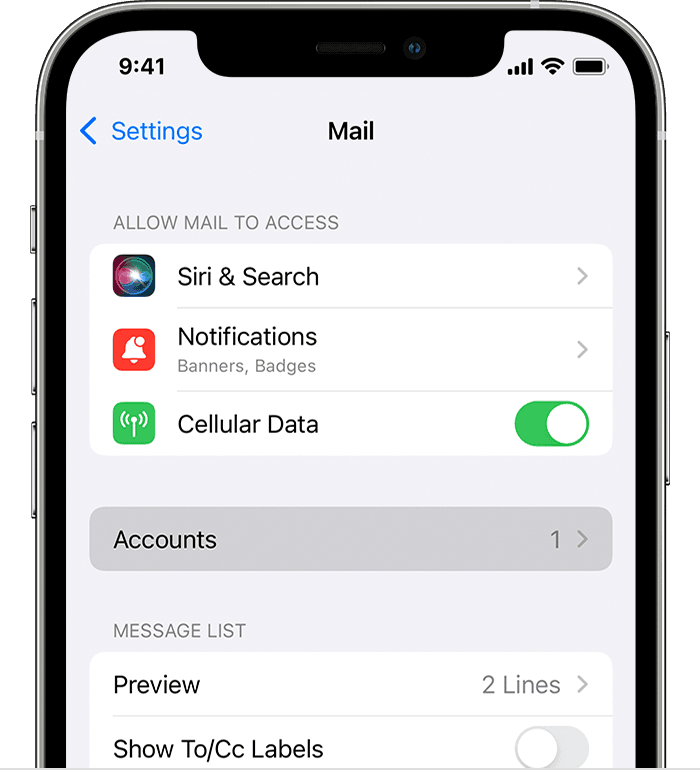
Tap Add Account, then select your email provider.Enter your email address and password.If you see Next, tap Next and wait for Mail to verify your account.If you see Save, tap Save.If you don't see your email provider, tap Other to add your account manually."
If you are using an iCloud account please let us know, and we'll go from there.
Cheers!
lost folders in mailbox on ipad where did they go?

