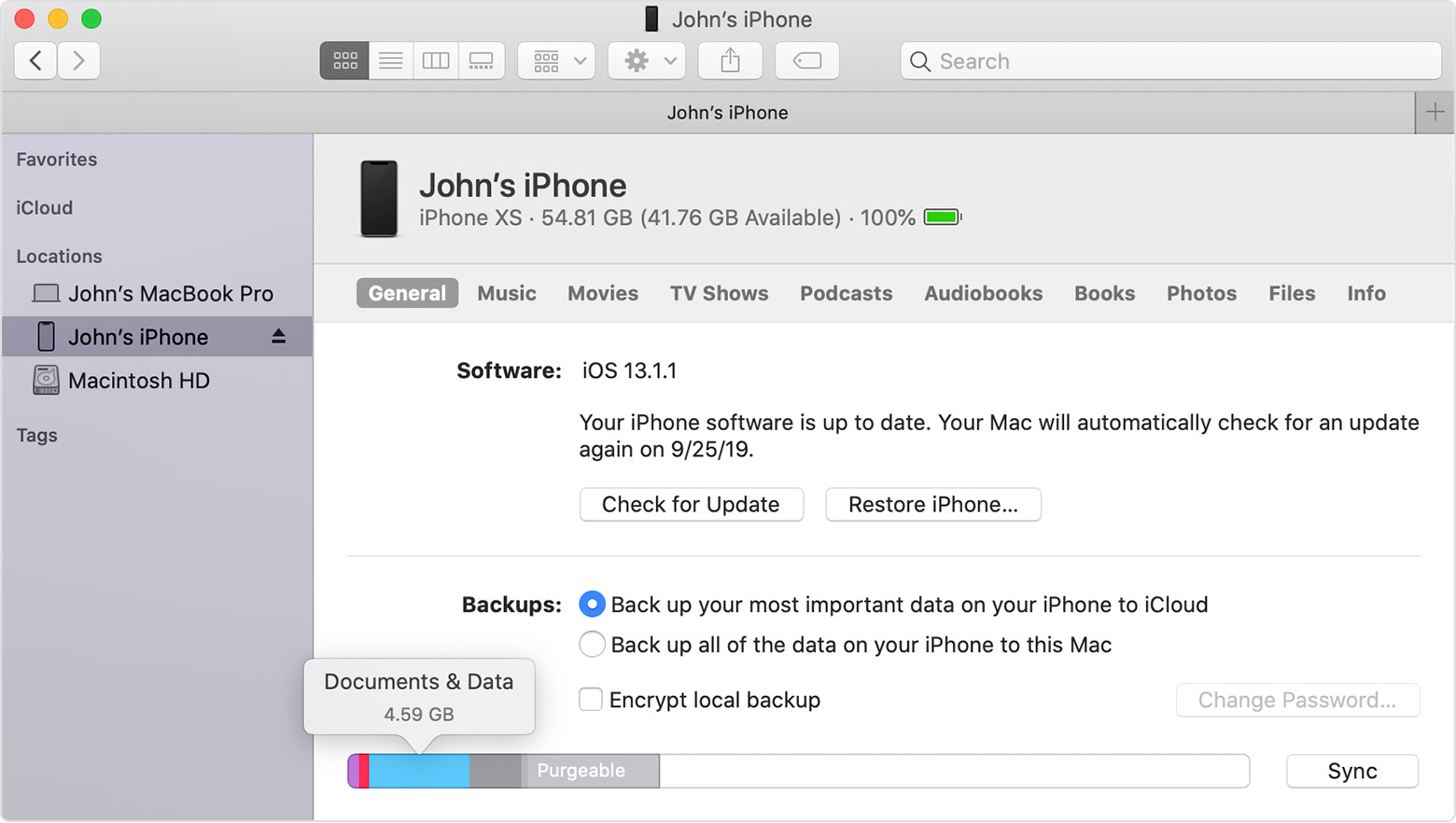
Photo Storage shows 1.2GB used, when I have NO photos on my phone
My iPhone has maintained showing more than 1.2GB used in storage space, when I have NO photos on my phone (or in deleted items, and I don’t sync/store photos in the cloud).
how do I fix this issue to get my 1+ GB of storage space back from these apparent “ghost Photos or data?” I tried that set the date backwards thing I saw from a YouTube help video, but I didn’t have photos suddenly appear back to delete, so that method didn’t work for me.