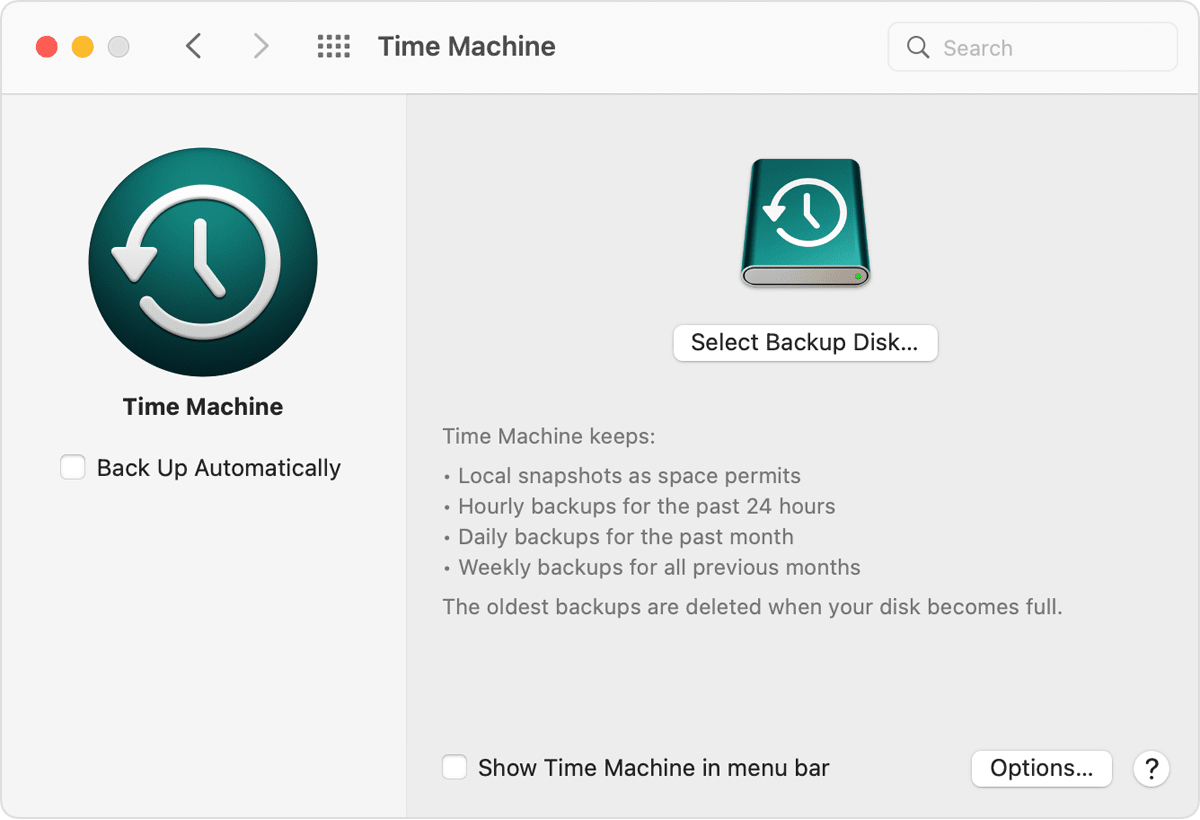
I accidentally selected "remove the disc" but still want to be able to backup to that disc. How can I get it to show up again?

When I went to backup my computer to my external hard drive I accidentally told my mac to forget the hard drive and now it wont recognize hard drive.

MacBook Air 13″, macOS 11.2

Posted on Apr 19, 2022 11:25 AM

Reply
Question marked as Top-ranking reply

Posted on Apr 19, 2022 6:39 PM

Try a different cable, a different USB port, or both. If it still does not appear in Disk Utility, you might try starting your Mac in macOS Recovery mode, and using its version of Disk Utility: How to repair a Mac disk with Disk Utility - Apple Support. All the way at the bottom of that document describes the three steps to follow If your disk doesn't appear in Disk Utility.


If you have or can borrow another Mac try that too. The idea is to isolate the problem to the Mac or the hard disk drive.

5 replies
Question marked as Top-ranking reply

Apr 19, 2022 6:39 PM in response to knatonski

Try a different cable, a different USB port, or both. If it still does not appear in Disk Utility, you might try starting your Mac in macOS Recovery mode, and using its version of Disk Utility: How to repair a Mac disk with Disk Utility - Apple Support. All the way at the bottom of that document describes the three steps to follow If your disk doesn't appear in Disk Utility.


If you have or can borrow another Mac try that too. The idea is to isolate the problem to the Mac or the hard disk drive.

This thread has been closed by the system or the community team. You may vote for any posts you find helpful, or search the Community for additional answers.

I accidentally selected "remove the disc" but still want to be able to backup to that disc. How can I get it to show up again?

Welcome to Apple Support Community
A forum where Apple customers help each other with their products. Get started with your Apple Account.