Internet connection using ethernet with monterey

I updated to Monterey and now cannot seem to find the way to connect with ethernet to the internet rather than wifi. Used to be a simple matter of turning the Wifi off.... Any ideas?

MacBook Pro 13″, macOS 12.3

Posted on Apr 20, 2022 9:00 AM

Reply
Question marked as Top-ranking reply

Posted on May 1, 2022 9:50 AM

I have found a simple solution that simply works!


M1 Max Mac Book Pro, 64GB RAM, 1TB SSD, 16", Monterey 12.3.1

- j5create USB Adapter (Genesys Logic Inc) - simply would not connect on Ethernet

- iWALK USB Adapter (VIA Labs Inc) - simply would not connect on Ethernet


Interestingly, I am able to connect a Microsoft Wired USB Mouse via both the above adapters and work very well

- My M1 Mac refuses to connect to the Ethernet thru them though


On a hunch, I went to the Apple Store @ Orchard Road @ Singapore and got some very timely advice from Mr Timothy (God bless the young man) / he tried the following


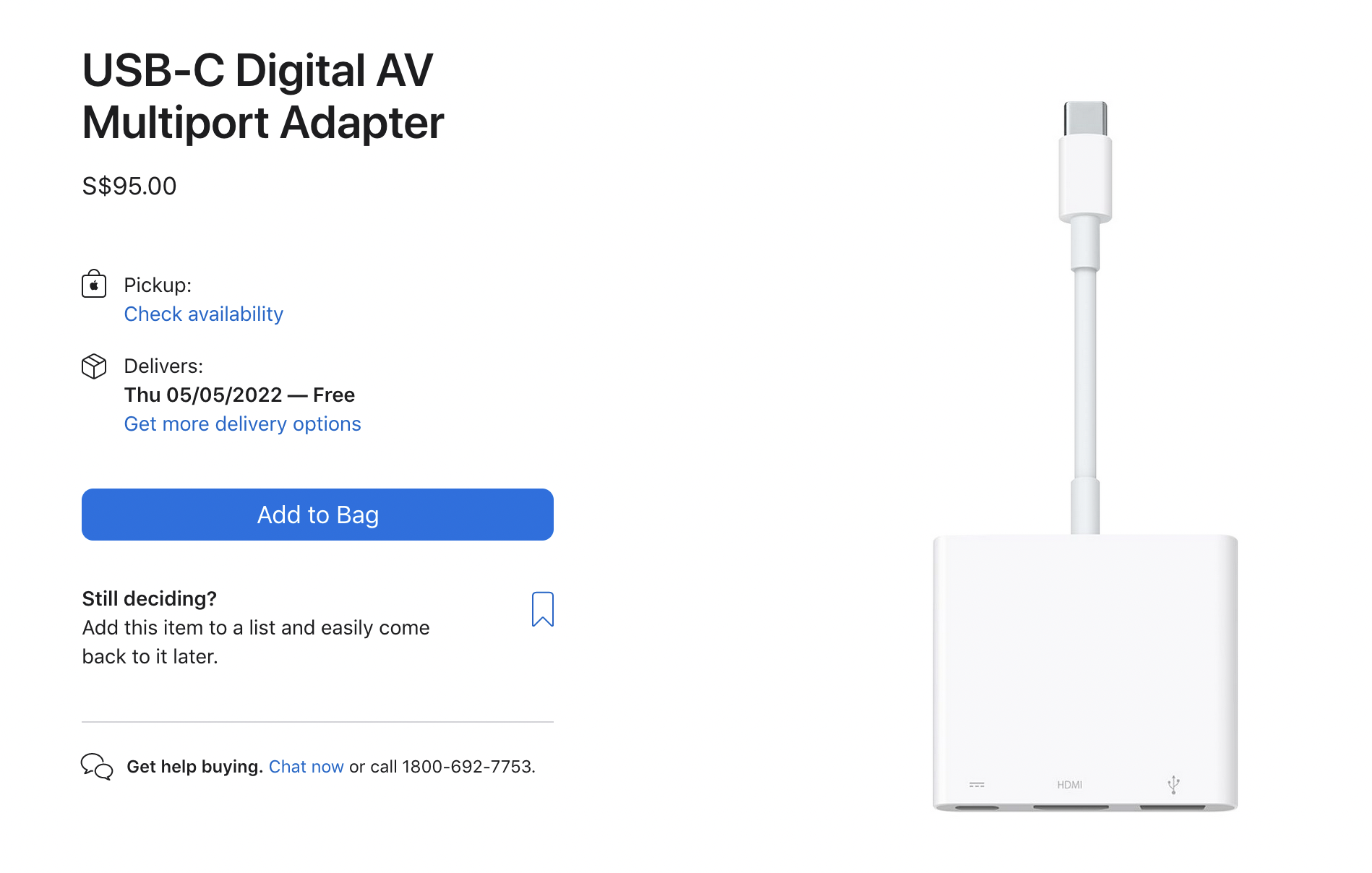
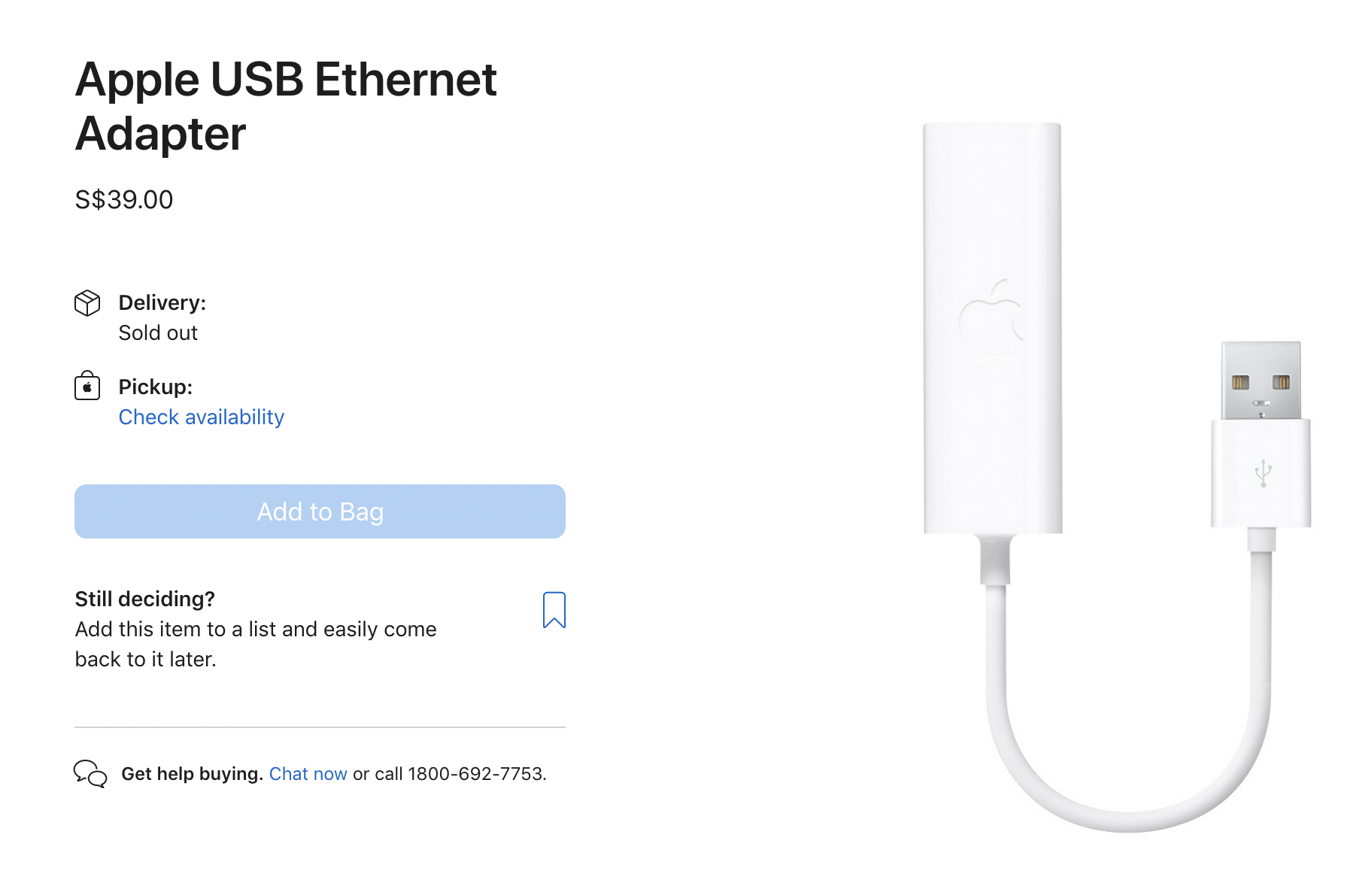
- connected the original Apple USB-C Digital AV Multiport Adapter to the Mac to which he connected the original Apple USB Ethernet Adapter and Voila, my M1 Mac connected to the Ethernet instantly

- to make things simpler, he went looking for the original Apple Thunderbolt to Gigabit Ethernet Adapter but it was out of stock

- he connected a "Belkin" USB-C to Gigabit Ethernet Adapter and Voila again, my M1 Mac connected to the Ethernet instantly
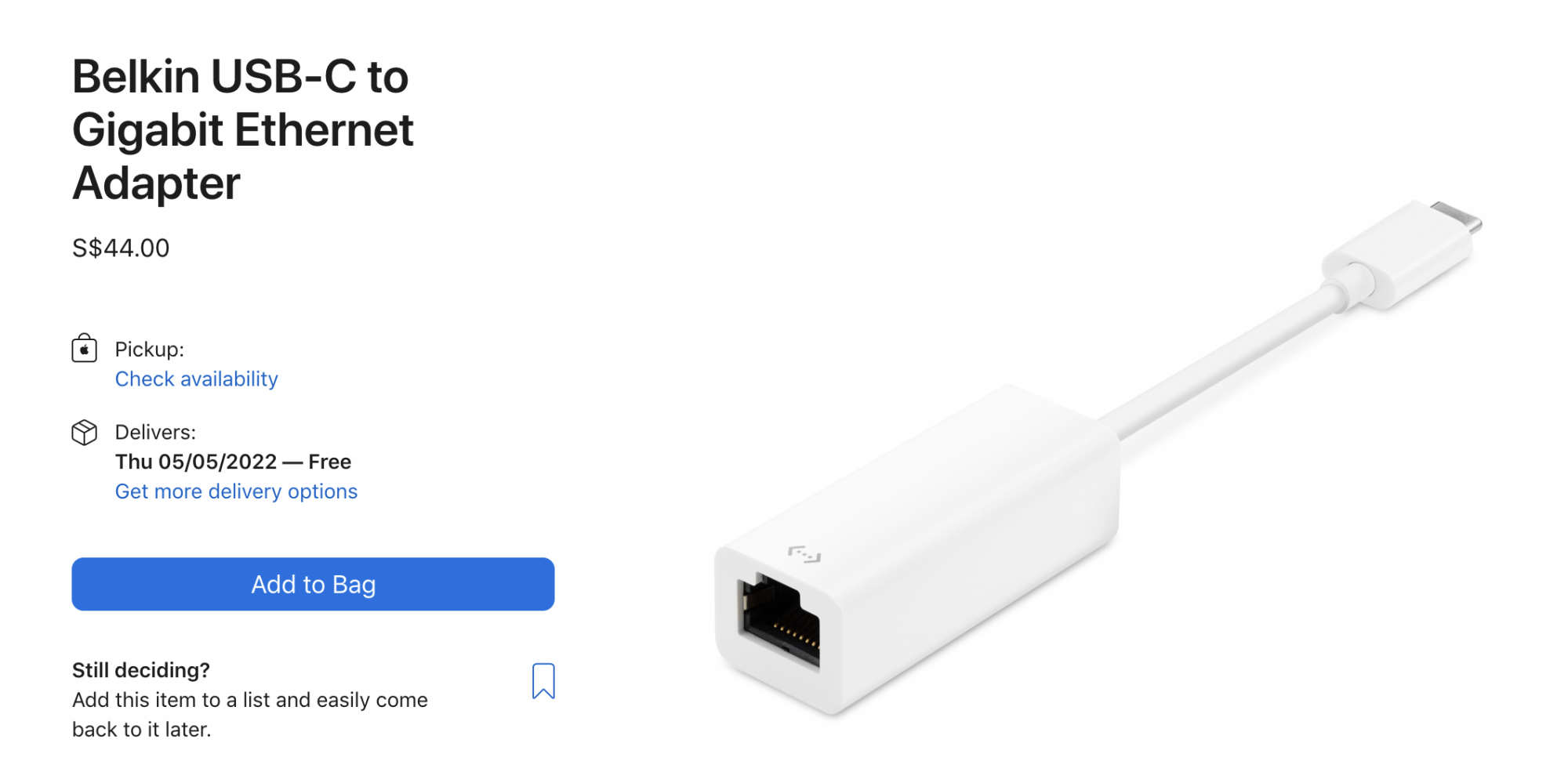


I bought the Belkin Adapter for SGD 44 (USD 32), brought it home and have been enjoying the amazing experience (what a relief) 


My 5 Cents Worth

- Very similar to the issues we face with charger wires for the iPhone, Apple is very sensitive to the accessories it will allow it's hardware to work with

- Best to stick to Original Apple Adapters / Belkins of this world which are sold by Apple

- If this had struck me before, I would saved myself hours and hours trying to connect Ethernet to my M1 Mac and also a trip to the Apple Store / lesson learnt


[Personal Information Edited by Moderator]


7 replies
Question marked as Top-ranking reply

May 1, 2022 9:50 AM in response to Parsnip 7

I have found a simple solution that simply works!


M1 Max Mac Book Pro, 64GB RAM, 1TB SSD, 16", Monterey 12.3.1

- j5create USB Adapter (Genesys Logic Inc) - simply would not connect on Ethernet

- iWALK USB Adapter (VIA Labs Inc) - simply would not connect on Ethernet


Interestingly, I am able to connect a Microsoft Wired USB Mouse via both the above adapters and work very well

- My M1 Mac refuses to connect to the Ethernet thru them though


On a hunch, I went to the Apple Store @ Orchard Road @ Singapore and got some very timely advice from Mr Timothy (God bless the young man) / he tried the following


- connected the original Apple USB-C Digital AV Multiport Adapter to the Mac to which he connected the original Apple USB Ethernet Adapter and Voila, my M1 Mac connected to the Ethernet instantly


- to make things simpler, he went looking for the original Apple Thunderbolt to Gigabit Ethernet Adapter but it was out of stock

- he connected a "Belkin" USB-C to Gigabit Ethernet Adapter and Voila again, my M1 Mac connected to the Ethernet instantly


I bought the Belkin Adapter for SGD 44 (USD 32), brought it home and have been enjoying the amazing experience (what a relief) 


My 5 Cents Worth

- Very similar to the issues we face with charger wires for the iPhone, Apple is very sensitive to the accessories it will allow it's hardware to work with

- Best to stick to Original Apple Adapters / Belkins of this world which are sold by Apple

- If this had struck me before, I would saved myself hours and hours trying to connect Ethernet to my M1 Mac and also a trip to the Apple Store / lesson learnt


[Personal Information Edited by Moderator]


Apr 20, 2022 9:43 AM in response to Phil0124

Thanks for your reply.


What happens when you turn off Wi-fi and plug in an ethernet cable? - nothing! I try and go on Safari to open a page and it tells me I am not connected to the internet.


Also, how are you connecting the ethernet cable to the Mac exactly?

Macs that can run 12.3 Monterey have no ethernet port. Have you verified the adapter you are using is still functional? - I am connecting using an adapter into one of the 4 general purpose ports. This has worked absolutely fine with the Mac up until the recent system update to Monterey, hence my assumption that the update was the cause of the problem.


I have no reason to believe the adapter has suddenly stopped working.


The drop down options under the Wifi connection symbol at the top right of the screen changed when the Monterey update happened, and the obvious "ethernet connection" option is no longer there as a choice. Going into network preferences does not seem to offer any obvious ethernet options either...


This thread has been closed by the system or the community team. You may vote for any posts you find helpful, or search the Community for additional answers.

Internet connection using ethernet with monterey

Welcome to Apple Support Community
A forum where Apple customers help each other with their products. Get started with your Apple Account.
