
Switch between different speakers/airpods
I have macbook pro Monterey 12.3.1. I have just bought Airpods G3.
How do I switch between listening in my Airpods and my Macbook speaker using my MacPro?
MacBook Pro (2020 and later)
I have macbook pro Monterey 12.3.1. I have just bought Airpods G3.
How do I switch between listening in my Airpods and my Macbook speaker using my MacPro?
MacBook Pro (2020 and later)
kstrid wrote:
I have macbook pro Monterey 12.3.1. I have just bought Airpods G3.
How do I switch between listening in my Airpods and my Macbook speaker using my MacPro?
Get started with AirPods (3rd generation) - Apple Support
Pair AirPods (1st, 2nd, or 3rd generation) - Apple Support
Choose which speakers to use in Music on Mac - Apple Support
Change the sound output settings on Mac - Apple Support
If your Mac switches to a different audio device - Apple Support
Hello kstrid,
Let's see if this help you work with your AirPods and your Mac:
Switch devices automatically
Your AirPods (2nd generation), AirPods (3rd generation), and AirPods Pro can switch automatically between your Mac with macOS Big Sur, iPhone with iOS 14, and iPad with iPadOS 14 or later. Your devices need to be signed in with the same Apple ID using two-factor authentication. For example, while listening to music on your Mac, you answer a call on your iPhone. Your AirPods automatically switch from the music on your Mac to the phone call on your iPhone.
We've found this in Set up AirPods with your Mac and other Bluetooth devices. We're sharing this incase you also wanted to switch to other devices including a different Mac.
You can also use this guide if you wanted to switch from using your AirPods to just using your Mac for sound. We'd suggest making sure "Show Bluetooth in menu bar" is selected in the Bluetooth preferences. It would look like this:
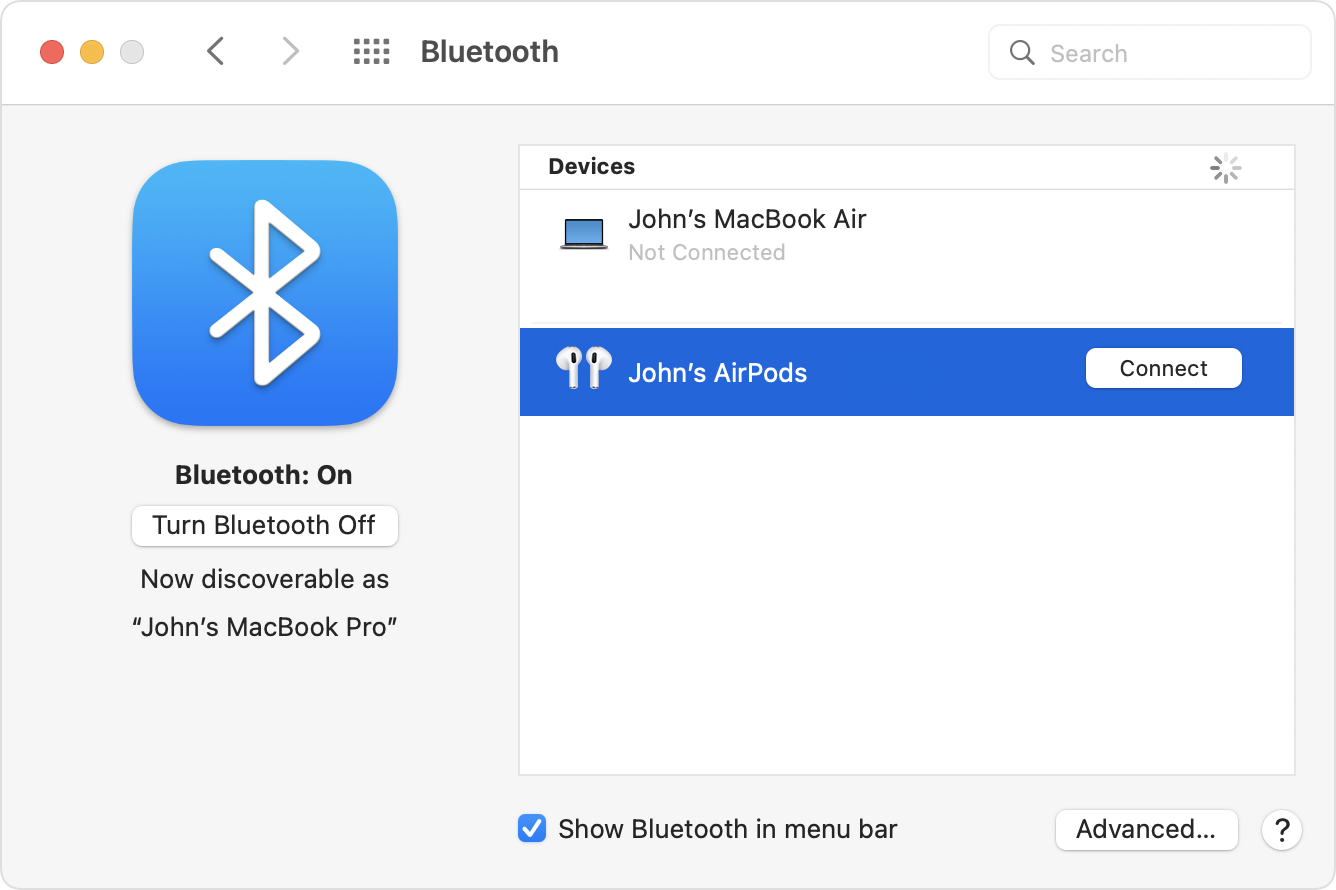
By doing this you'd be able to quickly connect and disconnect if needed. We'd also suggest looking over the rest of this guide to answer any other questions.
We're hoping this helped out.
Kind regards.
Switch between different speakers/airpods


