Hello MJMPGP,
Thank you for posting to Apple Support Communities.
Often times updating the software on your Mac can help resolve these types of unexpected changes with the passwords settings. Here's how to update macOS:
1. From the Apple menu in the corner of your screen, choose System Preferences.
2. In the System Preferences window, click Software Update.
If your System Preferences doesn't include Software Update, learn how to upgrade to macOS Monterey or upgrade to an older macOS, and use the Updates tab of the App Store app to get app updates.
3. Click Update Now or Upgrade Now:
• Update Now installs the latest updates for the currently installed version, such as an update from macOS Big Sur 11.5 to macOS Big Sur 11.6.
• Upgrade Now installs a major new version with a new name, such as macOS Monterey. Software Update shows only upgrades that are compatible with your Mac.
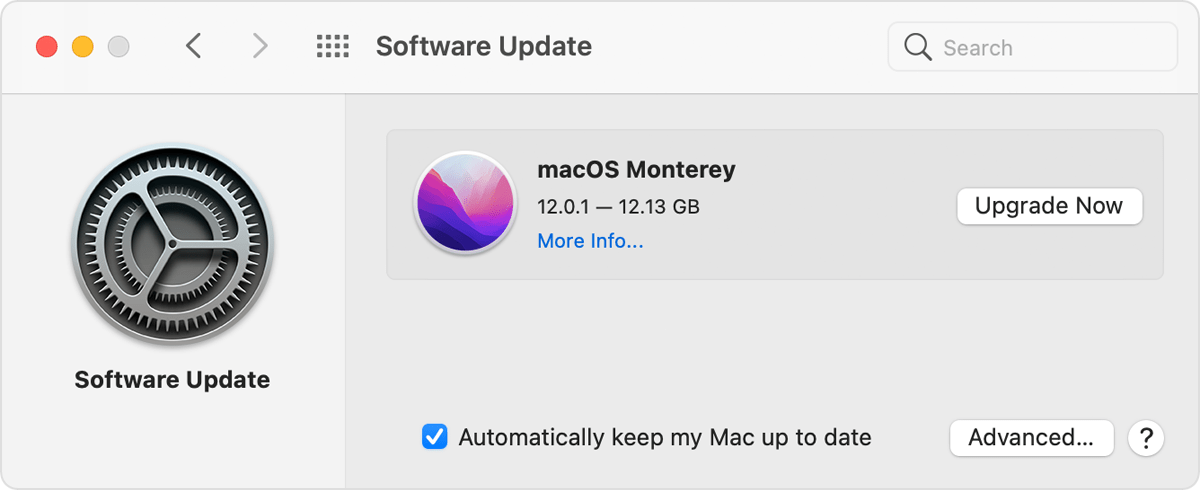
This information is provided in Update macOS on Mac - Apple Support.
If those steps don’t help, we’ll need some additional information to provide more specific support.
To confirm, are you seeing this change in System Preferences > Passwords?
Are all the websites listed in the Passwords section of System Preferences showing "password last modified today"?
Have a nice day.



