Hi f_gutierrez_p,
Welcome to Apple Support Communities. Are you using cellular data or Wi-Fi when this occurs? Does the issue occur with Apple Maps? We ask because we want to try to isolate the issue to the apps or a setting on your iPad.
Please also make sure that you "Give apps permission to use your location
The first time an app tries to access your location, it must ask for your permission. You see a prompt explaining which app is asking for permission to use your location as well as the app developer's reason for requesting it.
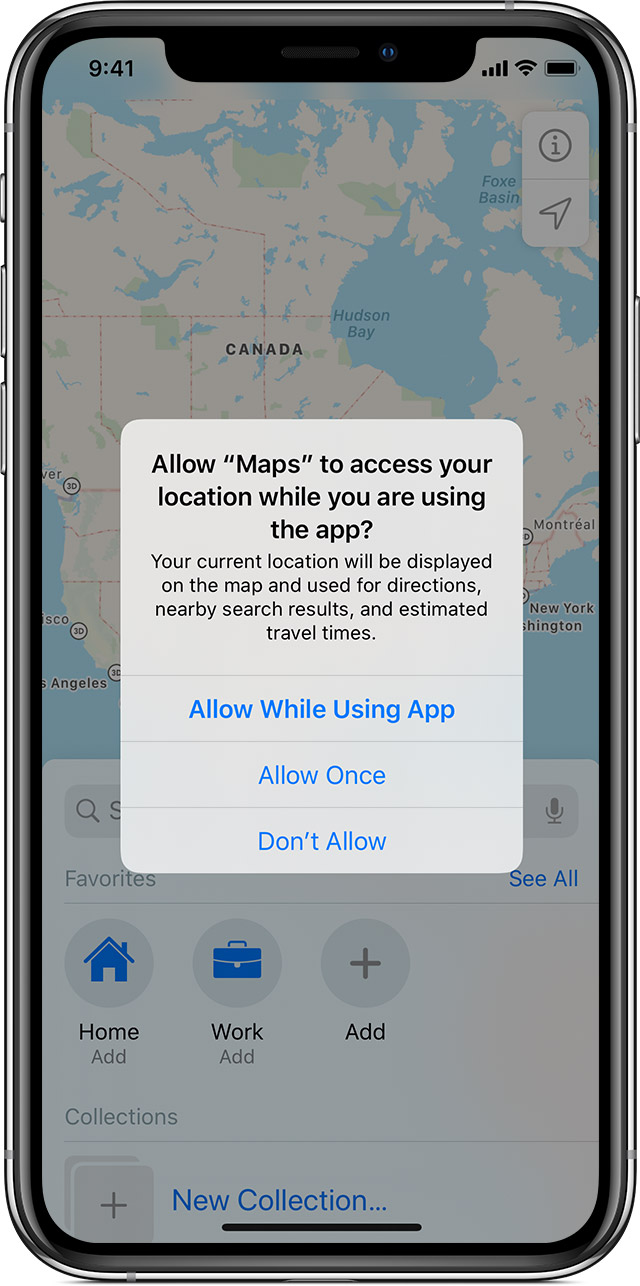
Some apps ask to use your location only while the app is in use. An app is considered "in use" when you’re actively using it in the foreground, or when it is using location in the background, in which case a blue pill will display in your status bar.
If you grant an app While In Use permission, the app may ask you for permission to use your location when it is in the background.
When you allow an app to use your location in the background, your device will remind you from time to time that an app is using your location, and will display those locations on a map. You'll also be asked if you want to continue to allow the app to use your location in the background.
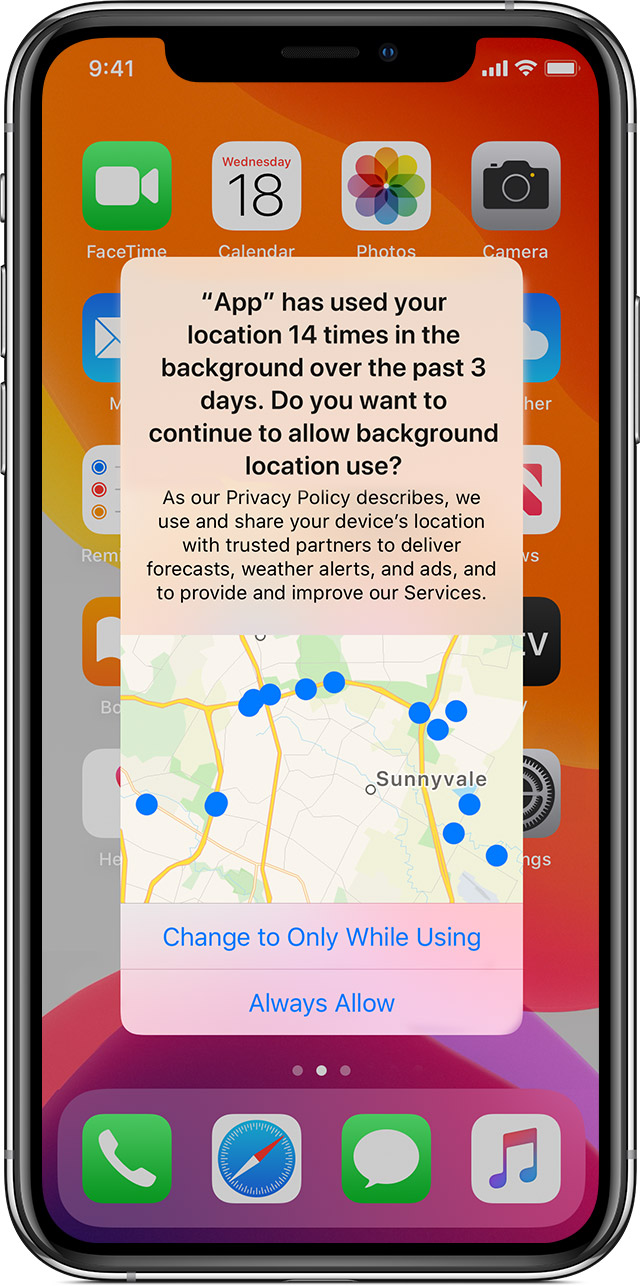
With iOS 13 and iPadOS 13, you can tap Allow Once to let an app access Location Services data only for one session (One Time). If you close and then re-open the app and it tries to access your location again, it will ask for your permission again. Apps won't use your location until they have asked for your permission and you grant permission.
You can change your mind anytime and update your preferences from Settings < Privacy < Location Services."
About privacy and Location Services in iOS and iPadOS - Apple Support
We hope this helps.
Cheers!




