
my watch has quite vibrating on alarm or notifying me of messages or phone calls
how do i get my watch to vibrate for alarm notification?
Apple Watch Series 7
how do i get my watch to vibrate for alarm notification?
Apple Watch Series 7
Check to make sure that your Apple watch is connected to your iPhone by swiping up to view the control center. I fit is disconnected from your iPhone then there will be a red box with a slash through it.
Check out this for more help.
 to decrease the volume or tap the volume up button
  to increase it. You can also tap the slider, then turn the Digital Crown.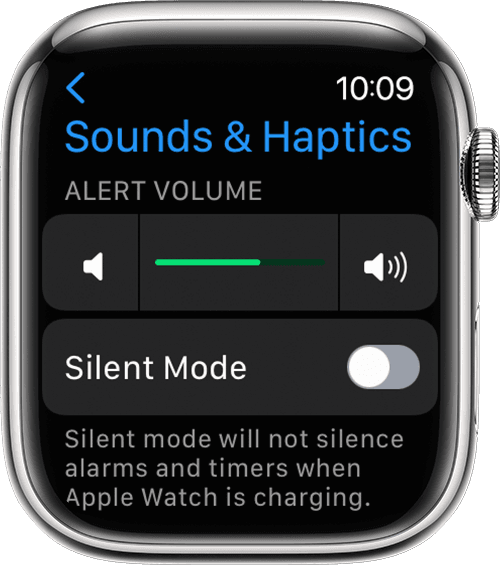
Please refer to these articles for more info about notifications and alerts on your Apple watch.
Notifications on your Apple Watch - Apple Support
Change the audio and notification settings on your Apple Watch - Apple Support
my watch has quite vibrating on alarm or notifying me of messages or phone calls
