I HAVE A FEW CLUES and could use some additional help
I recently changed my FCPx Library Properties> Storage Locations to a Thunderbolt enclosure:
I was trying to free up space on my boot SSD
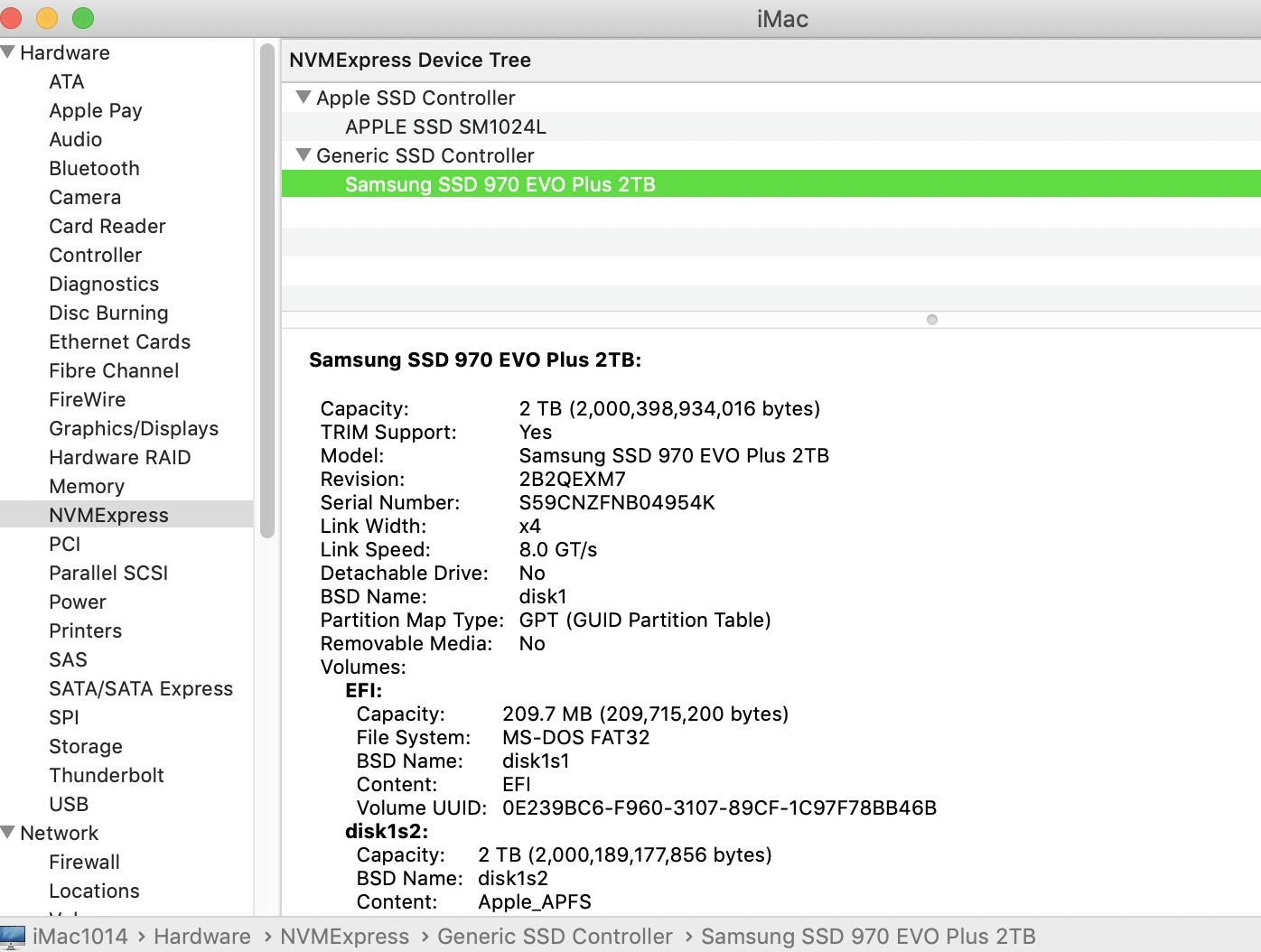
That maneuver copied my First proj Cache.fcpcache over to my external (was about 60 GB)
at that point, I began to see some lag and jumpiness working my storyline that I never saw working completely off my boot SSD
my internal Apple SSD gets 2400 MBs read/write
my external gets 1000MBs write/2400MBs read
it was just after working a couple hours I got the first CRASH symptom
(noted first paragraph of my first post)
minutes or later I started the guaranteed crashing, also noted above
BIGGEST CLUE - HOW DO I PROCEED?
I have 11 projects in my Library I am working on (1920x1080 30fps)
most of then would cause the crash if I clicked on stills/clips in Storyline
but I was able to scrub the clips in Bin and Storylines
I began the process of File> Delete Generated Render Files
to move the render Storage Location back in my User> User default location
I was successful on all but one Project
that's where I suggest the problem lies...
the weird thing is -- the problem Project is mama2 -- it appears to still be in my main User
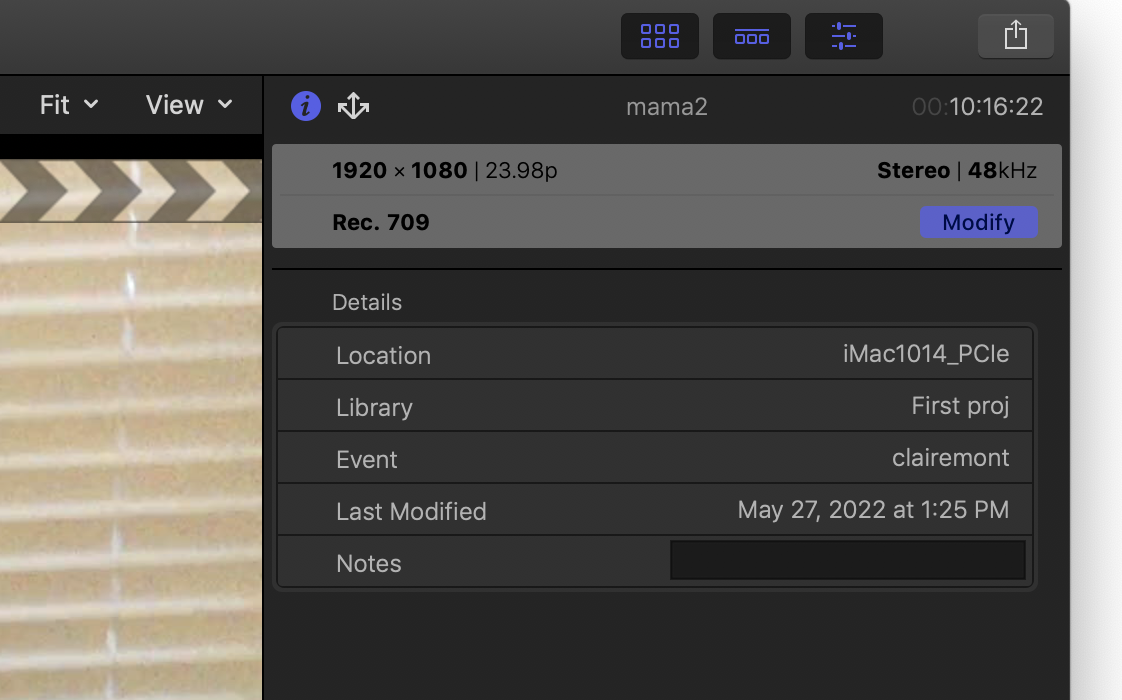
I am learning as I type this ... AND NOT EVEN SURE WHAT MY QUESTION IS YET ... it looks like 'mama2' is in 'clairemont' project ON MY BOOT SSD!
any idea what's going on or how to proceed... (it does appear mama2 is 24fps and rest of projects are 30fps)


