Error system preferences
Then I get reset Apple ID password Why am I getting “system Preferences” interrupted logout?
Then I get reset Apple ID password Why am I getting “system Preferences” interrupted logout?
Hi Sonicyouth0,
Welcome to Apple Support Communities. We understand that you're having an issue with some error messages on your Mac. We'd like to help you clear those alerts so you can continue to use your Mac as expected.
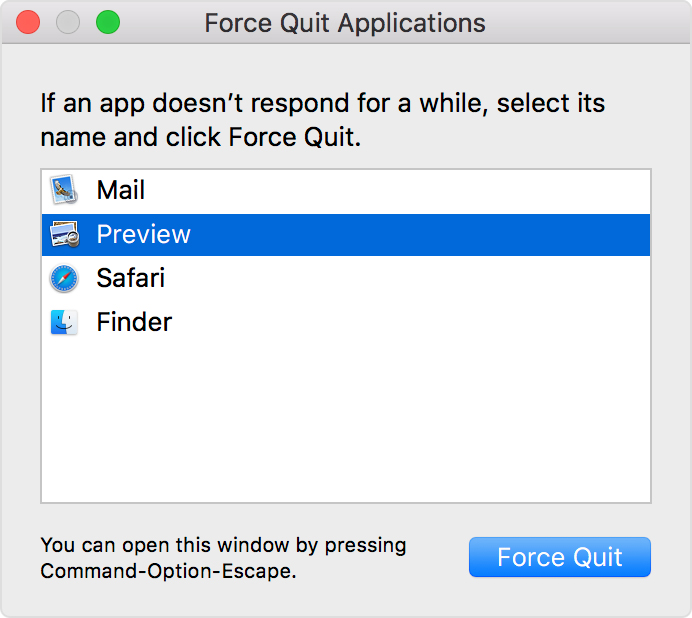
It seems like the System Preferences alert appears first on your display, is that correct? Have you tried for force close System Preferences since it's not closing correctly? Give these steps a try to see if that helps: How to force an app to quit on your Mac - Apple Support
How to force an app to quit
Press these three keys together: Option, Command, and Esc (Escape). Or choose Force Quit from the Apple menu in the upper-left corner of your screen. (This is similar to pressing Control-Alt-Delete on a PC.)
Then select the app in the Force Quit window and click Force Quit.
Let us know if that allows you to complete the steps you were doing before the alerts appeared. We'll continue helping it it doesn't!
Take care.
Error system preferences