
White screen on apple watch
My Apple Watch 3 touch screen stopped working, did a restart no change. Hooked up to charges and got a white green screen…. Help
My Apple Watch 3 touch screen stopped working, did a restart no change. Hooked up to charges and got a white green screen…. Help
Hi mrusso162,
When you state you restarted your Apple Watch, was it a force restart with the steps here?: Restart your Apple Watch - Apple Support
"Force restart your Apple Watch
You should force restart your Apple Watch as a last resort and only if it's not responding.
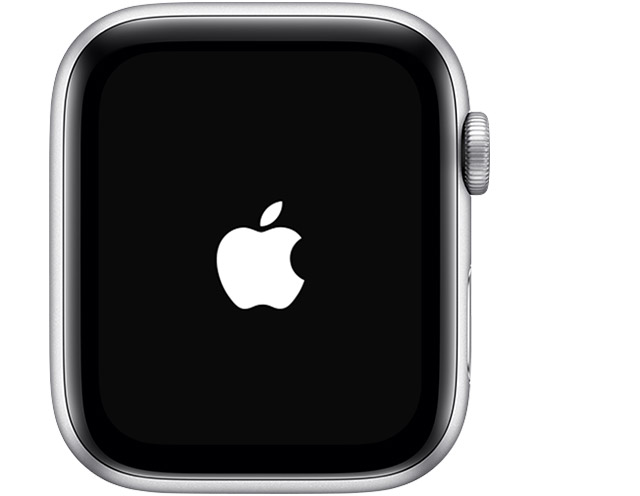
Don’t force restart your Apple Watch if you're updating watchOS. After you see the Apple logo and progress wheel, leave your watch alone and on its charger until the update finishes.
To force restart your Apple Watch, press and hold both the side button and Digital Crown for at least 10 seconds, then release both buttons when you see the Apple logo."
If so, we'd recommend having the hardware checked. You can view information here: Apple Watch Service and Repair
You can check the bottom right corner of the page to ensure your correct country or region is reflected.
If you need assistance with setting up service or your options, contact Apple Support directly.
Contact - Official Apple Support
Contact Apple for support and service - Apple Support
Best.
Hi mrusso162,
When you state you restarted your Apple Watch, was it a force restart with the steps here?: Restart your Apple Watch - Apple Support
"Force restart your Apple Watch
You should force restart your Apple Watch as a last resort and only if it's not responding.
Don’t force restart your Apple Watch if you're updating watchOS. After you see the Apple logo and progress wheel, leave your watch alone and on its charger until the update finishes.
To force restart your Apple Watch, press and hold both the side button and Digital Crown for at least 10 seconds, then release both buttons when you see the Apple logo."
If so, we'd recommend having the hardware checked. You can view information here: Apple Watch Service and Repair
You can check the bottom right corner of the page to ensure your correct country or region is reflected.
If you need assistance with setting up service or your options, contact Apple Support directly.
Contact - Official Apple Support
Contact Apple for support and service - Apple Support
Best.
White screen on apple watch
