WiFi calling
I have an iPhone 13. Can I turn off cellular calling and use wifi calling only?
iPhone 13 Mini
I have an iPhone 13. Can I turn off cellular calling and use wifi calling only?
iPhone 13 Mini
Welcome Leeann267,
That's correct. You can make a call using Wi-Fi only, when you do not have access to good cellular signal or have no service (with a supported carrier): Make a call with Wi-Fi Calling - Apple Support
Make a call with Wi-Fi Calling
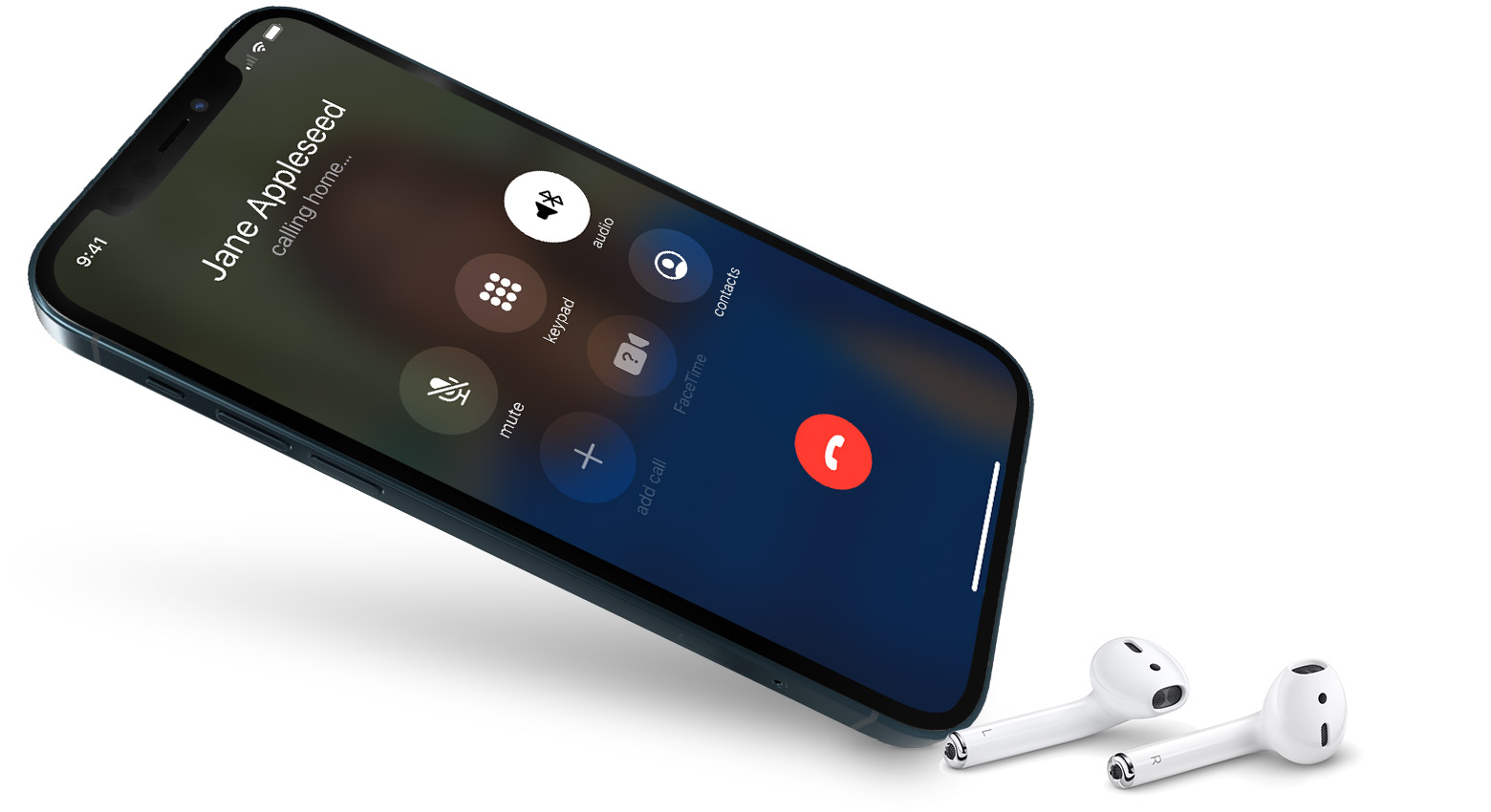
With Wi-Fi Calling, you can make or receive a phone call if you have a Wi-Fi connection in an area with little or no cellular coverage. Learn how to make a voice call using Wi-Fi Calling.
To use Wi-Fi Calling, you need an iPhone 5c or later on a supported carrier.
Place Wi-Fi calls from your iPhone
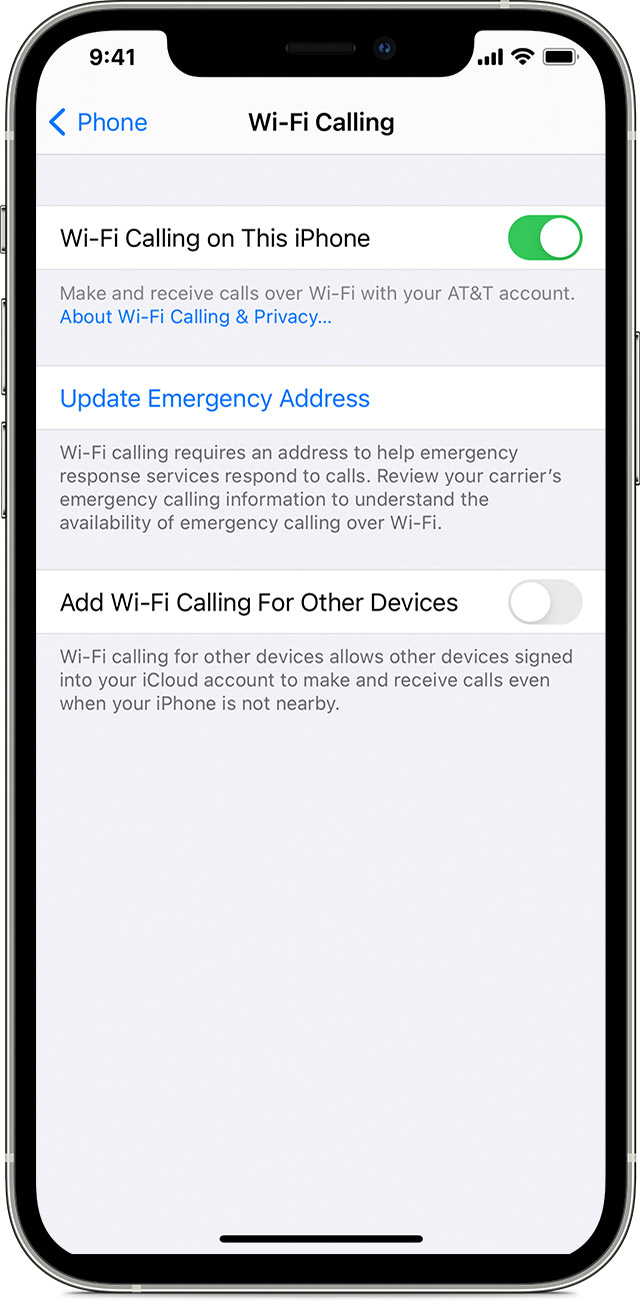
Turn on Wi-Fi calling in Settings > Phone > Wi-Fi Calling. You might need to enter or confirm your address for emergency services.*
If Wi-Fi Calling is available, you’ll see Wi-Fi after your carrier name in the status bar. Then your calls will use Wi-Fi Calling.
* When cellular service is available, your iPhone uses it for emergency calls. If you turned on Wi-Fi Calling and cellular service isn't available, emergency calls might use Wi-Fi calling. Your device's location may be used to aid response efforts when you place an emergency call, regardless of whether you enable Location Services.
Hoping this helps out, take care!
Welcome Leeann267,
That's correct. You can make a call using Wi-Fi only, when you do not have access to good cellular signal or have no service (with a supported carrier): Make a call with Wi-Fi Calling - Apple Support
Make a call with Wi-Fi Calling
With Wi-Fi Calling, you can make or receive a phone call if you have a Wi-Fi connection in an area with little or no cellular coverage. Learn how to make a voice call using Wi-Fi Calling.
To use Wi-Fi Calling, you need an iPhone 5c or later on a supported carrier.
Place Wi-Fi calls from your iPhone
Turn on Wi-Fi calling in Settings > Phone > Wi-Fi Calling. You might need to enter or confirm your address for emergency services.*
If Wi-Fi Calling is available, you’ll see Wi-Fi after your carrier name in the status bar. Then your calls will use Wi-Fi Calling.
* When cellular service is available, your iPhone uses it for emergency calls. If you turned on Wi-Fi Calling and cellular service isn't available, emergency calls might use Wi-Fi calling. Your device's location may be used to aid response efforts when you place an emergency call, regardless of whether you enable Location Services.
Hoping this helps out, take care!
WiFi calling