system preferences screen stuck on sharing wifi

OS Catalina, I am not trying to share wifi or any connection. I was simply looking at settings and now I cannot get out of this screen despite re-booting and tried selecting various check boxes.

MacBook Air 13″, macOS 12.5

Posted on Aug 30, 2022 1:32 PM

Reply
Question marked as Top-ranking reply

Posted on Aug 31, 2022 12:07 PM

I'm not sure I understand what you mean by "the main sharing screen."


Your existing screen shot looks like a partial screen shot of the full System Preferences window and from what you say, you can use the "Show All" button to get back to the other Preferences.
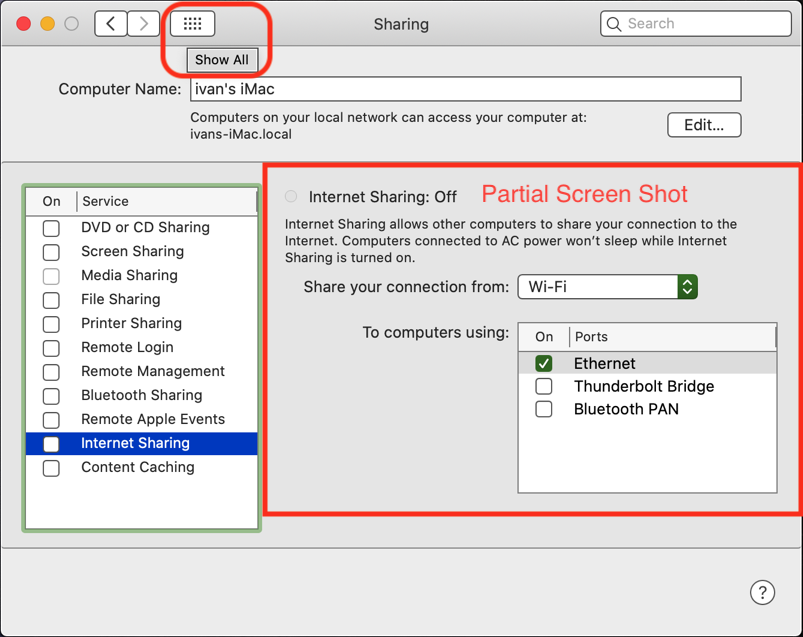

The Sharing Preference will show the details of the sharing service you have selected on the left. If you leave it on "Internet Sharing", that's what you will see.


What happens if you select a different Service, like "File Sharing"?
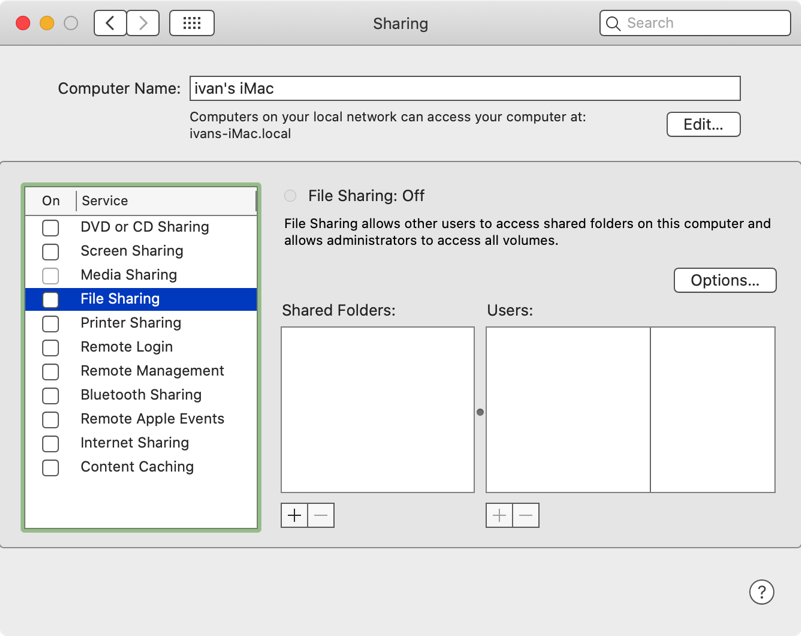

If you are seeing something different, can you share a full System Preference screen shot?


ivan

6 replies
Question marked as Top-ranking reply

Aug 31, 2022 12:07 PM in response to Tonni2

I'm not sure I understand what you mean by "the main sharing screen."


Your existing screen shot looks like a partial screen shot of the full System Preferences window and from what you say, you can use the "Show All" button to get back to the other Preferences.


The Sharing Preference will show the details of the sharing service you have selected on the left. If you leave it on "Internet Sharing", that's what you will see.


What happens if you select a different Service, like "File Sharing"?


If you are seeing something different, can you share a full System Preference screen shot?


ivan

Aug 30, 2022 4:13 PM in response to Tonni2

Howdy,


You are not sharing your Internet connection as Internet Sharing is Off.

And you can't even turn it on until you select which Port you would want to share it over.


If you are concerned that it says "Share your connection from: Wi-Fi", don't be.

That only applies if you turned Internet Sharing On and it will always show one of the possibilities once one is selected.

It's a pop-up selection and there is no "None" option, that is handled by turning off Internet Sharing.


ivan

This thread has been closed by the system or the community team. You may vote for any posts you find helpful, or search the Community for additional answers.

system preferences screen stuck on sharing wifi

Welcome to Apple Support Community
A forum where Apple customers help each other with their products. Get started with your Apple Account.
