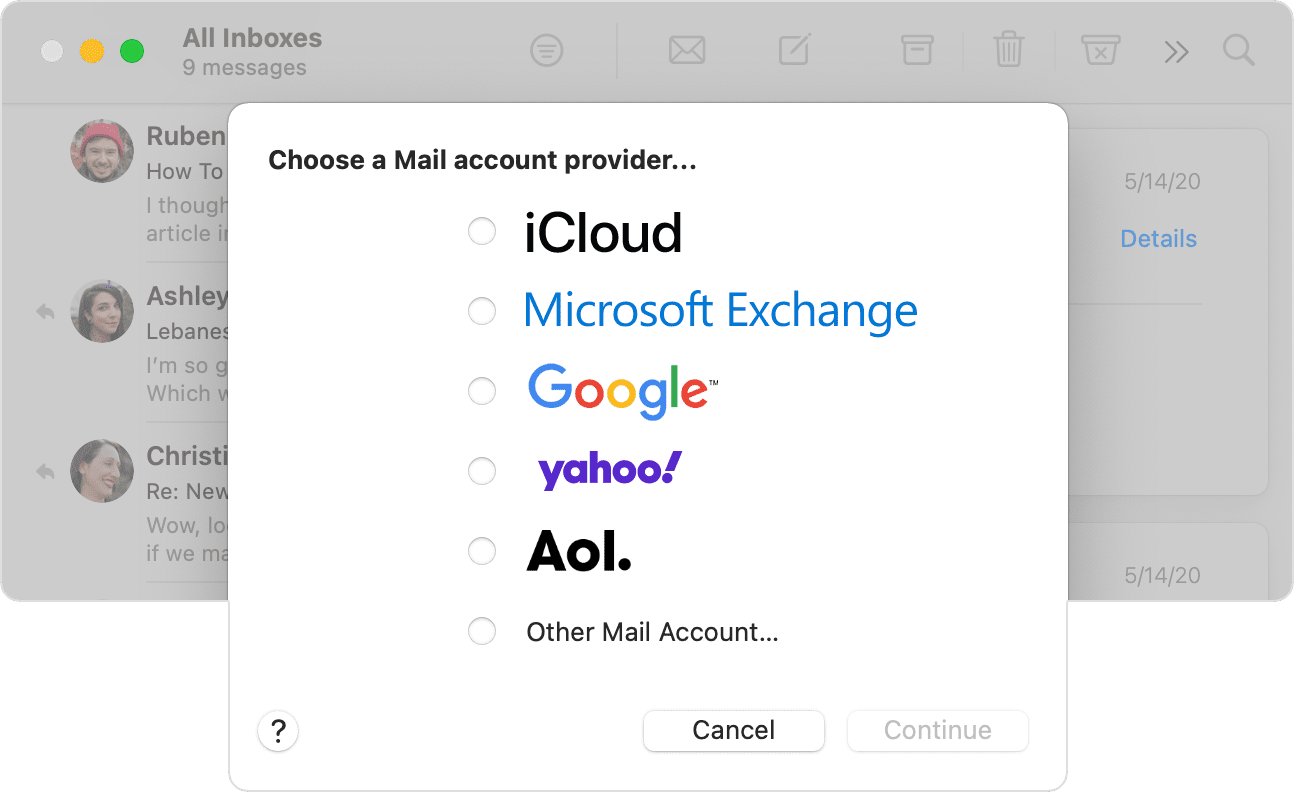
Adding email account to Mail and Outlook
I had an issue with my sky.com email address not syncing so I deleted the account and then tried to re add it to my outlook app and Mail app on my MacBook Air.
I go to preferences - accounts - add new account and type in my email address
it then confirms it is a yahoo account as per the first image and when I click ok so it takes me to the add password page I get the error message in the second image.
this started a few day ago and after speaking to both Yahoo and Sky neither have any solutions.
I have tried the following
- updated software, both Mac and apps up to date with Mac Monterery 12.6
- deleted and reinstalled the app
- Left it over 24 hours between attempts
- checked the account works on the web page, it does, along with on my iPhone, ( I had the same issue on my iPhone but that suddenly resolved itself and allowed me to add the account back on
I can't figure out what to do to fix this, there is a thing about Sky requiring an app password for increased security but I can't do this as it never gets to the password stage.
Any help would be gratefully received as I am tearing my hair out.
iMac, OS X 10.11