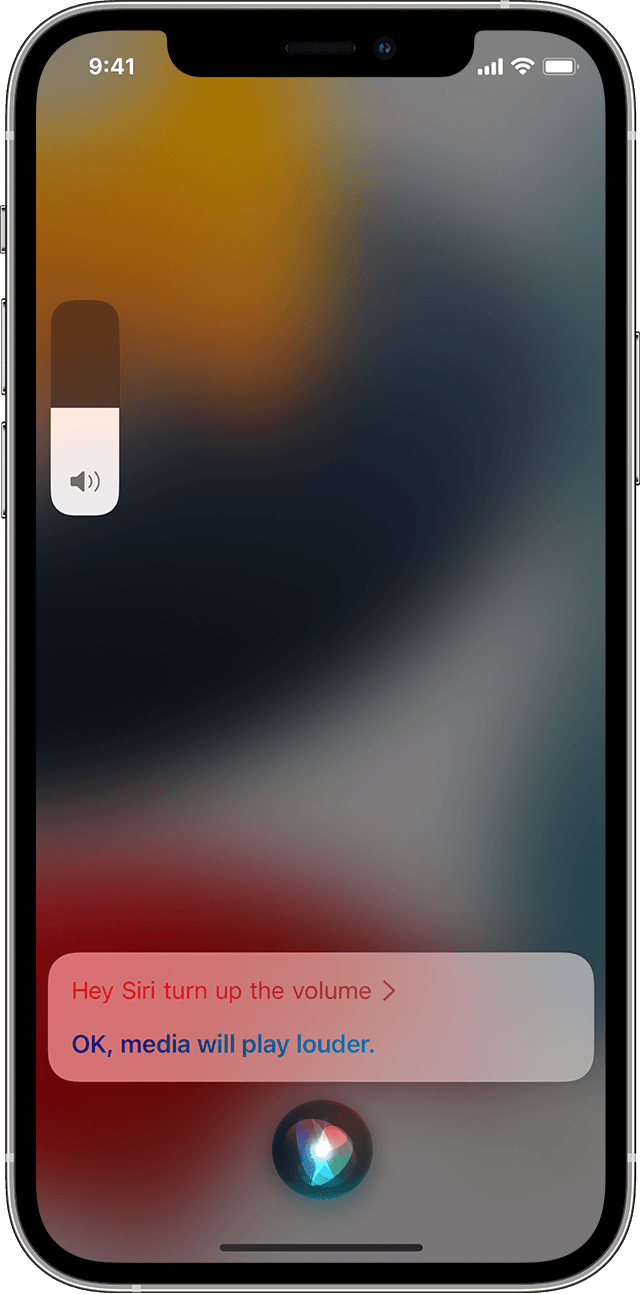
After running the new update for my Apple 12 pro max I’m not getting an audible response from Siri even though the light is on and she’s giving me answers. I can no longer hear her response. How do I fix that

I have an iPhone 12 pro max and after running the new update I’m no longer getting an audible response from hey Siri. How do I fix that

iPhone 12 Pro Max

Posted on Sep 24, 2022 10:21 PM

Reply
2 replies

Sep 24, 2022 10:36 PM in response to bleebs47

See whether the information shown below helps in hearing Siri.


How to change Siri volume

Change how loudly or softly Siri speaks on your iPhone.

Change Siri's volume on your iPhone

You can ask Siri to change your volume settings. Just say "Hey Siri, speak louder" or "Hey Siri, speak quieter."

If you want to change the volume when Siri is speaking or when you're using headphones, press the Volume buttons on the side of your iPhone.

If you can't hear Siri, you might need to 👉 turn on Ring mode.


More information on this subject 👉 Here.


Axel F.


This thread has been closed by the system or the community team. You may vote for any posts you find helpful, or search the Community for additional answers.

After running the new update for my Apple 12 pro max I’m not getting an audible response from Siri even though the light is on and she’s giving me answers. I can no longer hear her response. How do I fix that

Welcome to Apple Support Community
A forum where Apple customers help each other with their products. Get started with your Apple Account.