
I TRANSFERRED AND ACTIVATED MY REPLACEMENT PHONE,,BUT DO I PUT THE SIM CARD FROM ONE TO OTHER
I TRANSFERRED AND ACTIVATED MY REPLACEMENT PHONE,,BUT DO I PUT THE SIM CARD FROM BROKEN PHONE?
iPhone 12, iOS 16
I TRANSFERRED AND ACTIVATED MY REPLACEMENT PHONE,,BUT DO I PUT THE SIM CARD FROM BROKEN PHONE?
iPhone 12, iOS 16
Hello cat0016,
Thank you for reaching out to Apple Support Communities, and we'll be happy to help in any way we can. We understand you have questions about your SIM card. You can put it in the new iPhone if it is compatible: Remove or switch the SIM card in your iPhone - Apple Support
"If you purchased an iPhone 14 model in the United States, your iPhone doesn't have a SIM tray. Learn how to set up an eSIM instead.
Find your model below to locate the SIM tray. To pop open the SIM tray, insert a paper clip or a SIM-eject tool into the hole beside the tray. Push in, towards your iPhone, but don’t force it. If you're having difficulty ejecting the SIM tray, take your device to your carrier or an Apple Store for help.
After you remove your SIM card from the tray, notice the notch in one corner of the new SIM card. Place the new SIM card into the tray — it will fit only one way, because of the notch. Then insert the tray into the device completely and in the same orientation that you removed it. The tray also fits only one way.
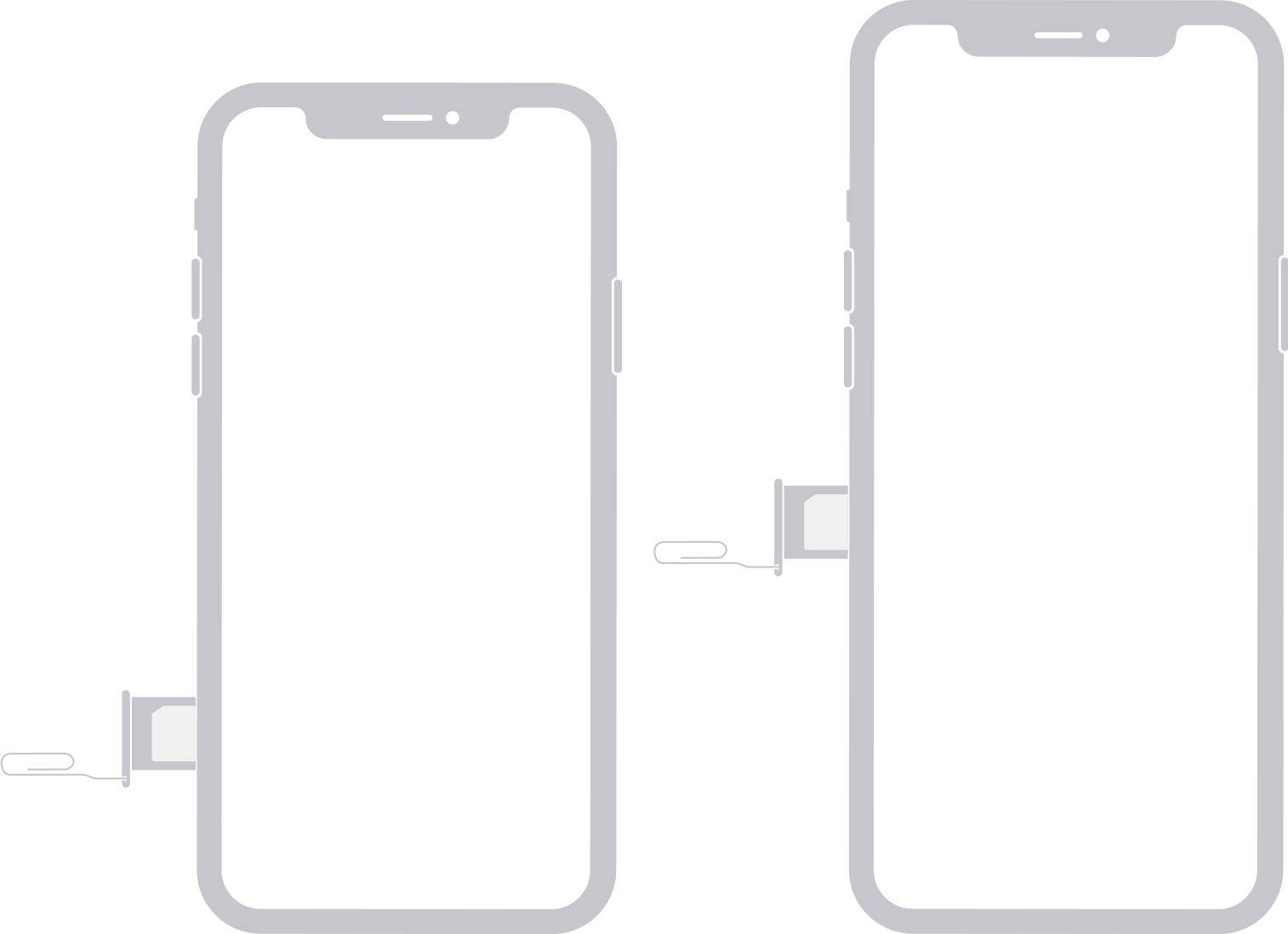
Find the SIM tray on the left side:
In China mainland, the SIM tray on iPhone 14 Pro Max, iPhone 14 Pro, iPhone 14 Plus, iPhone 14, iPhone 13 Pro Max, iPhone 13 Pro, iPhone 13, iPhone 12, iPhone 12 Pro, and iPhone 12 Pro Max can hold two nano-SIM cards.
* Except when purchased in the United States. An iPhone 14 model in the United States doesn't have a SIM card.

Find the SIM tray on the right side:
In China mainland, the SIM tray on iPhone 11, iPhone XR, iPhone XS Max, iPhone 11 Pro, and iPhone 11 Pro Max can hold two nano-SIM cards.
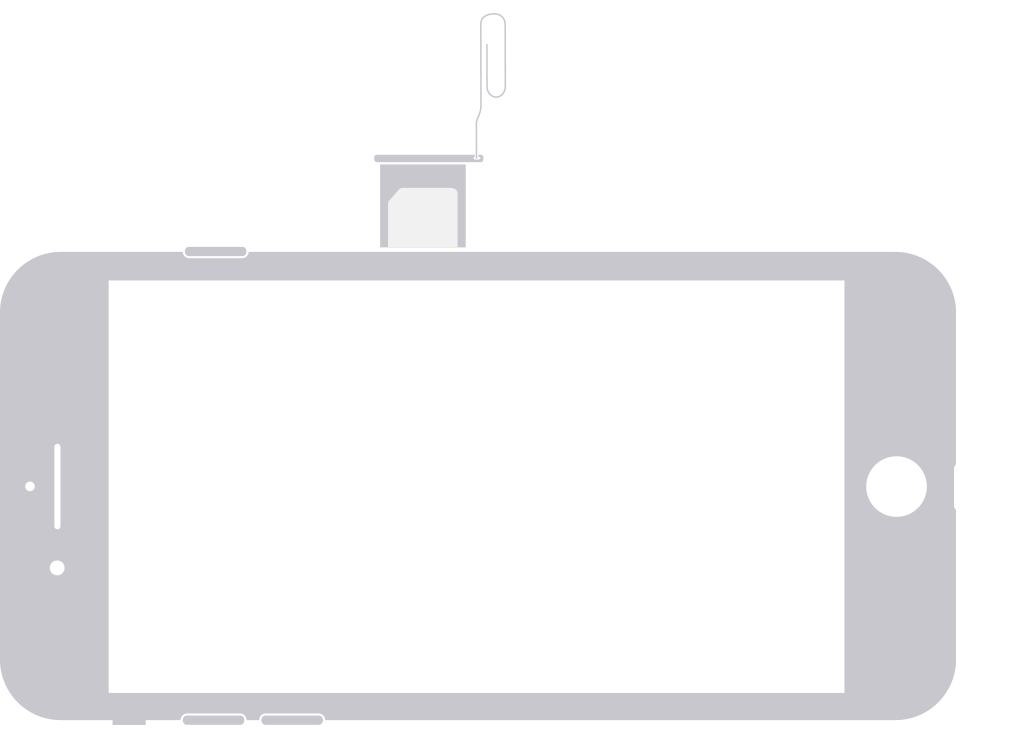
Find the SIM tray on the right side:

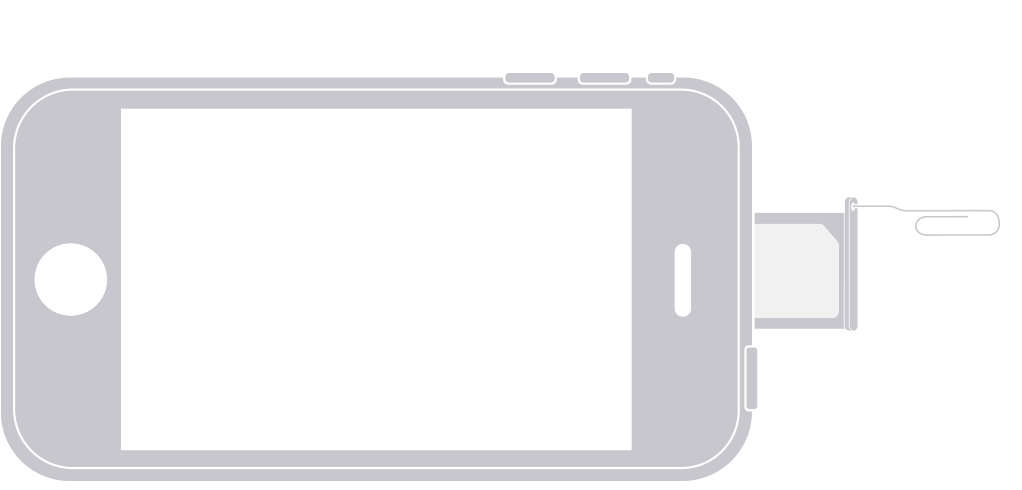
Find the SIM tray on the top:
Learn more
We hope this helps.
Cheers!
Hello cat0016,
Thank you for reaching out to Apple Support Communities, and we'll be happy to help in any way we can. We understand you have questions about your SIM card. You can put it in the new iPhone if it is compatible: Remove or switch the SIM card in your iPhone - Apple Support
"If you purchased an iPhone 14 model in the United States, your iPhone doesn't have a SIM tray. Learn how to set up an eSIM instead.
Find your model below to locate the SIM tray. To pop open the SIM tray, insert a paper clip or a SIM-eject tool into the hole beside the tray. Push in, towards your iPhone, but don’t force it. If you're having difficulty ejecting the SIM tray, take your device to your carrier or an Apple Store for help.
After you remove your SIM card from the tray, notice the notch in one corner of the new SIM card. Place the new SIM card into the tray — it will fit only one way, because of the notch. Then insert the tray into the device completely and in the same orientation that you removed it. The tray also fits only one way.
Find the SIM tray on the left side:
In China mainland, the SIM tray on iPhone 14 Pro Max, iPhone 14 Pro, iPhone 14 Plus, iPhone 14, iPhone 13 Pro Max, iPhone 13 Pro, iPhone 13, iPhone 12, iPhone 12 Pro, and iPhone 12 Pro Max can hold two nano-SIM cards.
* Except when purchased in the United States. An iPhone 14 model in the United States doesn't have a SIM card.
Find the SIM tray on the right side:
In China mainland, the SIM tray on iPhone 11, iPhone XR, iPhone XS Max, iPhone 11 Pro, and iPhone 11 Pro Max can hold two nano-SIM cards.
Find the SIM tray on the right side:
Find the SIM tray on the top:
Learn more
We hope this helps.
Cheers!
I TRANSFERRED AND ACTIVATED MY REPLACEMENT PHONE,,BUT DO I PUT THE SIM CARD FROM ONE TO OTHER

