Hi Frustrated4444,
For help with canceling subscriptions first test the steps below found in the article here: If you want to cancel a subscription from Apple
"How to cancel a subscription on your iPhone, iPad, or iPod touch
- Open the Settings app.
- Tap your name.
- Tap Subscriptions.
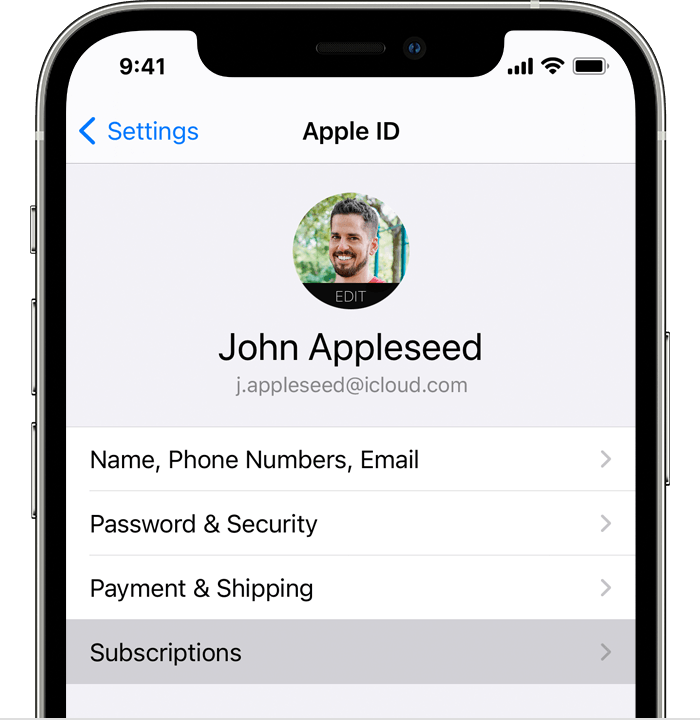
- Tap the subscription.
- Tap Cancel Subscription. You might need to scroll down to find the Cancel Subscription button. If there is no Cancel button or you see an expiration message in red text, the subscription is already canceled."
If you don't see the subscription follow the steps in the section "Can’t find the subscription that you want to cancel?" from the same article.
Additionally, on older iOS versions test by opening the App Store app on your iPad. Tap the Today icon then choose your profile. Tap Subscriptions or Manage Subscriptions and if billed through Apple, a list of subscriptions appears.
Should you need further assistance, reach out to Apple Support directly.
Contact - Official Apple Support
Contact Apple for support and service - Apple Support
Best.


