
How to remove a photo sent on messenger by mistake! I want it removed from album
How to remove photos from album and on messenger
iPhone 11, iOS 16
How to remove photos from album and on messenger
iPhone 11, iOS 16
Hello Cindyb1234,
It sounds like you sent a photo using the third party Messenger app and want to remove that, right?
Since it is a third party app, you can look at the article they have here:
How do I delete messages, conversations or photos I've received in Messenger?
If you have further questions, you can refer to the app developer of Messenger:
How to contact an app developer - Apple Support
"Contact the developer of an iOS, iPadOS, or watchOS app
 or your photo at the top of the screen, tap Purchased, tap "Not on this [device]," then tap the app.
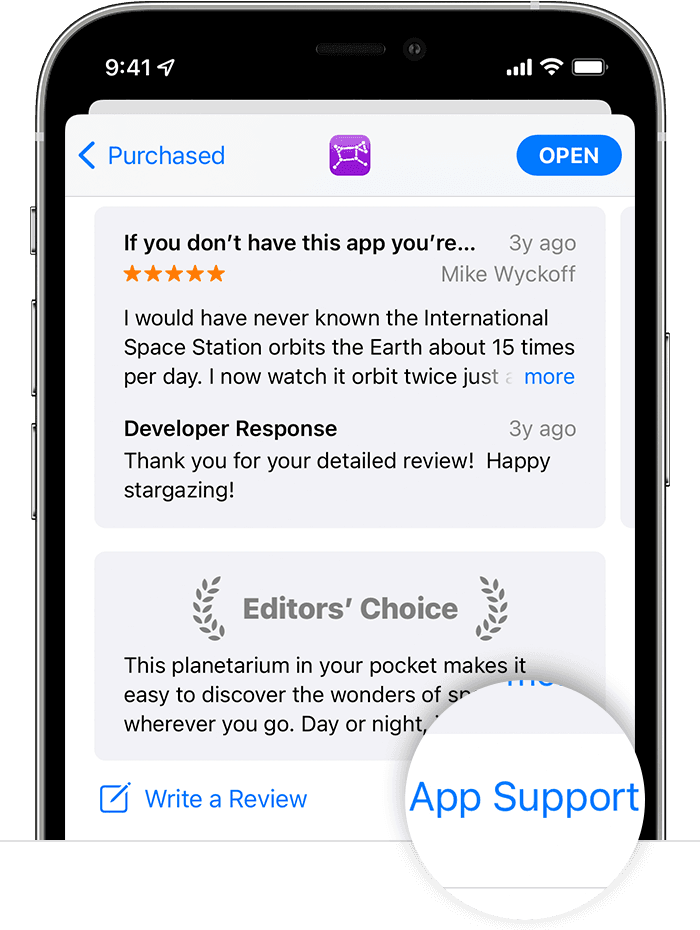 "
"
Regards.
How to remove a photo sent on messenger by mistake! I want it removed from album

