AirTag: iOS 16.1 no longer shows battery level
I saw the battery level went away from my AirTag in iOS 16.1. Reviewing Support docs show it is just clicking on the item but I only get the firmware and S/N.
Any other way to check it?
I saw the battery level went away from my AirTag in iOS 16.1. Reviewing Support docs show it is just clicking on the item but I only get the firmware and S/N.
Any other way to check it?
To answer the original question more succinctly: no, there is no other way to check it.
The battery meter is no longer visible unless the battery is "very low", which is very unfortunate in my opinion.
To answer the original question more succinctly: no, there is no other way to check it.
The battery meter is no longer visible unless the battery is "very low", which is very unfortunate in my opinion.
Hello edbngi,
Just to confirm, are you wanting to determine if your AirTag battery needs to be replaced? If so, we'd like to provide some information that may help.
If you want to determine if your AirTag battery needs to be replaced, please be sure to review all of the information outlined in the "Find out if you need to replace the battery" section of the link you came from, which will guide you through to ensure the correct process is being used: How to replace the battery in your AirTag
Find out if you need to replace the battery
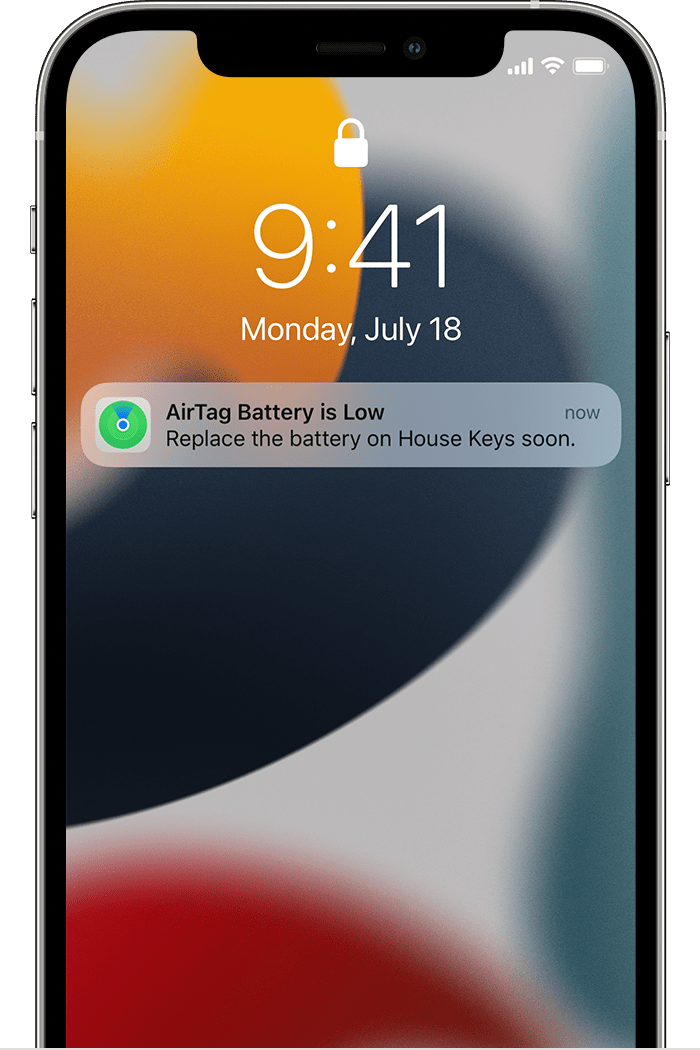
When your AirTag battery is very low, a notification appears on your iPhone:
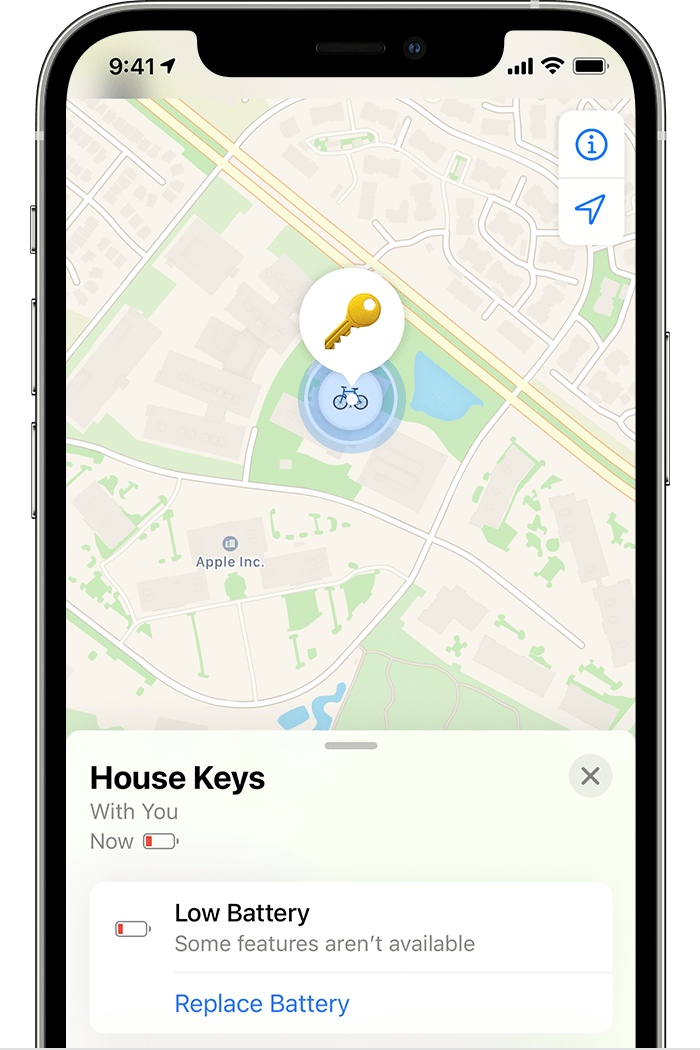
You can also check the Find My app to see if your AirTag battery needs to be replaced:
1. Open the Find My app.
2. Tap the Items tab.
3. Tap the AirTag whose battery charge you want to check.
4. If the charge is very low, Low Battery appears under the name of your AirTag.
If you have additional questions, please reach out to Apple Support, so they can help. You may be able to reach them here: Contact Apple Support
Thanks!
AirTag: iOS 16.1 no longer shows battery level