Hello Fumtae,
Welcome to Apple Support Communities!
If we understand your post correctly, you need help regaining access to you Apple ID and password. We'd like to help!
For help with remembering your Apple ID follow the steps below:
"Check to see if you're signed in on your device, or check if you're signed in to Apple apps or services.
On your iPhone, iPad, iPod touch, or Apple Watch
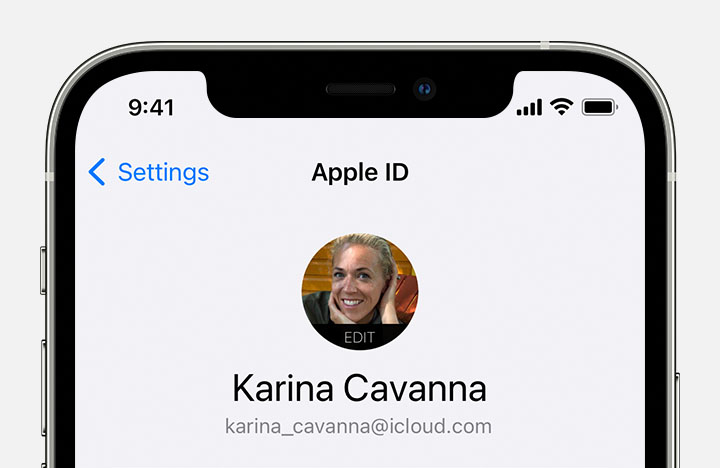
Tap Settings, then tap your name.
On your Mac
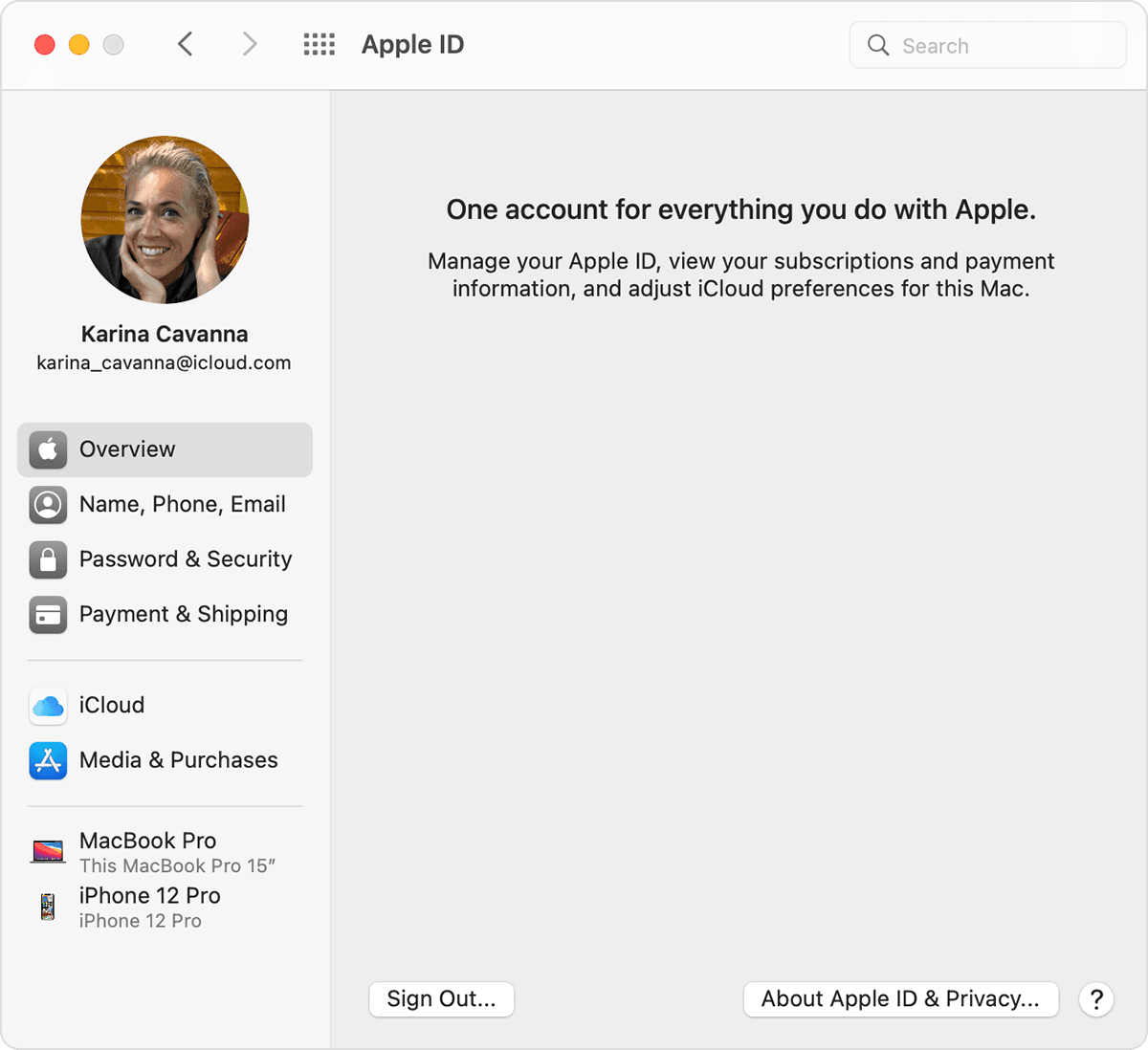
Choose Apple menu > System Preferences, then click Apple ID.
On your PC
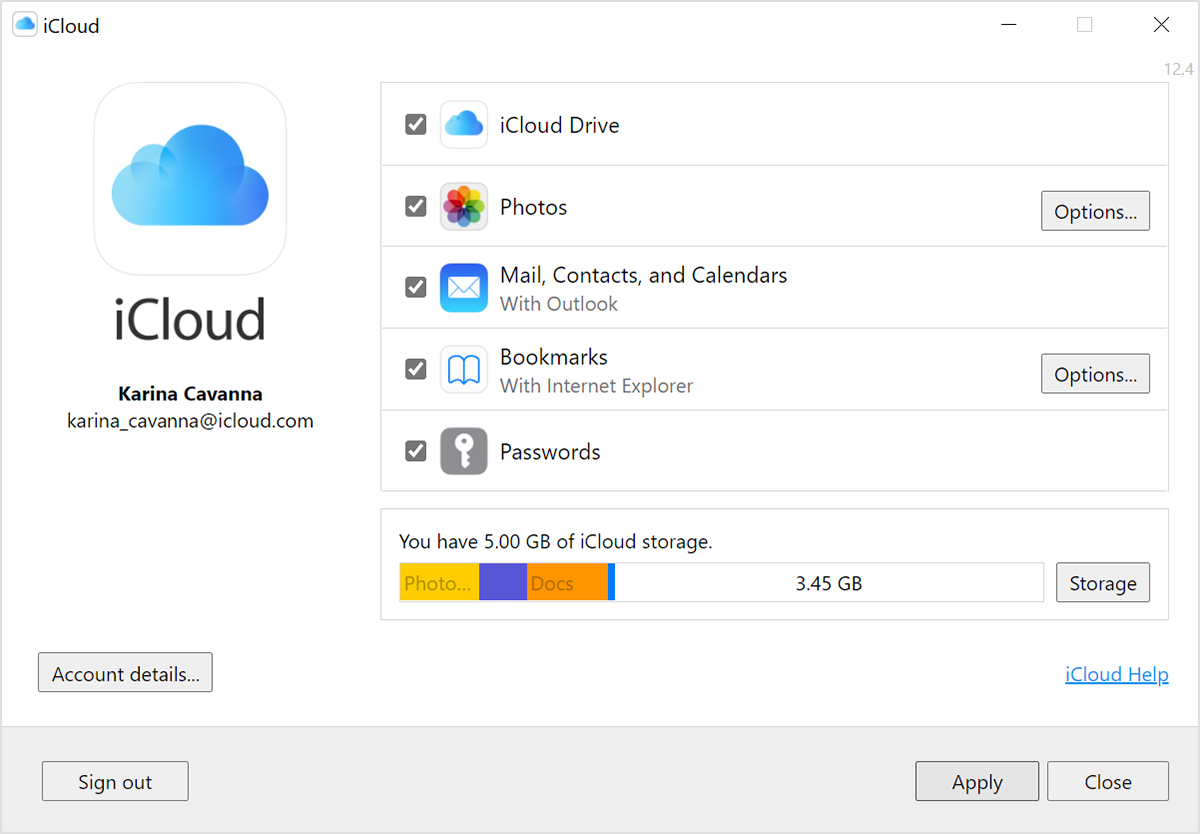
Open iCloud for Windows, then look for your Apple ID under your name.
Other ways to find your Apple ID
You can check if you're signed in to the App Store, FaceTime, or Messages on your iPhone, iPad, iPod touch, or Mac, or check if you're signed in to iTunes for Windows on a PC. You can also go to iCloud.com or appleid.apple.com and see if your Apple ID prefills on the sign-in screen.
FaceTime isn't available in all countries or regions.
Check your inbox for emails from Apple
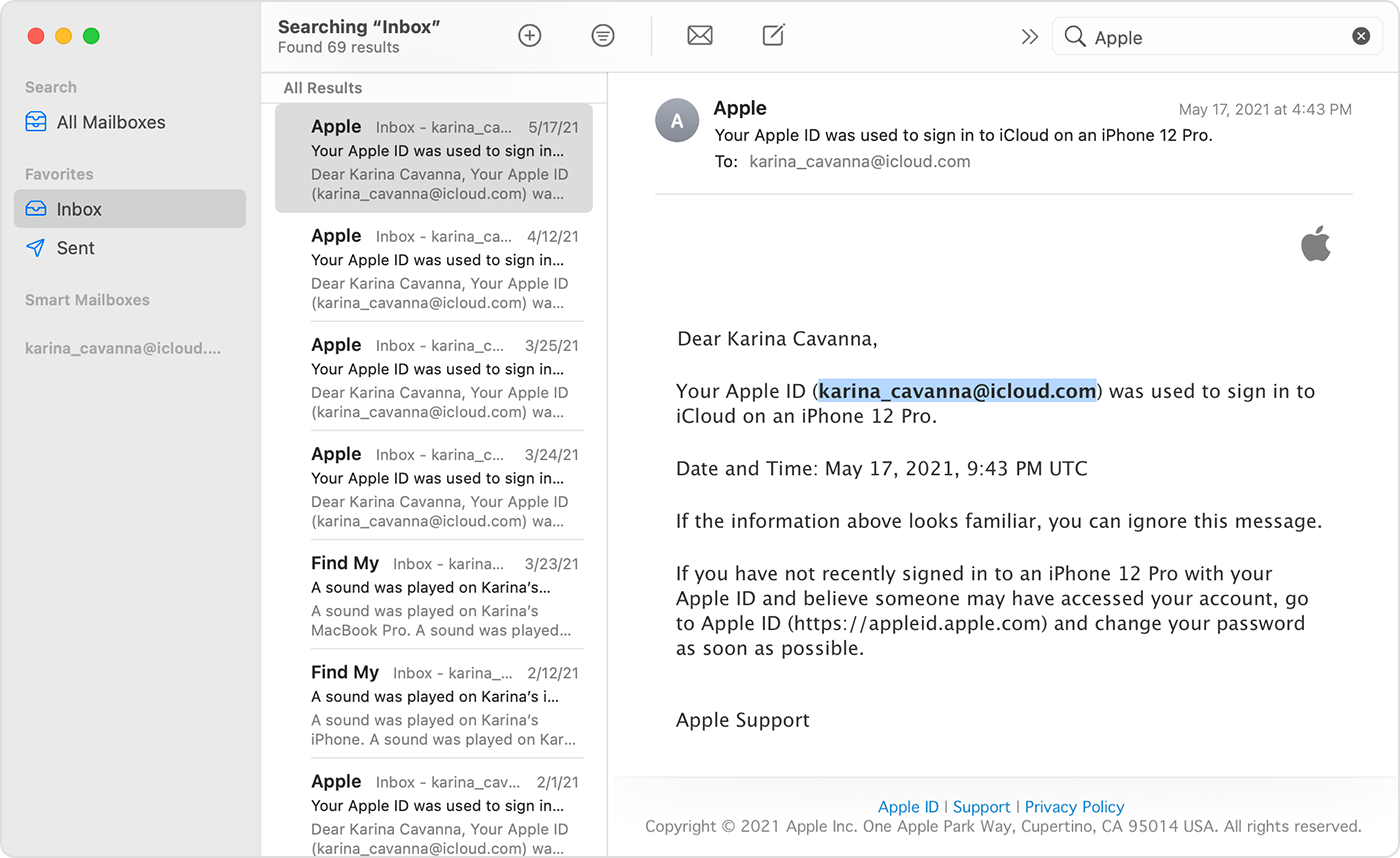
Your Apple ID might be included in some emails from Apple. Search your inbox for receipts as well as repair, support, or billing emails from Apple.
If your email address is masked (k*****@icloud.com), the number of asterisks might not match."
If you forgot your Apple ID email address or phone number
For the password follow these instructions: If you forgot your Apple ID password
Thank you for using Apple Support Communities.
Take care!


