Error "App Unavailable" every time I launch the Mac App Store
Ventura 13.0
I don't do anything specific, just this pop up reappears all the time:
Ventura 13.0
I don't do anything specific, just this pop up reappears all the time:
Hi BatonMedved,
Thank you for using the Apple Support Communities! We see you were linked form the article "If you can't download or update apps on your Mac". Were you able to try all the steps listed? Are you using any VPN or security software that may be interfering with the App Store connection? If so, are you able to disable it temporarily to see if the issue remain?
Thank you.
Hi BatonMedved,
Thanks for giving those steps a try so far.
Does this seem to originate from a particular app trying to update or install?
Try removing the app in question if possible:
Use the Finder to delete an app
1. Locate the app in the Finder. Most apps are in your Applications folder, which you can open by clicking Applications in the sidebar of any Finder window. Or use Spotlight to find the app, then press and hold the Command (⌘) key while double-clicking the app in Spotlight.
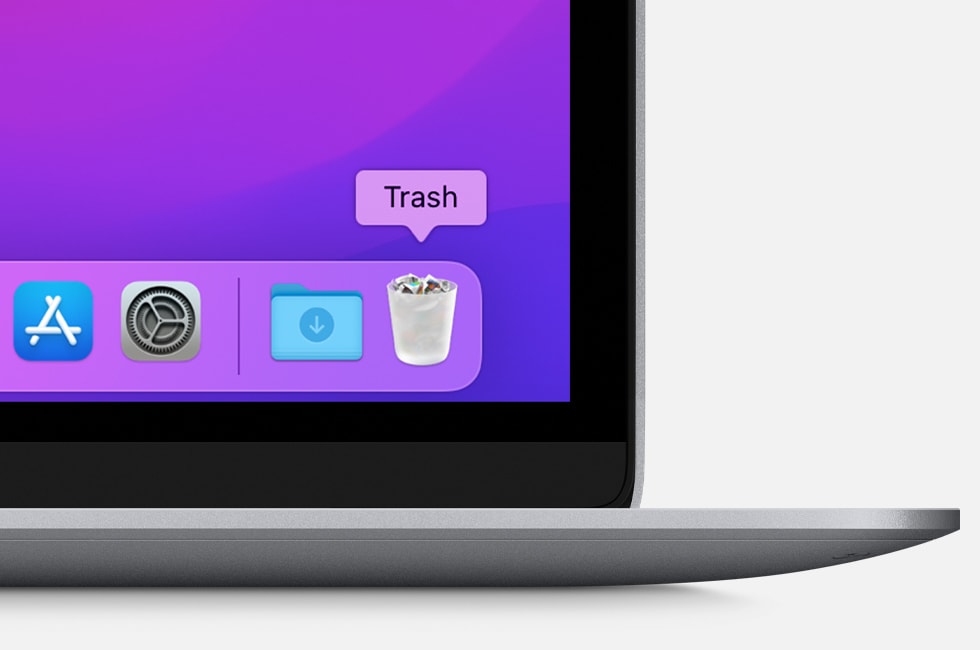
2. Drag the app to the Trash, or select the app and choose File > Move to Trash.
3. If you're asked for a user name and password, enter the name and password of an administrator account on your Mac. This is probably the name and password you use to log in to your Mac.
4. To delete the app, choose Finder > Empty Trash.
If your issue continues and you're having trouble with your account still, contact Apple Support:
Thanks for using the Apple Support Communities.
Nothing helps from the steps
Just keeps reappearing every time I open the App Store
Error "App Unavailable" every time I launch the Mac App Store