Cupertino widget
How to remove the Cupertino time widget on locked screen
iPhone 13 Pro Max, 16
How to remove the Cupertino time widget on locked screen
iPhone 13 Pro Max, 16
Hello Maker100,
It sounds like you're looking for ways to edit the Clock/Time widget that comes up on the Lock Screen of your iPhone. Check out this page to learn how you can edit and manage those widgets and the Lock Screen overall: Personalize your iPhone Lock Screen - Apple Support.
1. Touch and hold the Lock Screen until the Customize button appears at the bottom of the screen, then tap Customize.
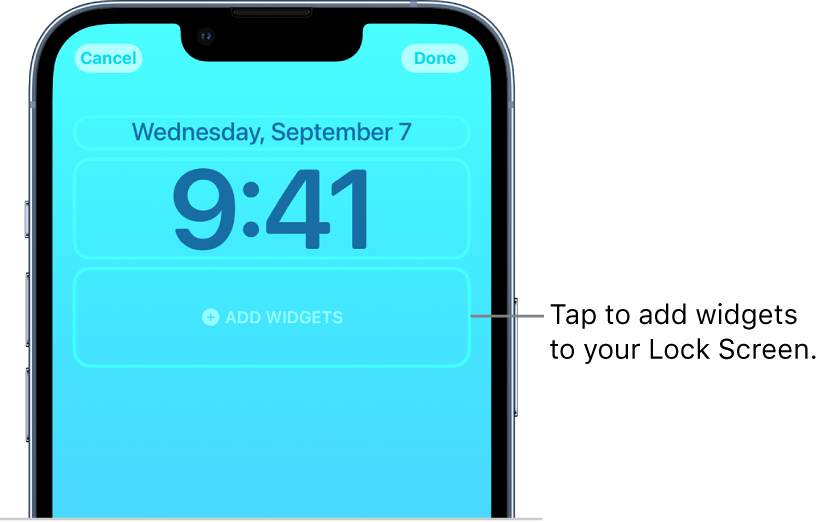
2. Tap the box below the time to add widgets to your Lock Screen.
3. Tap or drag the widgets you want to add.
If there’s not enough room for a new widget, you can tapto remove a widget and make room for a new one.
Kind regards!
Cupertino widget