Hello RabbitCarrot,
Just to clarify, it seems like this happening with your Mac login password, is that correct? If so, please check out the information in the following link, to ensure the correct process was used to reset your Mac login password: If you forgot your Mac login password
"Make sure that you're at the login window
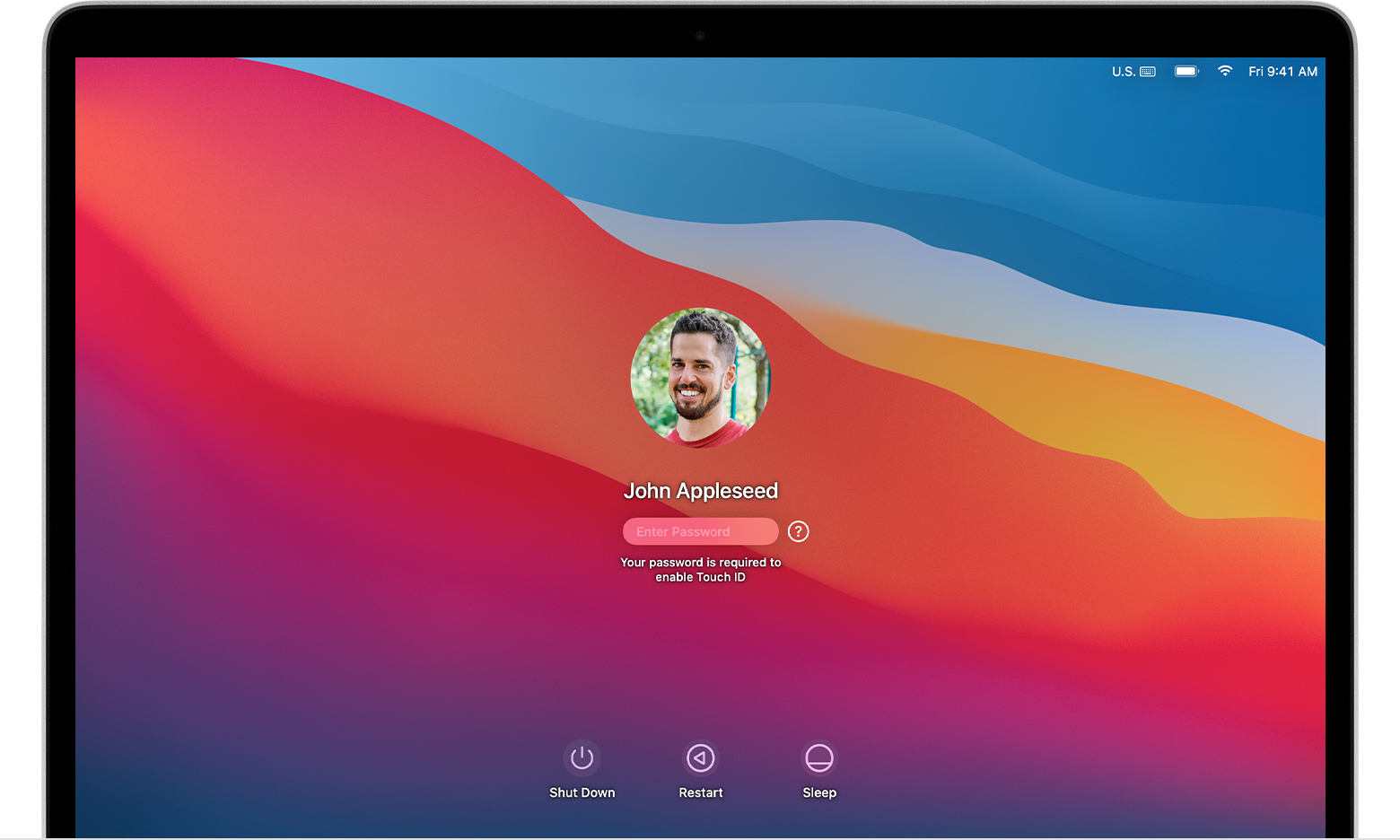
The login window appears after you turn on, restart, or log out of your Mac. It's not the same as the window you might see when waking your Mac from sleep or stopping the screen saver, though it uses the same password.
- If you see Shut Down, Restart, and Sleep buttons, you're at the login window.
- If you see a Switch User button, click it to switch to the login window.
- If you see different buttons or no buttons, restart your Mac or press and hold its power button for up to 10 seconds, until it turns off. When your Mac restarts or turns on, it starts up to the login window.
Every Mac has a power button. On notebook computers that have Touch ID, press and hold Touch ID."
After completing the process outlined in the above link, you should be able to log into your Mac.
If you're unable to reset the Mac login password, please check out the "If you can't reset your password" part of the above link, which will guide you through what to do next, and should help: If you can't reset your Mac login password
Thank you!


