Hello Glamzar,
Thanks for posting in the Apple Support Communities. We're happy to look into this with you. Since turning this feature on and back off, have you tried restarting your iPhone? Although it's a simple action, it can correct a wide variety of issues you may experience with your device. If you haven't tried that after having disabled Voice Control, give it a go and see if it helps.
Restart your iPhone
How to restart your iPhone 6, 7, 8, or SE (2nd or 3rd generation)
1. Press and hold the side button until the power-off slider appears.

2. Drag the slider, then wait 30 seconds for your device to turn off. If your device is frozen or unresponsive, force restart your device.
3. To turn your device back on, press and hold the side button until you see the Apple logo.
How to restart your iPhone SE (1st generation), 5, or earlier
1. Press and hold the top button until the power-off slider appears.
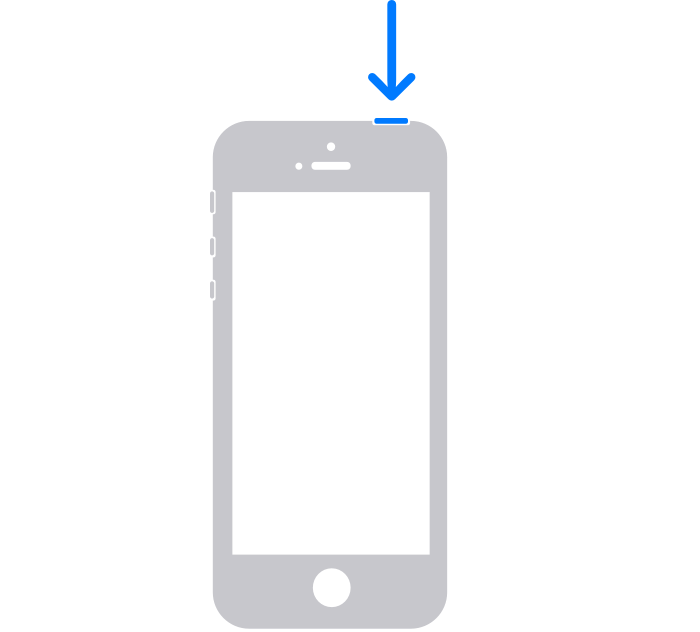
2. Drag the slider, then wait 30 seconds for your device to turn off. If your device is frozen or unresponsive, force restart your device.
3. To turn your device back on, press and hold the top button until you see the Apple logo.
If that doesn't help, you may want to speak with Apple Support to report the issue you're facing. You can reach them at Get Support.
Best regards.


