Email stuck in outbox folder
I erase an outbox message that says it can’t be delivered and it keeps coming back. It an email to my mom and we both have iPhones. Mine is the iPhone 13 pro
iPhone 13 Pro Max
I erase an outbox message that says it can’t be delivered and it keeps coming back. It an email to my mom and we both have iPhones. Mine is the iPhone 13 pro
iPhone 13 Pro Max
Greetings deena170,
If you are unable to receive email on your iPhone, begin by following the guidance found here:
If you can’t send email on your iPhone or iPad
"Check the Outbox for unsent email
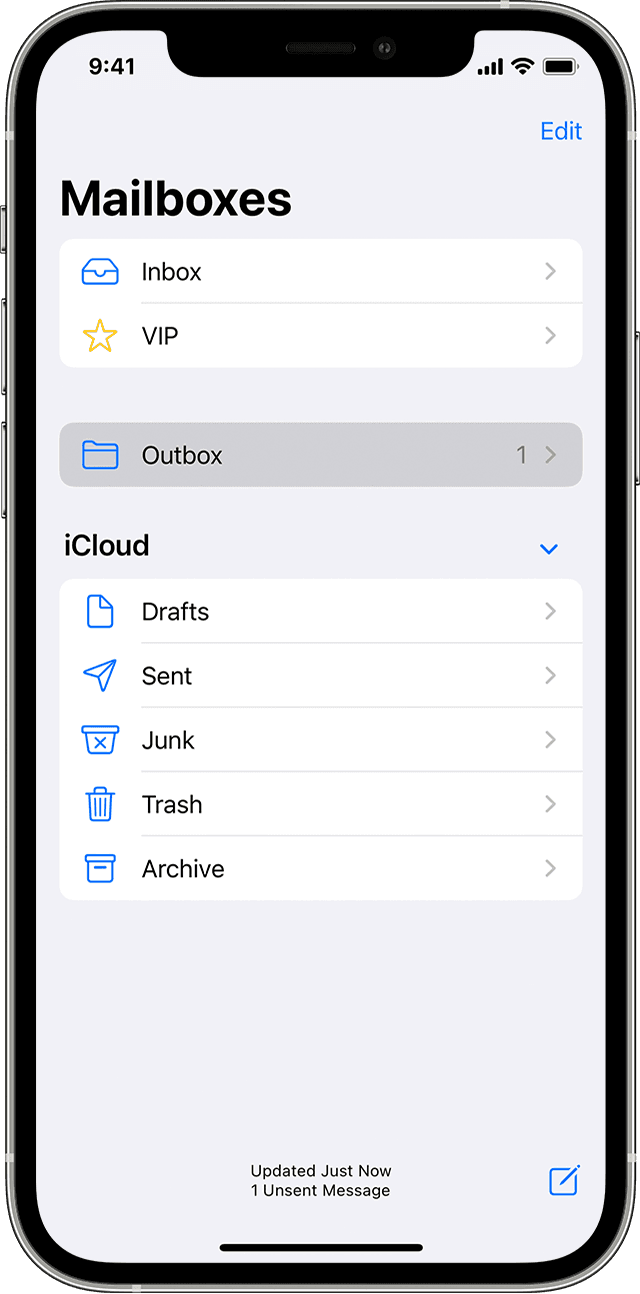
If you get a message that says your email wasn’t sent, then that email goes to your Outbox. Check your Outbox and try to send the email again with these steps:
1. In Mail, go to your list of mailboxes.
2. Tap Outbox. If you don’t see an Outbox, then your email was sent.
3. Tap an email in the Outbox. Make sure that the recipient’s email address is correct.
4. Tap Send."
Take care.
Email stuck in outbox folder