Hi there Lukas-Ke,
The only way to view your wrist temperature data with your Apple Watch is by using these steps from Track your nightly wrist temperature changes with Apple Watch:
View your wrist temperature data
1. On your iPhone, open the Health app.
2. Tap Browse, then tap Body Measurements.
3. Tap Wrist Temperature.
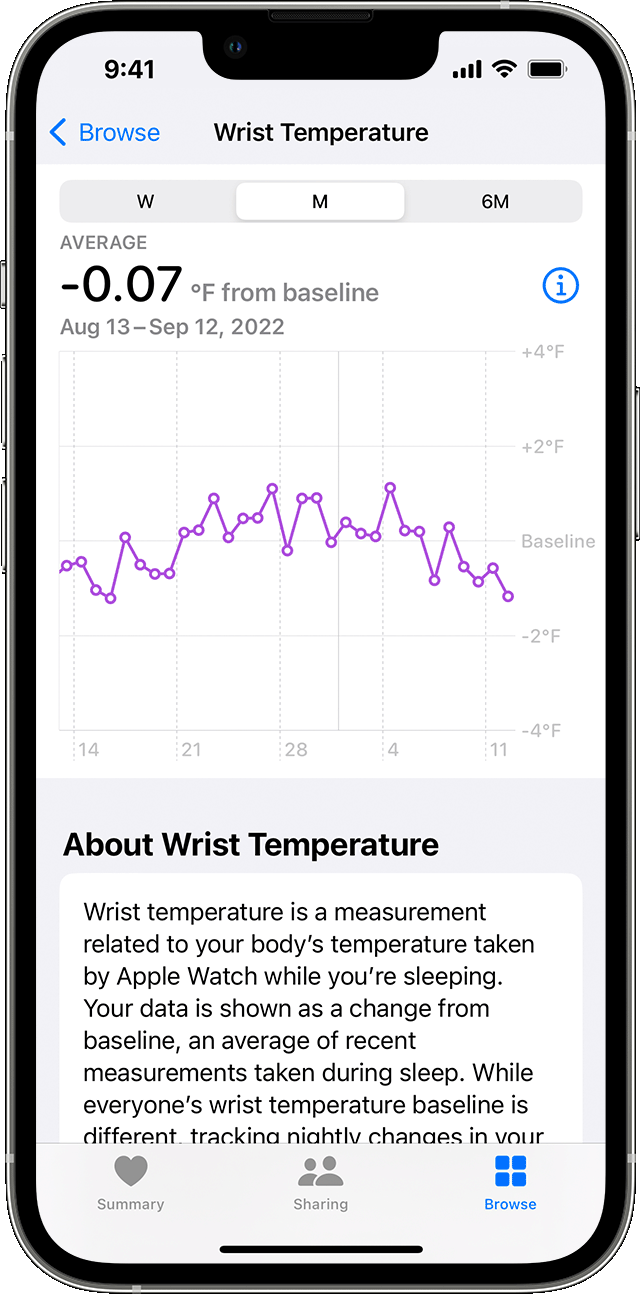
While your baseline is being established, you'll see "Needs More Data" at the top of your chart. Below your chart is the number of nights remaining before your wrist temperature data will be displayed as changes from your baseline. If you switch to a new Apple Watch, it takes about 5 nights to re-establish your baseline temperature.
If you would like to see another feature with wrist temperature added in the future, then we would encourage you to submit your feedback about this here: Feedback - Watch - Apple
Take care!


