guest user is asking for a password, but I never set one
I am on Mac OS X 10.7.5 Lion. basically the title, I can't log in to the guest user because it says there's a password, but I never set one
MacBook
I am on Mac OS X 10.7.5 Lion. basically the title, I can't log in to the guest user because it says there's a password, but I never set one
MacBook
Hi jack5718,
Thanks for reaching out to Apple Support Communities.
It sounds like you're having problems logging into your Mac.
We're happy to assist.
We recommend checking out the steps in the "Choose a password-reset option" section from the article here: If you forgot your Mac login password
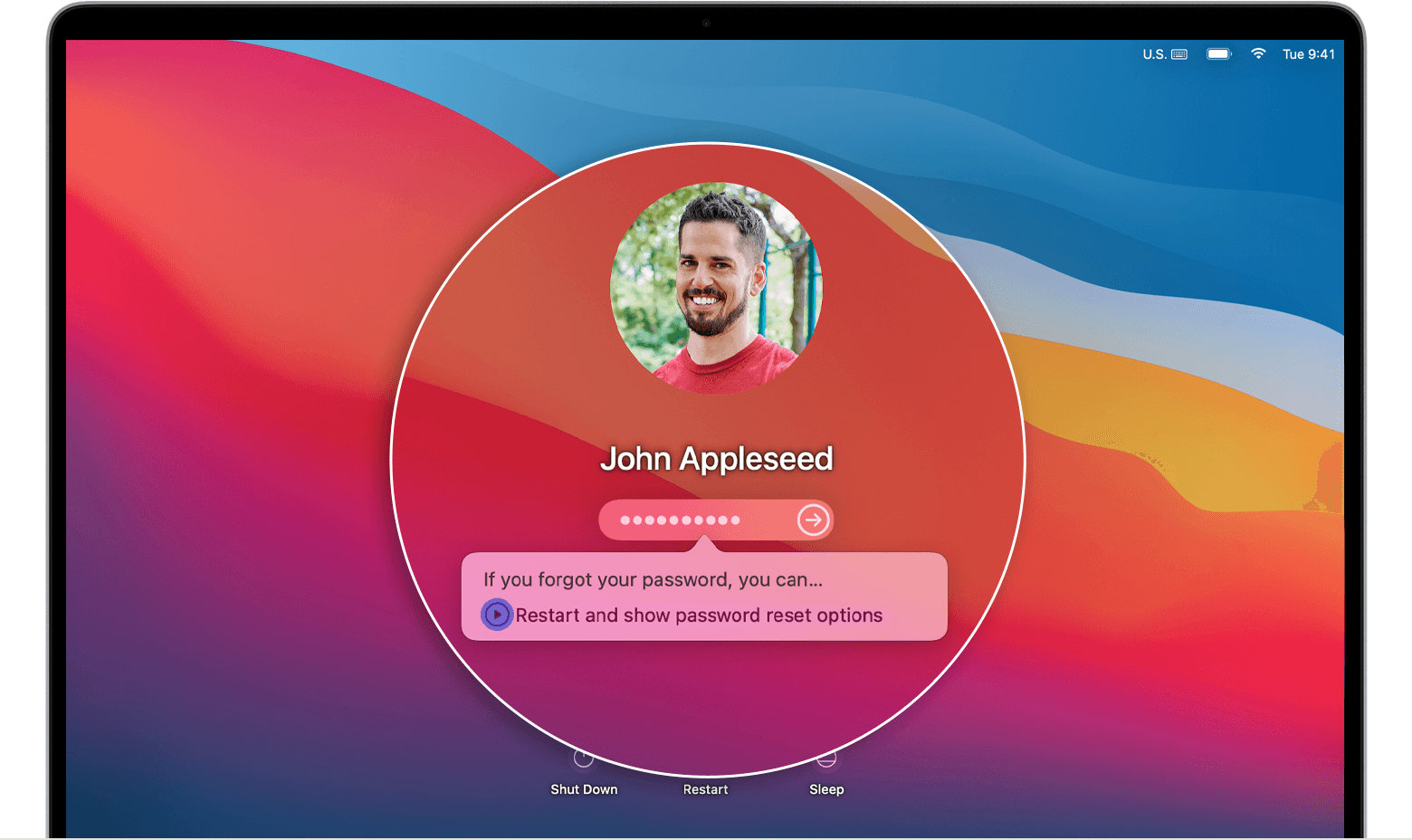
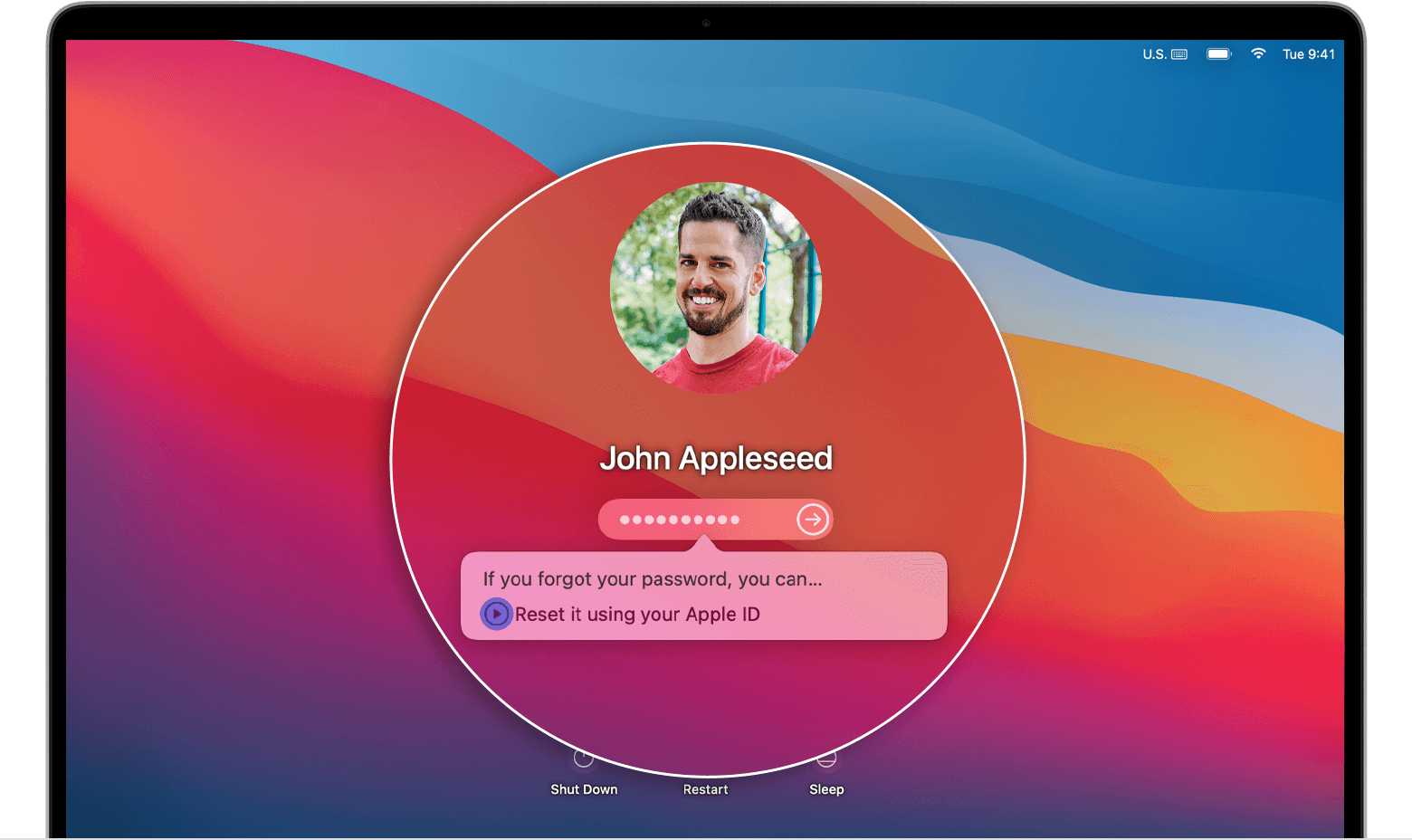
After you enter a password up to three times, your Mac should show one of these password-reset options.
Option 1: Restart and show password options
1) If you see the option to restart and show password reset options, click it to restart your Mac. Then take one of these steps:
*Sign in with your Apple ID, if asked. You might also be asked to enter the verification code sent to your other devices.
*Enter your FileVault recovery key, if asked. It's the long string of letters and numbers you received when you turned on FileVault and chose to create a recovery key instead of allowing your iCloud account (Apple ID) to unlock your disk.
2) Select a user that you want to reset the password for, then click Next.
3) Enter your new password information, then click Next.
4) When the password reset is completed, click Restart.
Option 2: Reset using your Apple ID
1) If you see the option to reset using your Apple ID, click it.
*If your Mac restarts, follow the steps for option 1, above.
*If your Mac doesn't restart, but immediately asks for your Apple ID, enter that information and click Reset Password.
2) If you're asked to create a new keychain to store the user's passwords, click OK to restart your Mac.
3) If you're asked to select an admin user you know the password for, click “Forgot all passwords?”.
4) If you see a Reset Password window with the option to Deactivate Mac, click Deactivate Mac, then click Deactivate to confirm. This is temporary.
5) Enter your new password information, then click Next.
If this window shows multiple user accounts, click the Set Password button next to each account name, then enter the new password information for each account.
6) When the password reset is completed, click Restart.
Option 3: Reset using your recovery key
1) Click the option to reset using your recovery key.
2) Enter your FileVault recovery key. It's the long string of letters and numbers you received when you turned on FileVault and chose to create a recovery key instead of allowing your iCloud account (Apple ID) to unlock your disk.
3) Enter your new password information, then click Reset Password.
We're recommending the steps above because they directly address the issue you initially posted about: you're unable to log in to your Mac.
Please let us know the outcome after giving the above steps a try.
Cheers!
guest user is asking for a password, but I never set one