Hi simon_a6,
For help with locating your data for steps, check out the information below found in the article here: View your data in Health on iPhone
"View trends, highlights, and details for a specific health category
Tap Browse at the bottom right to display the Health Categories screen, then do one of the following:
- Tap a category. (To see all categories, scroll up and down.)
- Tap the search field, then type the name of a category (such as Mobility) or a specific type of data (such as Walking Speed).
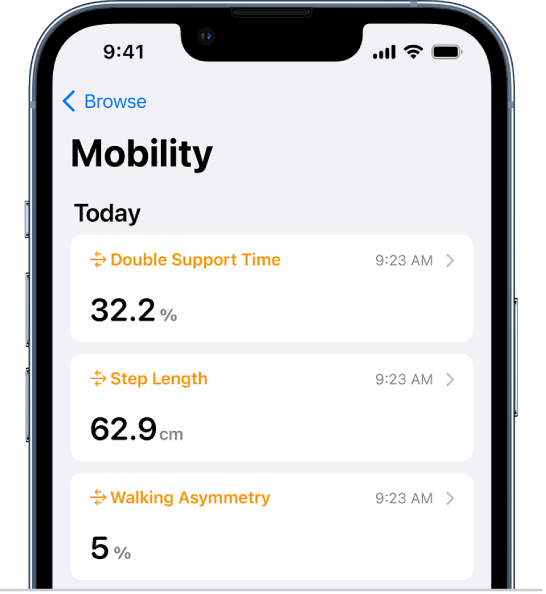
Depending on the data type, you may be able to do the following:
- View details about any of the data: Tap
 .
. - See weekly, monthly, and yearly views of the data: Tap the tabs at the top of the screen.
- Manually enter data: Tap Add Data in the top-right corner of the screen.
- Add a data type to Favorites on the Summary screen: Turn on Add to Favorites. (You may need to scroll down.)
- View which apps and devices are allowed to share the data: Below Options, tap Data Sources & Access. (You may need to scroll down.)
- Delete data: Tap Show All Data below Options, swipe left on a data record, then tap Delete. To delete all data, tap Edit, then tap Delete All.
- Change the measurement unit: Tap Unit below Options, then select a unit."
You can also export your health data and ensure it's sharing with other apps with the steps here: Share your data in Health on iPhone
If you need further assistance, reach out to Apple Support directly.
Contact Apple Support
Contact Apple for support and service
Best.


