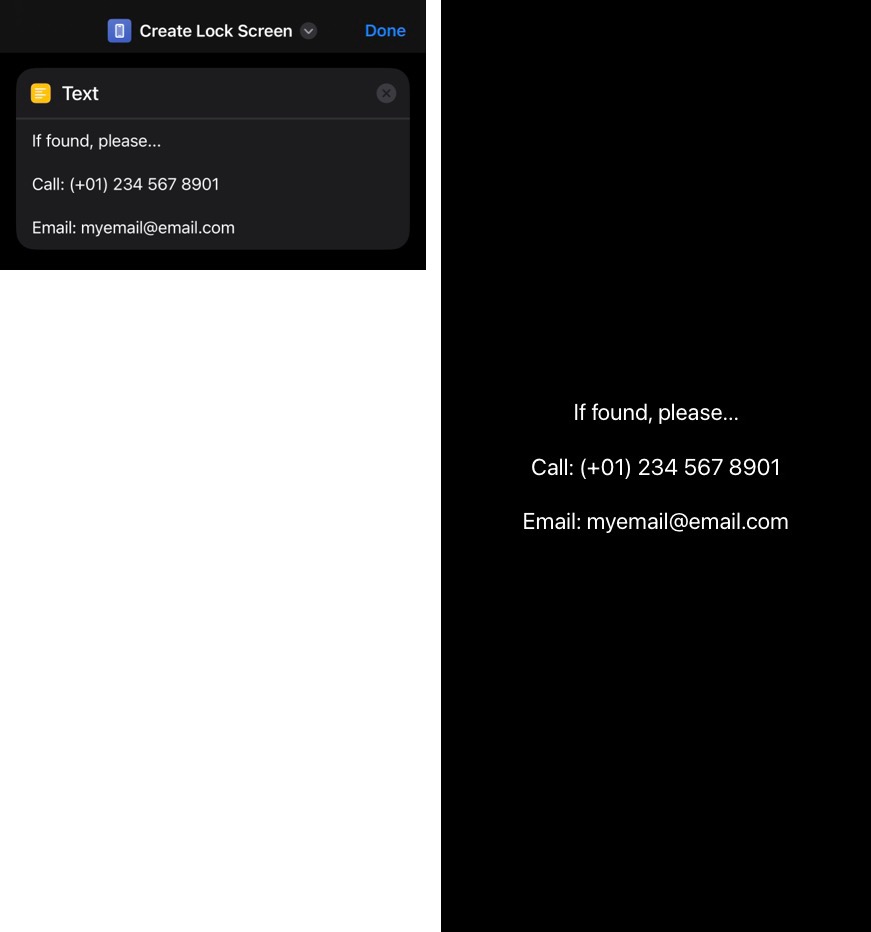
paperbruce ~ The following custom shortcut will create a JPEG from the contact text you've defined in the shortcut. Tap this iCloud link to add the shortcut to your library:
Create Lock Screen
• Tapping that link should show a blue +Add Shortcut button at the bottom.
• Tap it and the Create Lock Screen icon will appear in the Shortcuts app.
• Tap the circle containing three dots and edit the 🟨 Text action.
• Tap Done at upper right.
• Tap the middle of the icon to create & put your Lock Screen image in Photos > Recents album.
• Then use that image to Personalize your iPhone Lock Screen
Ref: Shortcuts User Guide for iPhone and iPad
õ¿õ¬



