Hello FlavisDem,
It sounds like you've been through these steps, but they did not resolve your issue activating your phone number for iMessage or FaceTime: Add or remove your phone number in Messages or FaceTime - Apple Support
If these didn't solve the issue, then we'd confirm that you're not using a VPN or security software on this iPhone, as they may cause connectivity issues: Check VPN (Virtual Private Network) and third-party software to help resolve network connectivity issues - Apple Support
Also, we'd confirm the phone number is the same in the following location on your iPhone:
- Go to the Settings app
- Tap on Phone
- Tap on My Number
- Make sure it's reflected correctly here.
If not, update your phone number and then try activating iMessage and FaceTime again.
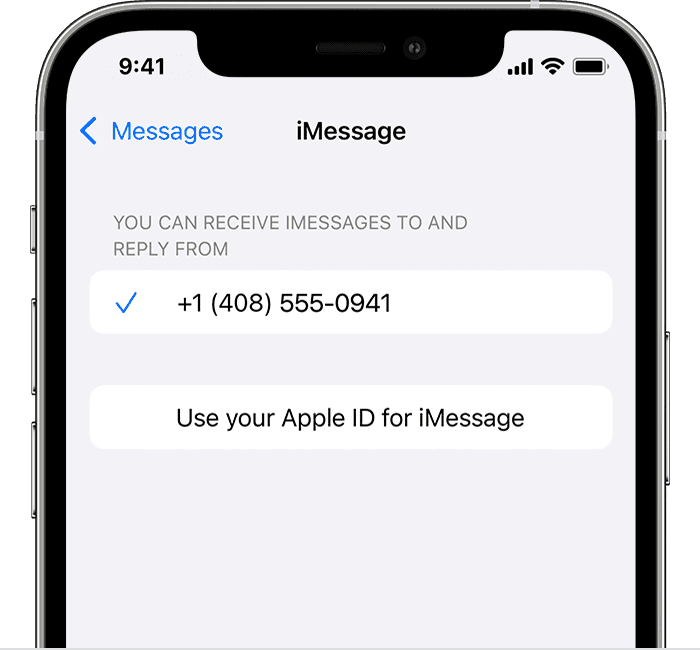
- Go to the Settings app
- Tap on Messages
- Tap on Send & Recieve
- Make sure the phone number is correct here.
Should you continue to have issues, then it would be best to contact Apple Support directly: Contact Apple Support
They'll need to take it from here.
Wishing you well, take care.