
no connected camera
Camera suddenly is not connected can't use ft or Photo Booth. I've already did a reset but no luck
MacBook Air 13″, macOS 13.1
Camera suddenly is not connected can't use ft or Photo Booth. I've already did a reset but no luck
MacBook Air 13″, macOS 13.1
Hi Dariamk,
Thanks for contacting Apple Support Communities!
We understand that your MacBook Air camera isn't detected on your Mac and that you've already followed the troubleshooting steps in: If your built-in camera isn’t working on your Mac, correct?
If you're still unable to use your camera after completing the troubleshooting steps above, we'd suggest that you run a diagnostic test on your Mac to check its hardware as outlined here: Use Apple Diagnostics to test your Mac - Apple Support
"View the test results
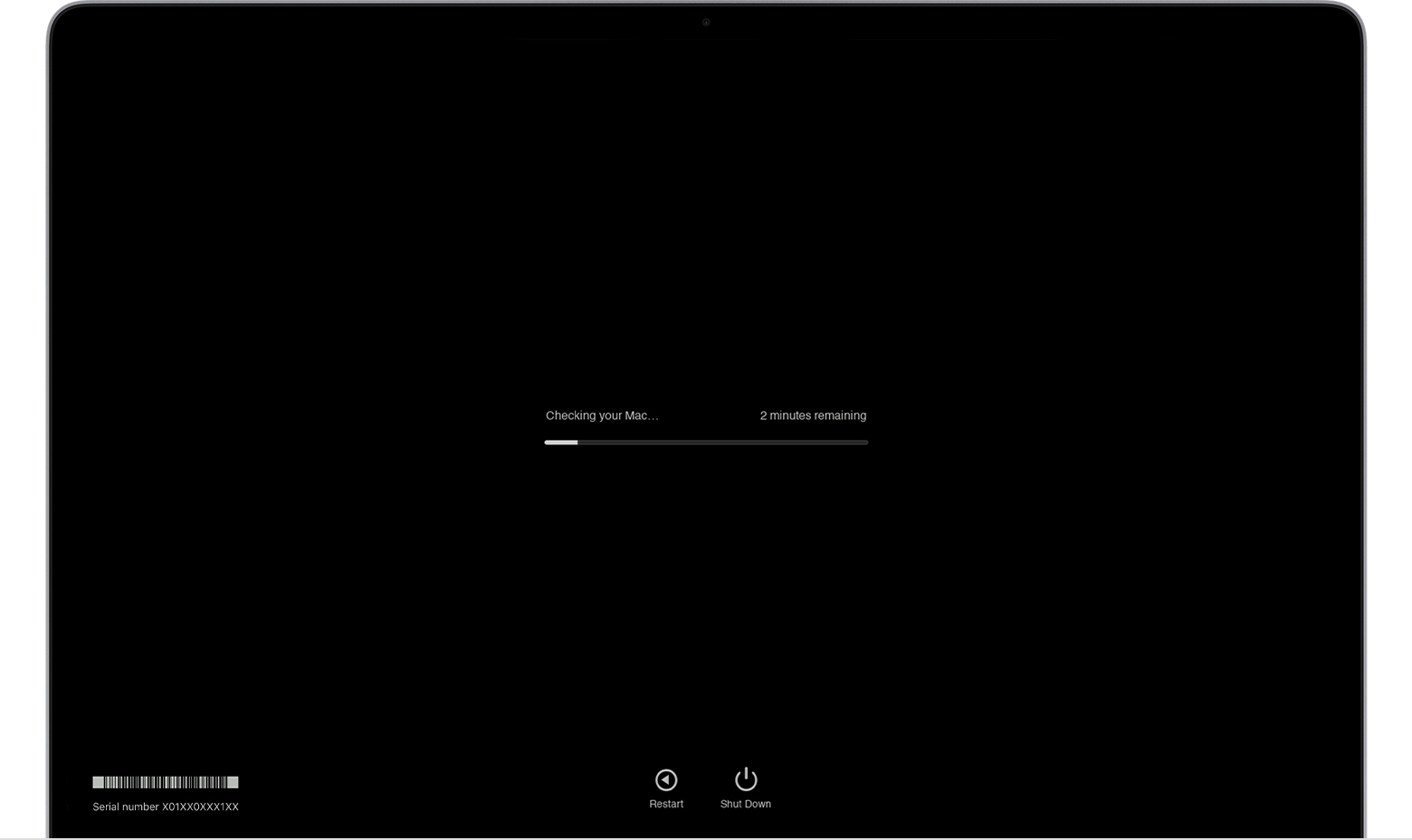
Apple Diagnostics shows a progress bar while it's checking your Mac:
When testing is complete, Apple Diagnostics shows the results, including one or more reference codes. Learn about Apple Diagnostics reference codes.
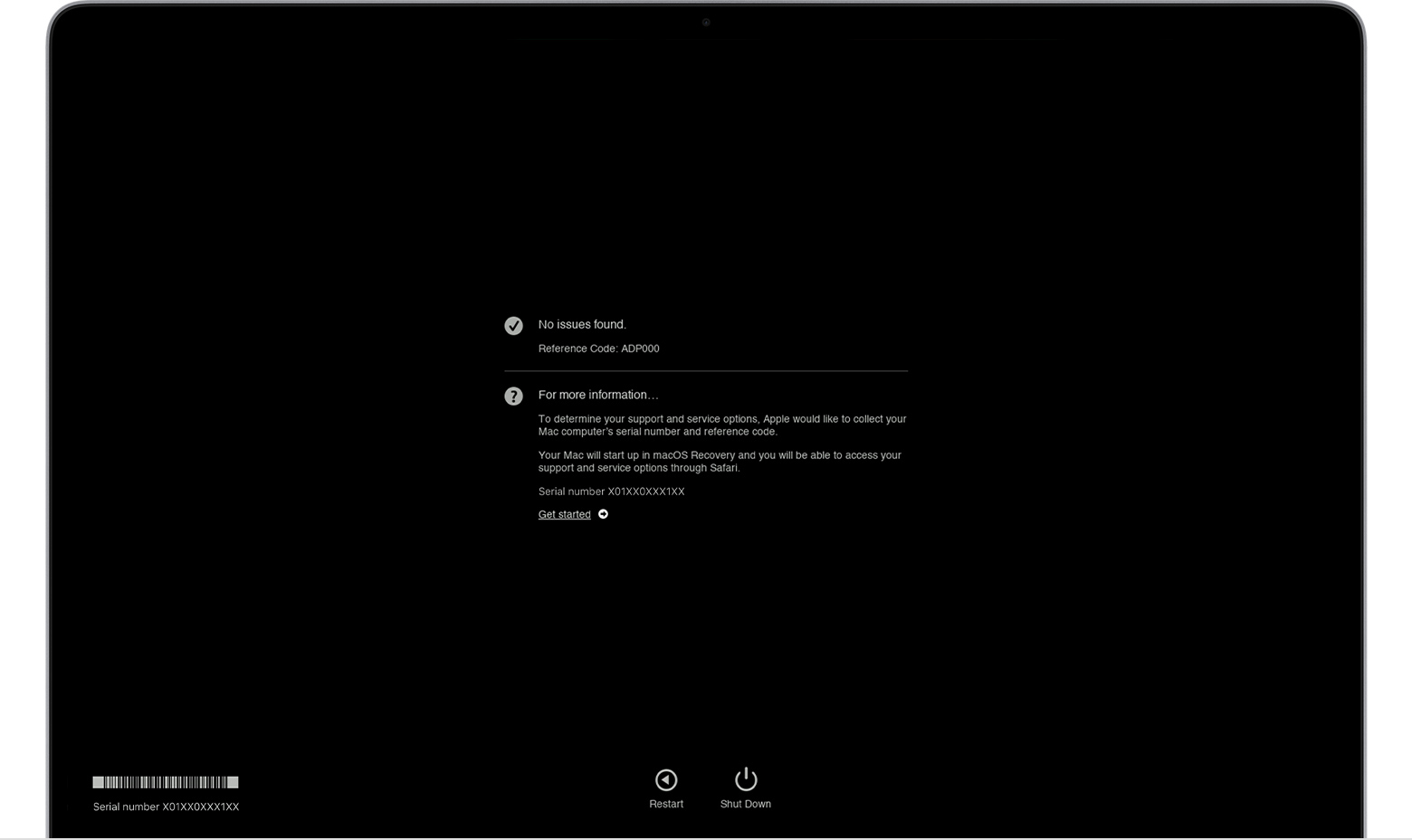
To repeat the test, click “Run the test again” or press Command-R.
To restart your Mac, click Restart or press R.
To shut down, click Shut Down or press S.
To get information about your service and support options, make sure that your Mac is connected to the internet, then click ”Get started” or press Command-G. Your Mac will restart to a webpage with more information. When you're done, choose Restart or Shut Down from the Apple menu."
If it's determined that this behavior is hardware related, you can contact Apple directly to help you to determine your service options. You can reach them here: Apple Support
We hope this helps you.
Take care!
Hi Dariamk,
Thanks for contacting Apple Support Communities!
We understand that your MacBook Air camera isn't detected on your Mac and that you've already followed the troubleshooting steps in: If your built-in camera isn’t working on your Mac, correct?
If you're still unable to use your camera after completing the troubleshooting steps above, we'd suggest that you run a diagnostic test on your Mac to check its hardware as outlined here: Use Apple Diagnostics to test your Mac - Apple Support
"View the test results
Apple Diagnostics shows a progress bar while it's checking your Mac:
When testing is complete, Apple Diagnostics shows the results, including one or more reference codes. Learn about Apple Diagnostics reference codes.
To repeat the test, click “Run the test again” or press Command-R.
To restart your Mac, click Restart or press R.
To shut down, click Shut Down or press S.
To get information about your service and support options, make sure that your Mac is connected to the internet, then click ”Get started” or press Command-G. Your Mac will restart to a webpage with more information. When you're done, choose Restart or Shut Down from the Apple menu."
If it's determined that this behavior is hardware related, you can contact Apple directly to help you to determine your service options. You can reach them here: Apple Support
We hope this helps you.
Take care!
no connected camera

