Hello Crazyragdoll,
To help us better assist you, can you let us know more about the situation? For example, are you being asked to enter a verification code when signing into your Apple ID account on a new device or browser? If so, please check out this link, which explains the different ways and options to get a verification code: Get a verification code and sign in with two-factor authentication
Get a verification code and sign in with two-factor authentication
With two-factor authentication, you’ll need a verification code to sign in with your Apple ID on a new device or browser.
Whenever you sign in with your Apple ID on a new device or browser, you'll confirm your identity with your password plus a six-digit verification code. There are a few ways you can get a verification code. You can use the code displayed on your trusted device, get a text or phone call, or generate a code from your trusted device.
If you use iOS 11.3 or later on your iPhone, you might not need to enter a verification code. In some cases, your trusted phone number can be automatically verified in the background on your iPhone. It’s one less thing to do, and your account is still protected with two-factor authentication.
Use the code displayed on your trusted device
If you have a trusted device running iOS 9 and later, OS X El Capitan and later, iPadOS 13 and later, or watchOS 6 and later, the verification code is displayed automatically on your trusted devices.
1. Sign in with your Apple ID and password on a new device or browser.
2. Look for a sign in notification on any of your trusted devices.
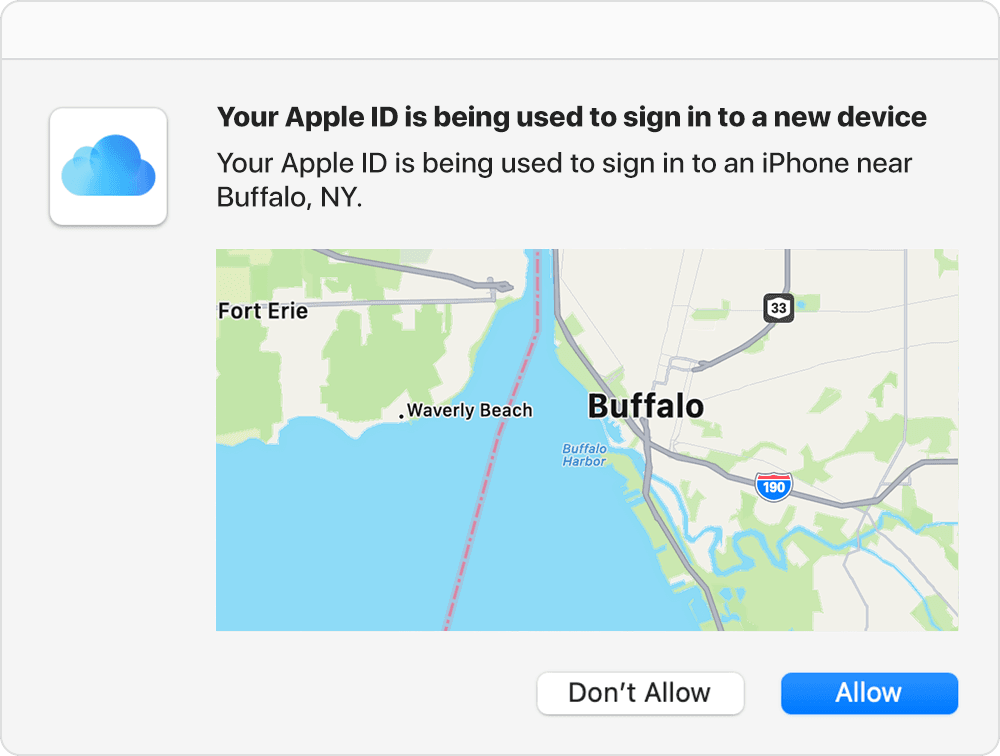
3. Tap Allow to receive your verification code.
4. Enter the verification code on your other device to complete sign in.
For help connecting apps and adding your TV provider to the Apple TV app on iPhone, please check out this link, which outlines that process and may be helpful: Connect apps and add your TV provider to the Apple TV app on iPhone
Thanks!


