yazun wrote:
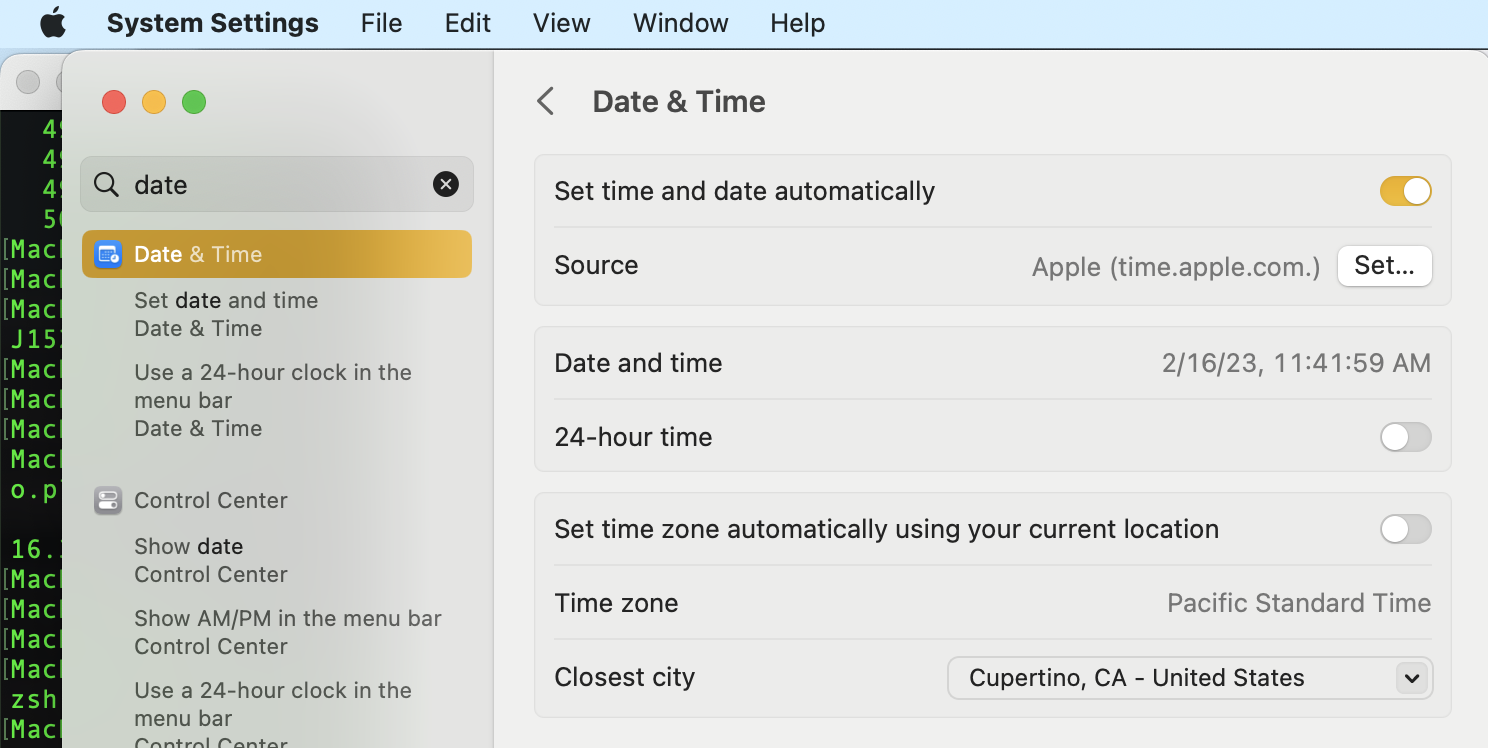
I just "upgraded" to ventura 13.2.1 on my 2020 iMac, and noticed the clock was set for West coast, not mountain (Apple Cupertino time). I tried to change it, only to find out my account is now standard, along with all the other family members, and not admin! There is no admin listed! What do I do?
west coast is Cupertino time from Terminal this reads America/ Los_Angeles (?)
this command line requires a admin psswd:
sudo systemsetup -gettimezone
ref:
If no admin is listed:
dscl . -read /Groups/admin GroupMembership
You can restart the setup assistant to create a new admin user. From the new user you can give your original user Admin capability again....
ref: Dec 14, 2021
Restarting Setup Assistant to create Admi… - Apple Community
Restarting Setup Assistant to create Admi… - Apple Community




